
What you'll achieve
Every integration has only the API access it needs and a clear accountable owner.
Choose token ownership
- Use a workspace token for a shared server integration, import worker or automation owned by the organization.
- Use a personal token only for one person's script or private tool.
- Create a separate token for each integration so you can revoke one without stopping another.
Create a least-privilege token
Open Admin > Integrations > API tokens and select Create token.
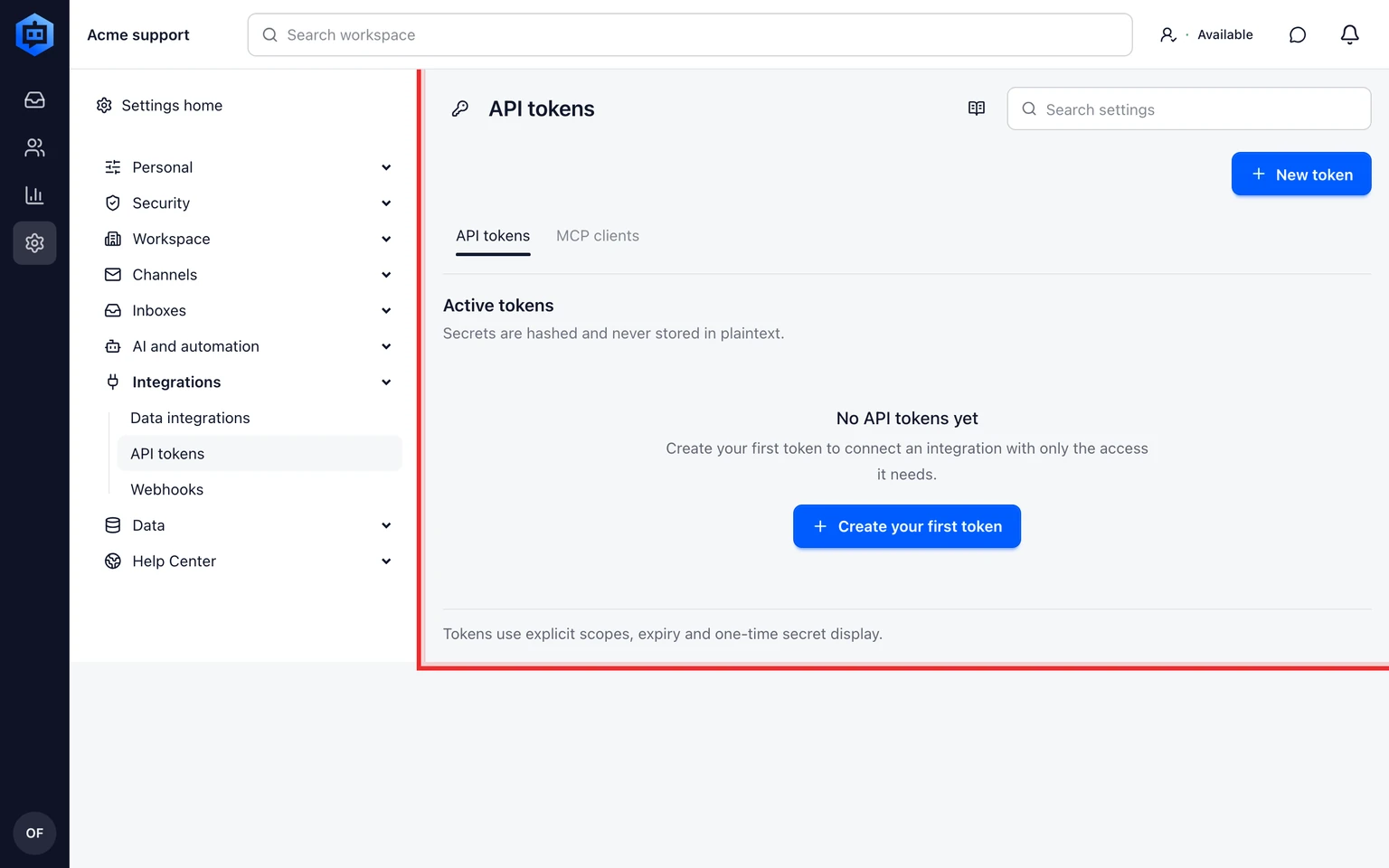
Name the integration and choose Workspace or Personal ownership.
Select only the required scopes, for example read customers or write internal notes.
Store the token in your approved secret manager, not in source code, a browser or a shared document.
Test the integration with a non-destructive request then review its audit entry.

Review and revoke
Review active and expiring tokens regularly. Revoke a token immediately when its owner leaves, its secret may be exposed or the integration is retired, then replace it only after updating the affected integration.