
Where did this request come from?
A new email lands once, in the Inbox that will handle it, with the original sender, attachments and thread intact.
For email-first support teams
DobroDesk turns support email into assigned conversations with routing, customer history and AI drafts that remain under team control. Customers keep the address they know.
No card needed today.
The daily test
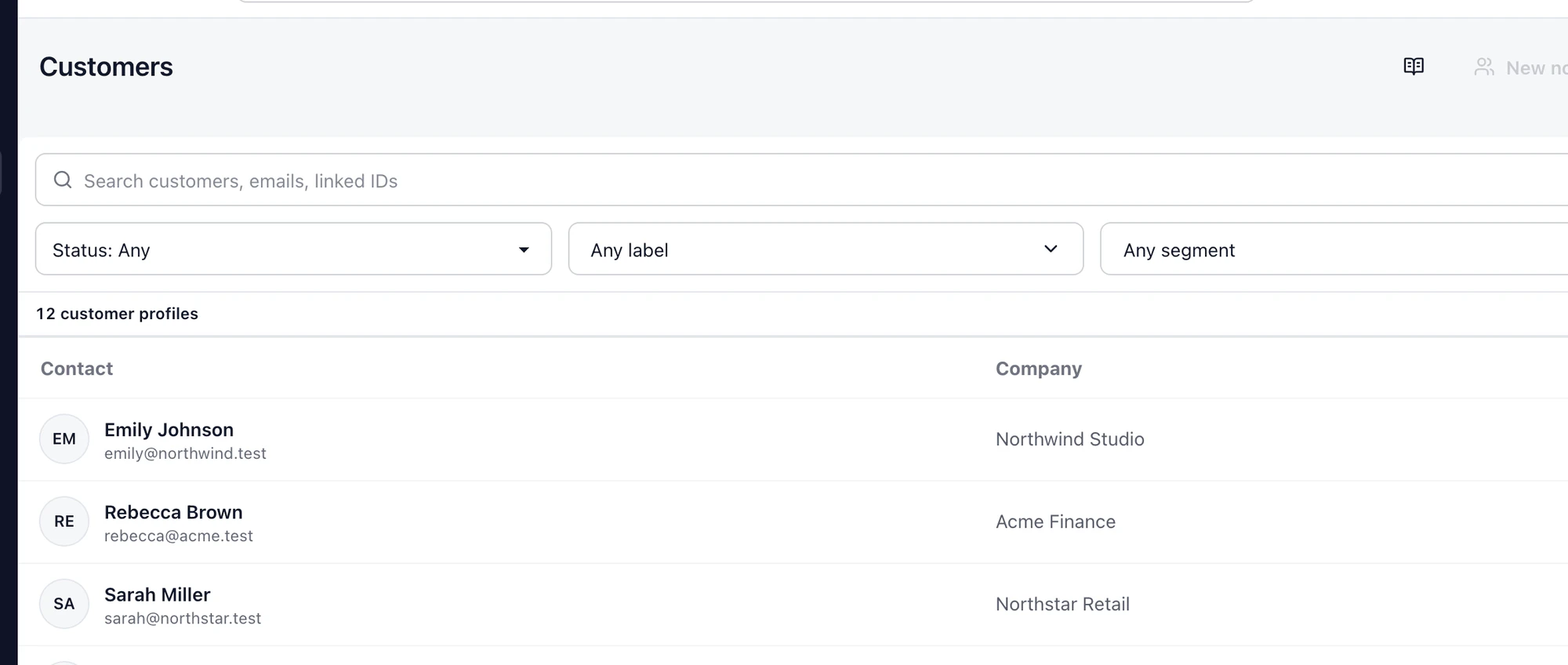
Where did it come from? Who owns the next move? What has already been promised? Is the reply safe to send? Customer service software earns its place by making those answers obvious.
A new email lands once, in the Inbox that will handle it, with the original sender, attachments and thread intact.
Reading a message is not ownership. Unassigned work stays visible until a teammate takes it or a routing rule assigns it.
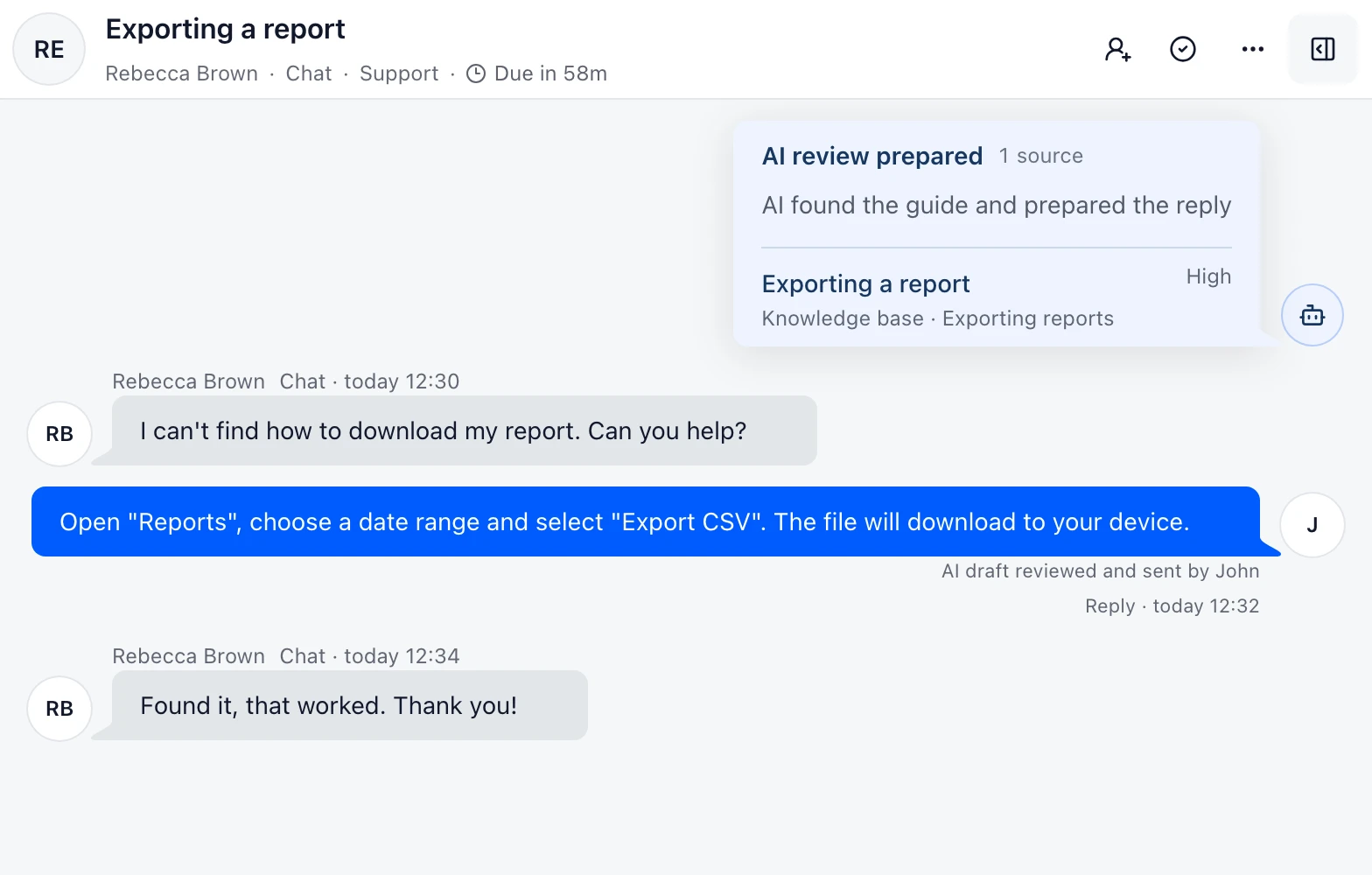
The draft sits beside customer history, private notes and approved sources. Billing, privacy, security and uncertain cases wait for a person.
Where DobroDesk fits
If phone support or broad outbound campaigns are central today, start with a platform built around them. DobroDesk makes sense when support email already carries the work and the team needs ownership, history, routing and controlled AI before adding more channels.
Before a draft is sent
The answer test shows which Inbox policy applies, what evidence matched and whether the result is draft-only. The decision is not hidden behind a confidence badge.
The shortlist
A broad ticketing help desk with omnichannel support, automation and self-service. It suits teams that want a mature ticketing system across several service channels.
A multichannel shared inbox centered on live chat and messaging, with email and other channels brought into the same workspace.
A messenger-first help desk with a shared Inbox, ticketing and Fin or Copilot around the agent workflow.
Built for teams moving from support email to owned conversations, with shared Inboxes, human-controlled AI and a chat-first operator view.
FAQ
Customer service software gives a team a shared way to receive, assign, answer and review customer requests. The useful difference is visible ownership and context, not just another place to read email.
Look for reliable email intake, shared Inboxes, assignment, customer history, private notes, delivery visibility and clear AI controls. DobroDesk is designed around that workflow before adding more channels.
It can replace a shared mailbox or become the support workspace behind email, chat and later channels. The right choice depends on the queue, history and controls the team needs to operate every day.
Explore the focused pages
See the day-to-day workflow
Bring in one support address, add the team and use real customer context before changing the rest.
No card needed today.