

Updated:
What you'll achieve
Your workspace controls match the responsibility you need to configure and every high-risk change has a clear owner.
Choose the control you need
Each guide below owns a different administrative task. Start with the one that matches the change you need to make.
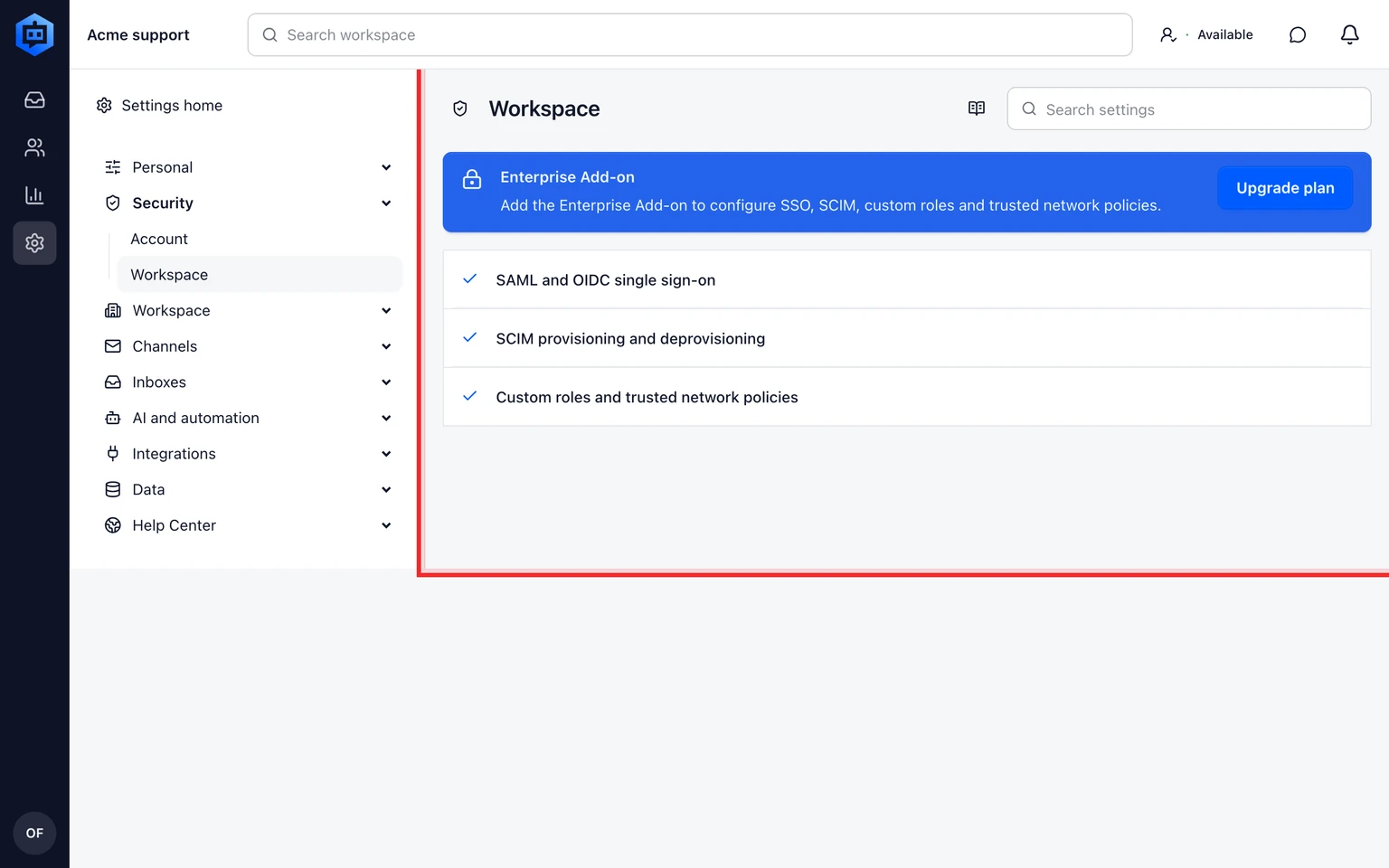
The workspace security screen groups high-impact controls together. Use the focused guide for the control you are changing, keep one owner available during the change and review the resulting audit entry before closing the task.
Use the right level of access
- Use a workspace Owner or Admin account for workspace-wide controls.
- Use an individual token only for a person's private script or tool, not for a shared server integration.
- Review the audit record after changing access, integrations or data policy.
Put this guide into practice
Open Setup Center to apply the instructions in your workspace. Sign in when prompted.