
What you'll achieve
Your external system receives only the events it needs and your team can investigate failed delivery safely.
Prepare a receiving endpoint
- Use an HTTPS endpoint owned by your organization.
- Decide whether the integration needs conversation events, customer events or both.
- Plan to verify DobroDesk delivery signing with the secret stored by your receiving service.
Add and verify the webhook
Open Admin > Integrations > Webhooks and select Add webhook.
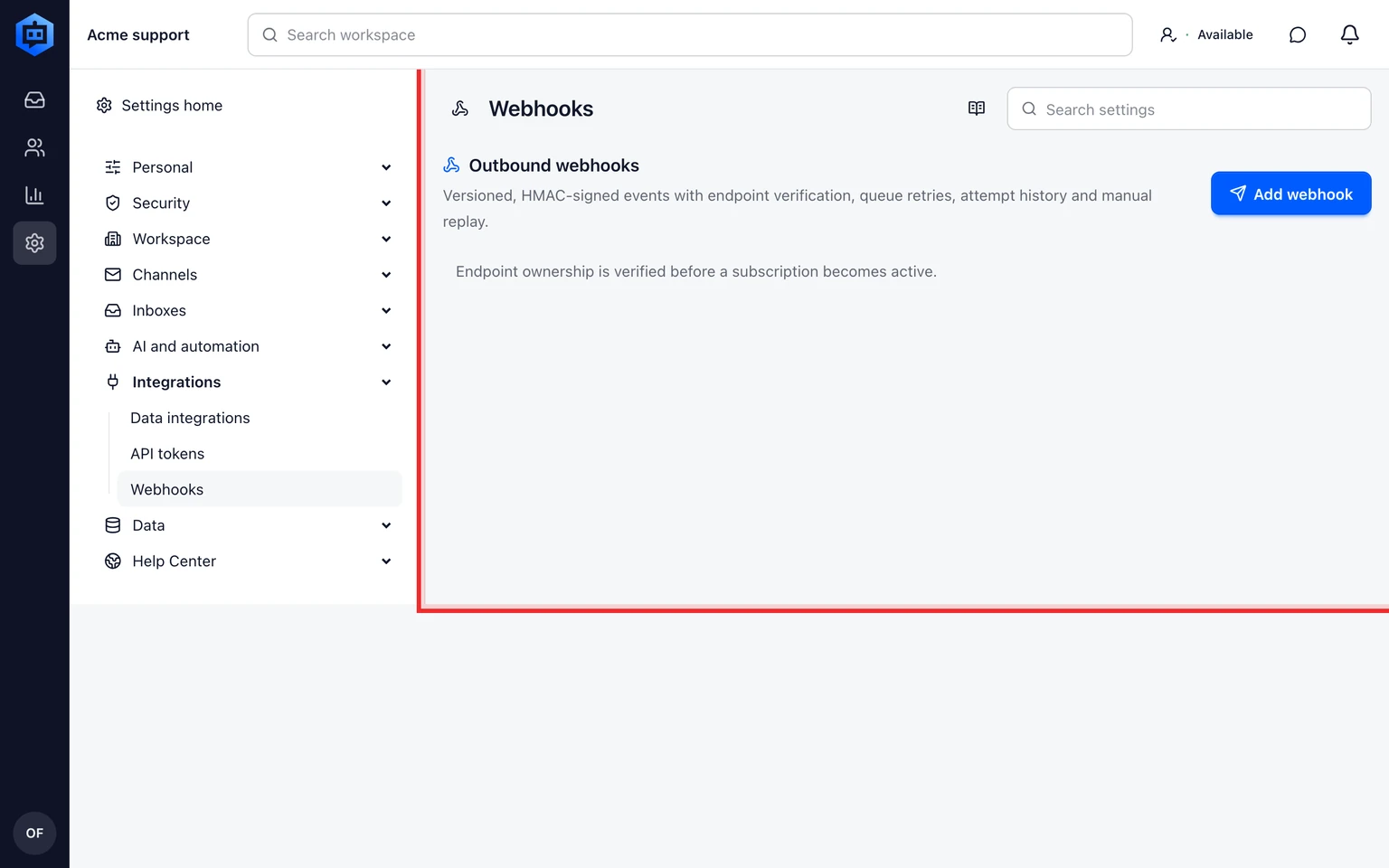
Enter the endpoint, choose only the events the receiver needs and save the configuration.
Verify the HMAC signature in the receiving service before accepting an event payload.
Trigger a safe test event and confirm the endpoint, status and actor appear in the event audit.
Review failures during the retry window, then fix the receiver and retry rather than creating a duplicate endpoint.
