
What you'll achieve
Approved Notion content can support drafts without exposing every page or bypassing review.
Connect a Notion workspace
Open Settings > AI & Automation > Knowledge sources.
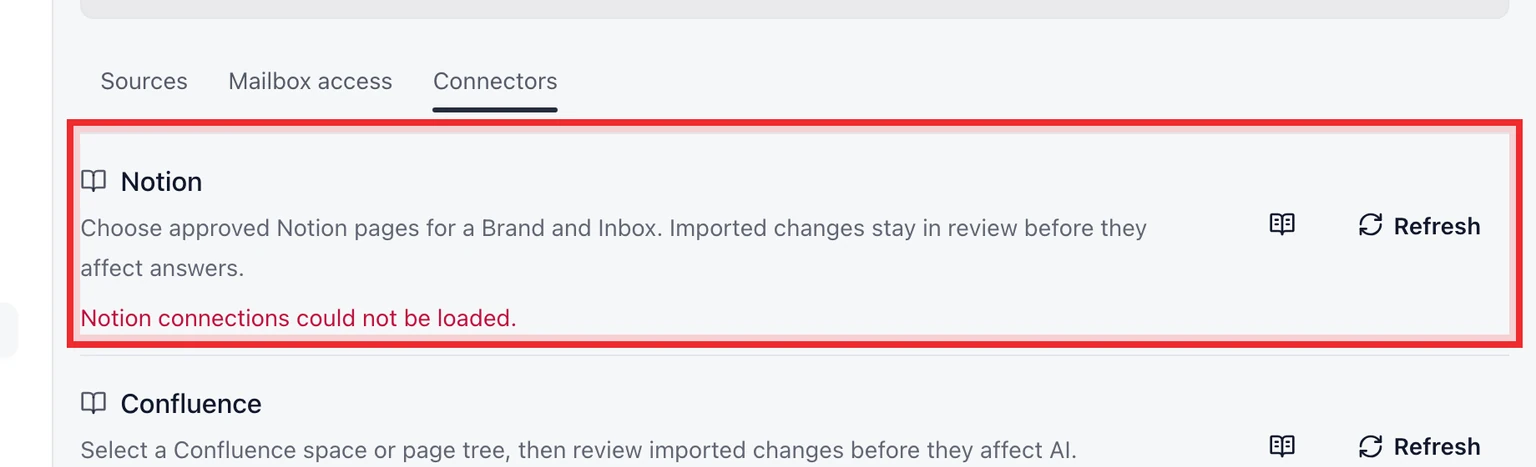
Choose Connect Notion and approve access to the Notion workspace that contains the pages you need.
Select only the pages that belong in support knowledge, then set Brand, Inbox, locale and intended use.
Review the imported revision and approve it before it can support AI drafts.

A connection makes selected content available for review. It does not automatically approve, publish or expose every Notion page.