
Outlook and Microsoft 365
Available
Receive support mail, preserve the provider thread and send approved replies from the connected mailbox.
Useful for
- Keep an existing support address
- Route shared mailbox messages to an Inbox

Find the channels, customer data and knowledge sources your team needs. Check availability, explore support use cases and open the relevant guide.
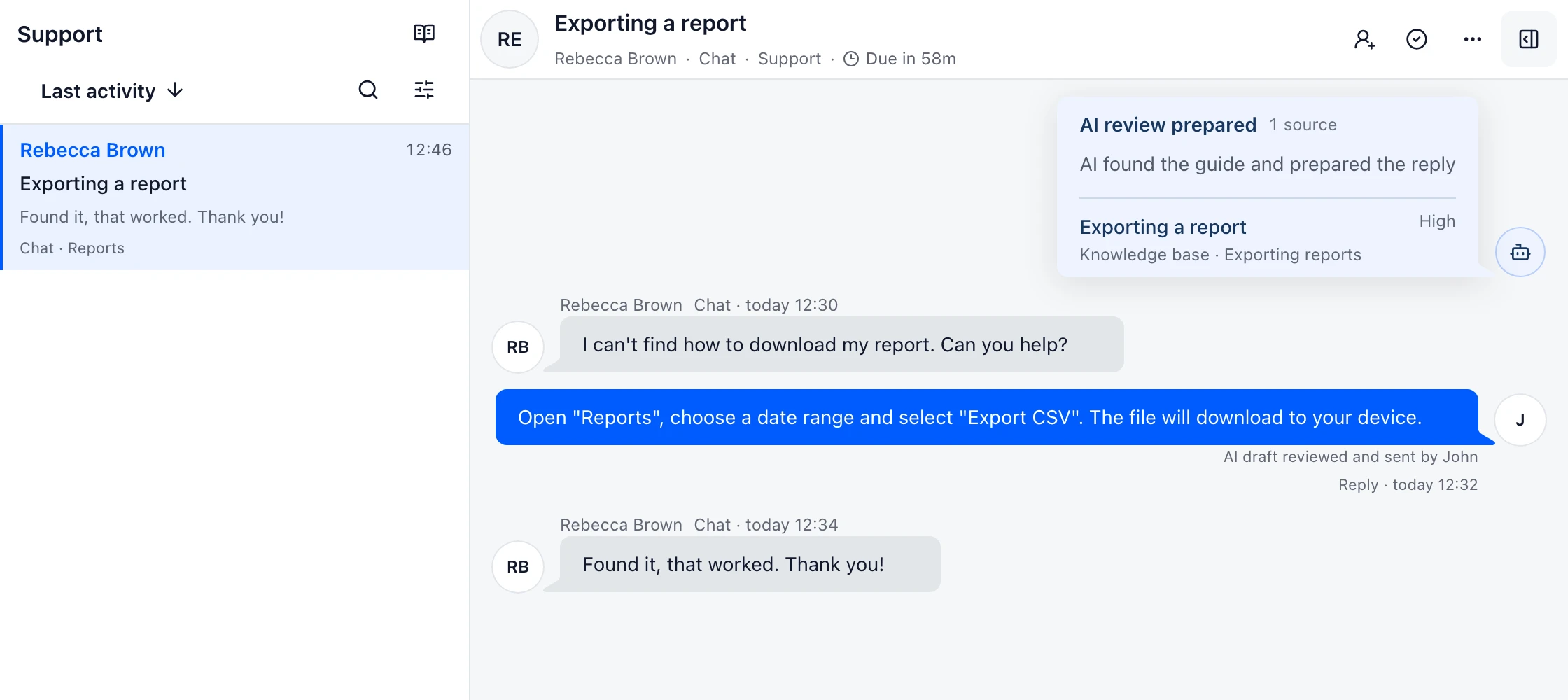
Connect the place where customers already write, then choose the Brand, Inbox and reply identity that should own the conversation.
Available
Receive support mail, preserve the provider thread and send approved replies from the connected mailbox.
Useful for
Coming soon
Turn Gmail support threads into DobroDesk Conversations and keep the mailbox as the reply identity after approval.
Useful for
Available
Use a support address on your domain with a clear verification and delivery setup owned by your organization.
Useful for
Available
Give visitors Help Center search and messaging in one widget, with human handoff or approved AI according to your policy.
Useful for
Account setup required
Connect a customer-owned WhatsApp Business setup and keep signed events, response windows and Inbox routing explicit.
Useful for
Account setup required
Connect a customer-owned Telegram bot with a connection-scoped webhook secret and duplicate-safe delivery.
Useful for
Account setup required
Prepare the Meta page connection, signed callbacks and scoped routing for private customer conversations.
Useful for
Account setup required
Connect a professional Instagram account through the Meta flow and route private messages to the right Inbox.
Useful for
Account setup required
Use a customer-owned Slack app and selected-channel scope to receive signed events without ingesting unrelated channels.
Useful for
Account setup required
Connect a customer-owned Discord application with explicit guild and channel scope for community-led support.
Useful for
Customer data stays attributed to its source. Teammates load the context they need beside the conversation and keep the support record in DobroDesk.
 HubSpot CRM
Account setup required
Load a bounded HubSpot contact and company snapshot beside a conversation when the customer identity matches.
Useful for
 Shopify
Available
Show matched customer and recent order context, with controlled refund or cancellation actions.
Useful for
 Stripe
Available
Review read-only customer and billing context, with optional one-time Checkout procedures when the required permissions are configured.
Useful for
Connect selected external content for review, keep public Help separate from internal knowledge and decide which sources can inform AI drafts.
Account setup required
Select Notion pages and import them as reviewable DobroDesk knowledge sources with explicit Inbox and locale scope.
Useful for
Account setup required
Choose an accessible Confluence site and bounded content before it becomes a reviewable knowledge source.
Useful for
Optional
Add Krynia as an optional knowledge source while DobroDesk keeps its own approved knowledge workflow available.
Useful for
Use a connected service calendar in a published Procedure so a visitor can check availability and confirm one clear booking request.
 Calendly
Account setup required
Read event availability and offer a booking link through a controlled support Procedure.
Useful for
 Google Calendar
Account setup required
Check free or busy time and create an appointment only through a configured and confirmed Procedure.
Useful for
Use scoped credentials and signed delivery for server integrations, support events and tools that need a clear owner.
Account setup required
Create the smallest-scoped workspace or personal token for a server integration or private tool.
Useful for
Account setup required
Send signed conversation or customer events to an HTTPS endpoint owned by your organization.
Useful for
Account setup required
Connect an authorized MCP client with consent, scoped tools and revocable access.
Useful for
Migration connectors start with read-only analysis, continue through a test import and finish with a reviewed delta before cutover.
Migration workflow
Inventory Crisp data, map the destination and import history while the source remains available.
Useful for
Migration workflow
Review the Freshdesk source, map queues and import selected history with a final reconciliation step.
Useful for
Migration workflow
Analyze Intercom data, preserve the source during testing and complete a delta after the destination is ready.
Useful for
Migration workflow
Use read-only OAuth to inventory Zendesk, map groups to Inboxes and reconcile the final history delta.
Useful for

Start with one inbox
Choose a support address or place the widget on your site. Then assign requests and reply from the conversation.
No card needed today.