
What you'll achieve
AI helps with repeatable questions while your team controls the evidence.
Create a knowledge source
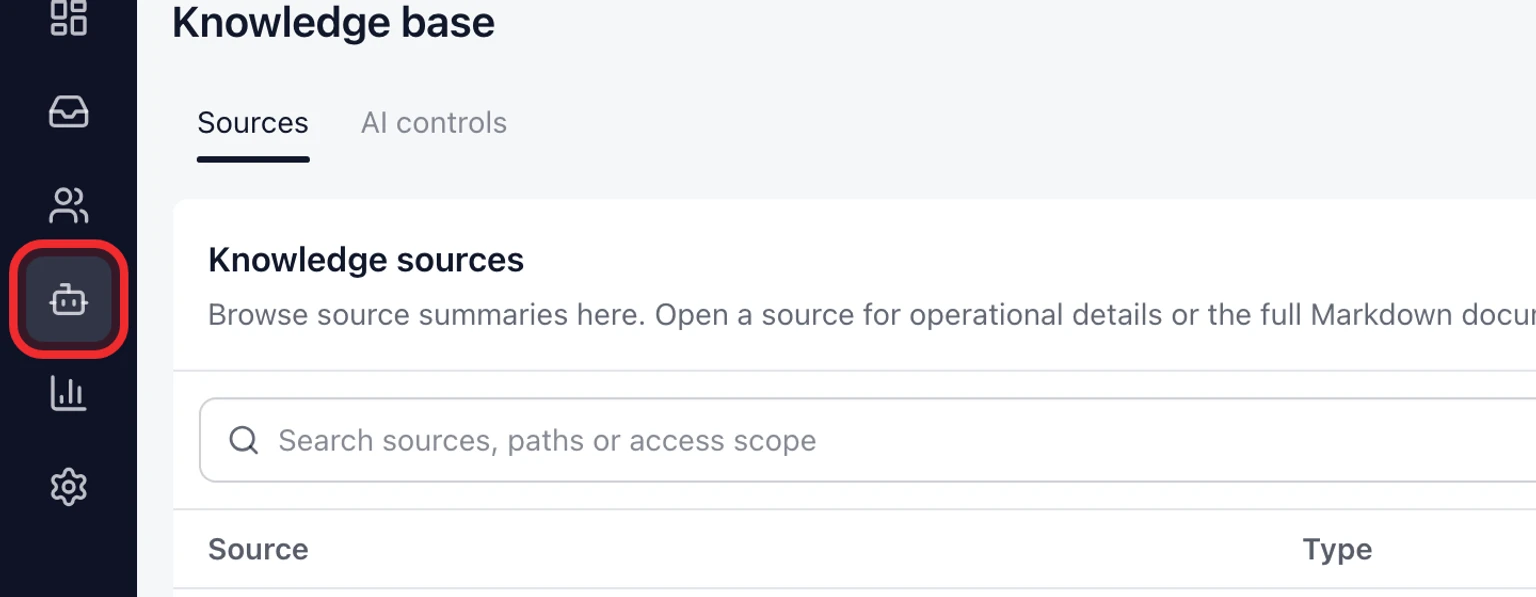
Open Knowledge from the workspace navigation.
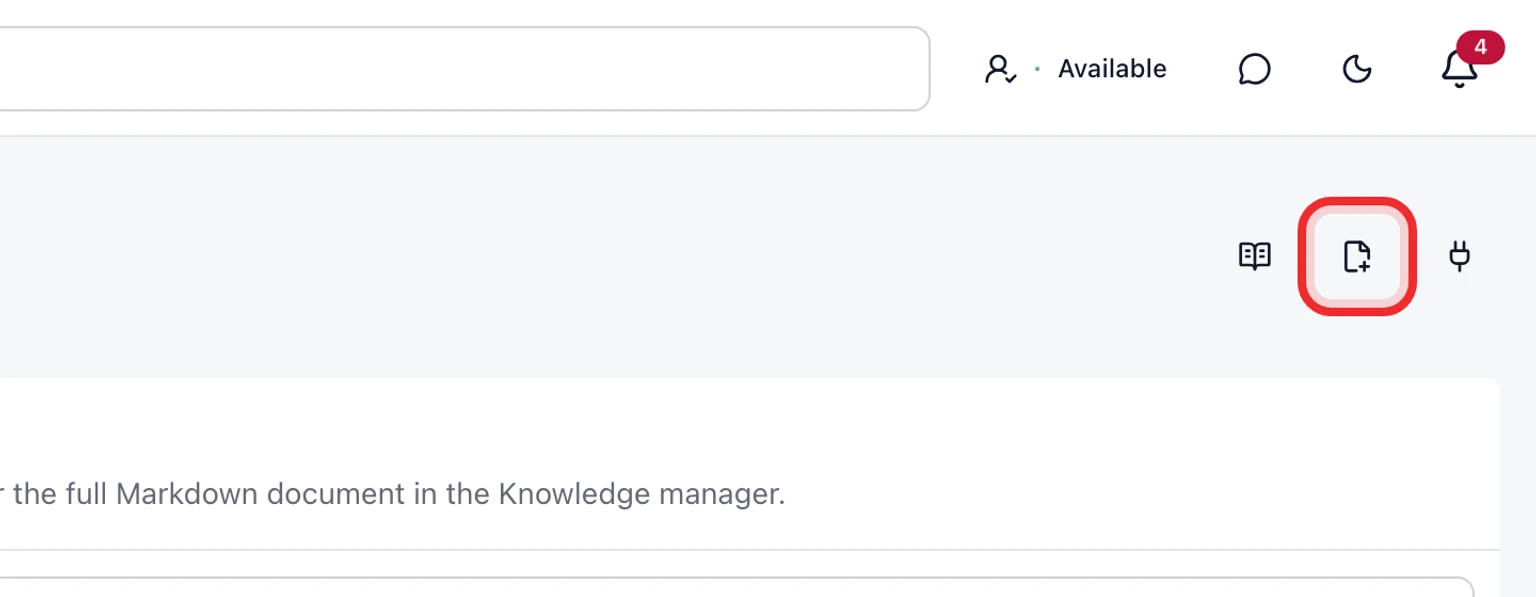
Choose Add source then select Public FAQ for a customer-facing article or the connector that owns the source.
For a Public FAQ enter the article title, customer question, reviewed answer, collection, language and search metadata.
Save the source as a private draft. Review its audience and Brand or Inbox scope before approving it.
Approve the draft then choose the mailboxes that may use it. Public Help Center publication is configured separately for each site.
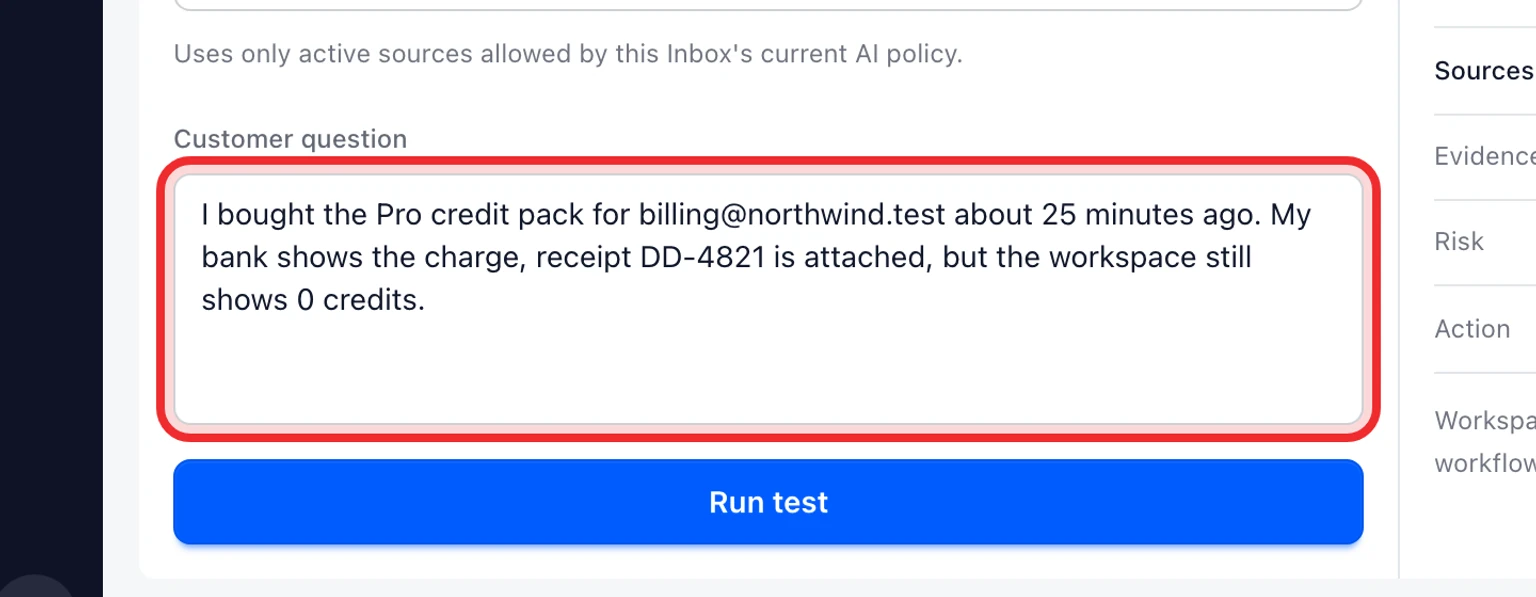


Review changes before they replace an approved answer
Open an approved source and review its version history.
When DobroDesk shows "Approved content changed", compare the new draft with the active version.
Approve the new revision only after checking its content, scope and audience. Until then, the last approved revision stays active.
Use Restore to create a draft from an earlier version. Review and approve that draft before it becomes available.


Legal, billing, account deletion, privacy, abuse, security and angry-customer cases stay with a person even when related knowledge exists.
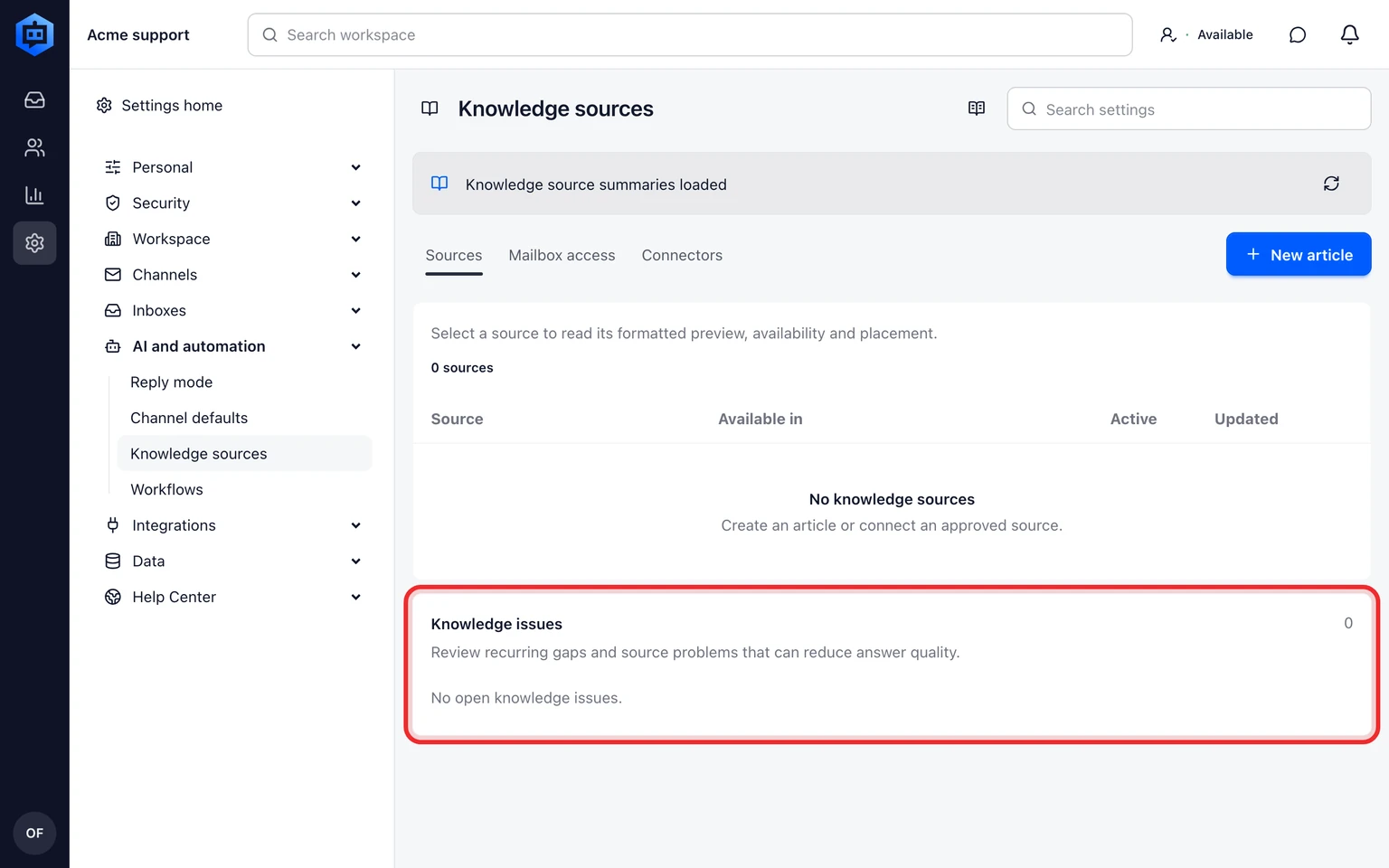
Resolve Knowledge Issues from real support work
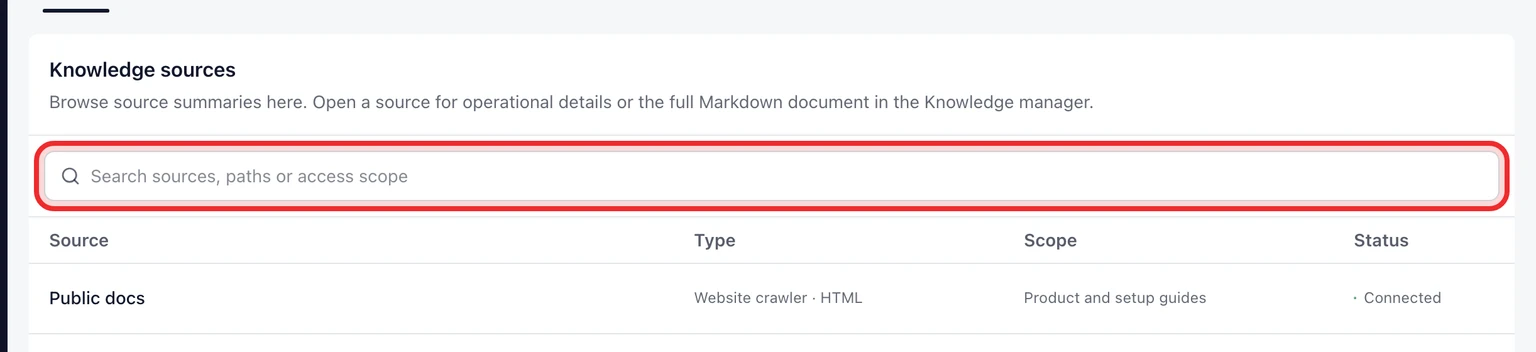
Open Knowledge and find Knowledge issues below the source directory.
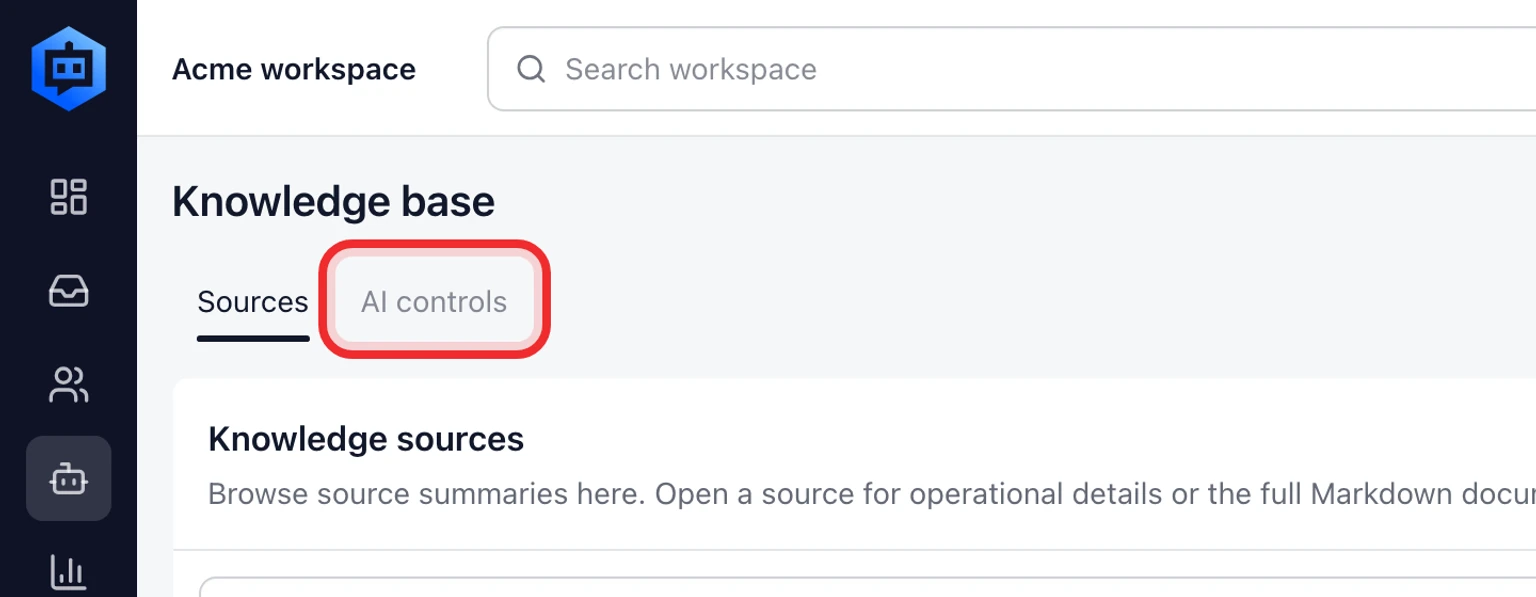
Review the issue type, affected source and suggested next action. Repeated missing answers, source failures, outdated approvals and negative feedback share this queue.
Fix or approve the source then dismiss the issue. DobroDesk brings it back if the underlying failure changes or happens again.
For a repeated negative-feedback issue, choose Create review draft. DobroDesk uses one closed evidence conversation to queue a private draft. Review and approve it before any knowledge access changes.
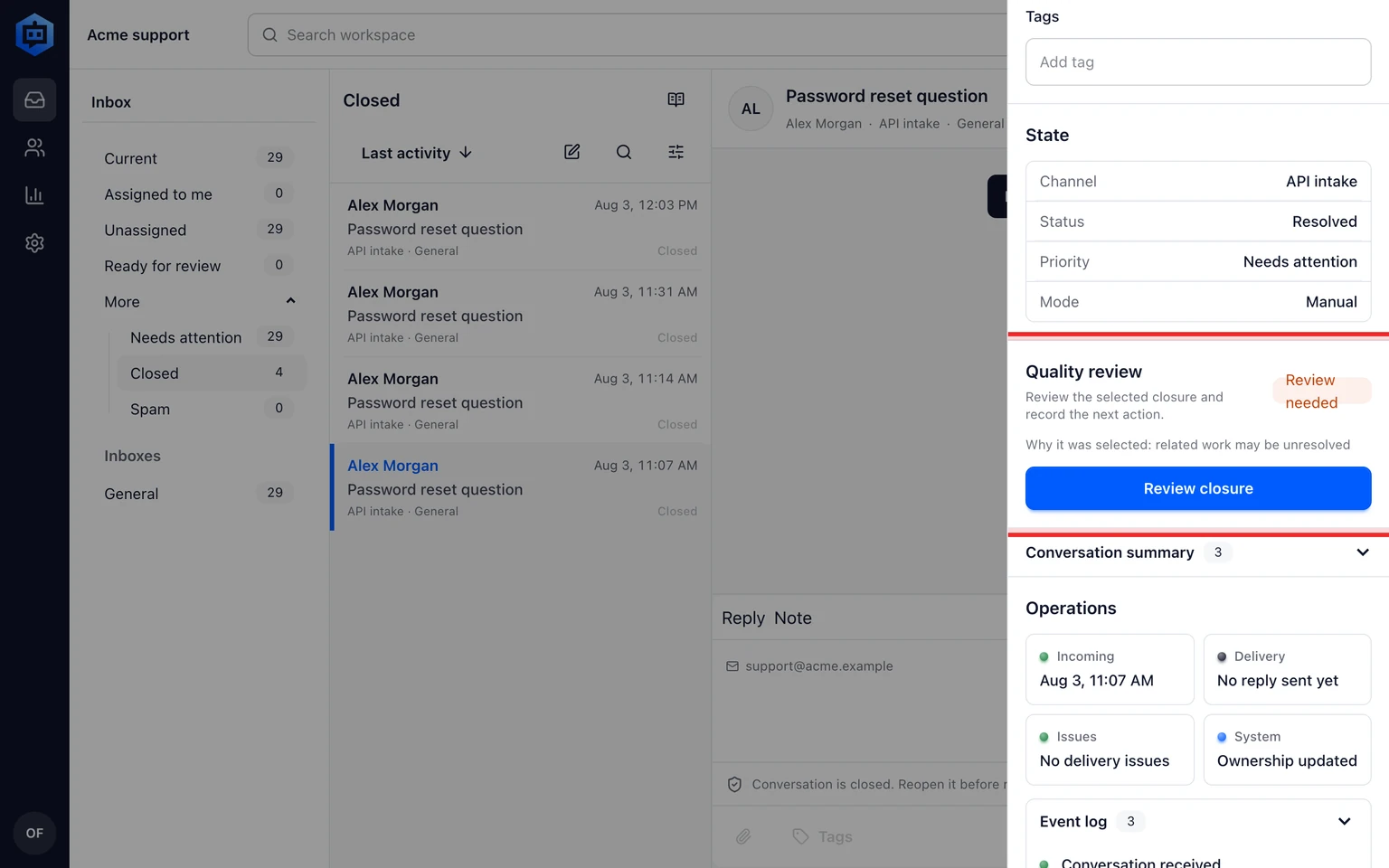
For a selected closed conversation, open its quality review. Run the review then record whether the root cause needs a knowledge draft, source fix, workflow change or no action.
Conversation text and teammate corrections never become customer-facing knowledge without review.