
Release
More responsive conversation switching
Move between available conversations with fewer pauses once the Inbox is open.
Period: –
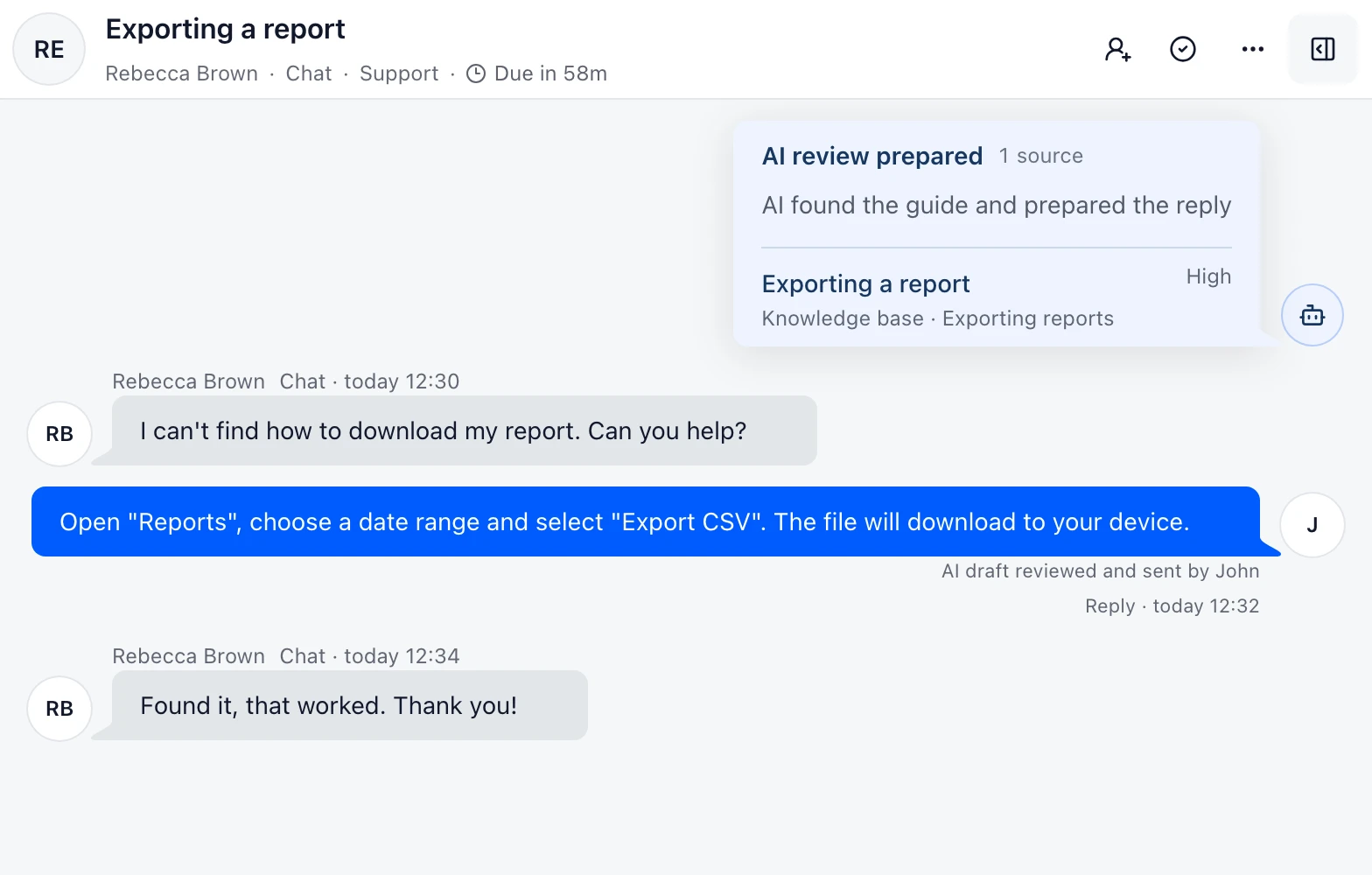
Move through your support queue
Switching between available conversations is more responsive once the Inbox is open. Review the next request and continue working from the same queue.
Use Inbox filters to focus on conversations assigned to you or waiting for a reply. You can then move between requests from the list.
Published