
What you'll achieve
Approved Confluence content can support drafts without exposing the whole site or bypassing review.
Connect a Confluence site
Open Settings > AI & Automation > Knowledge sources.
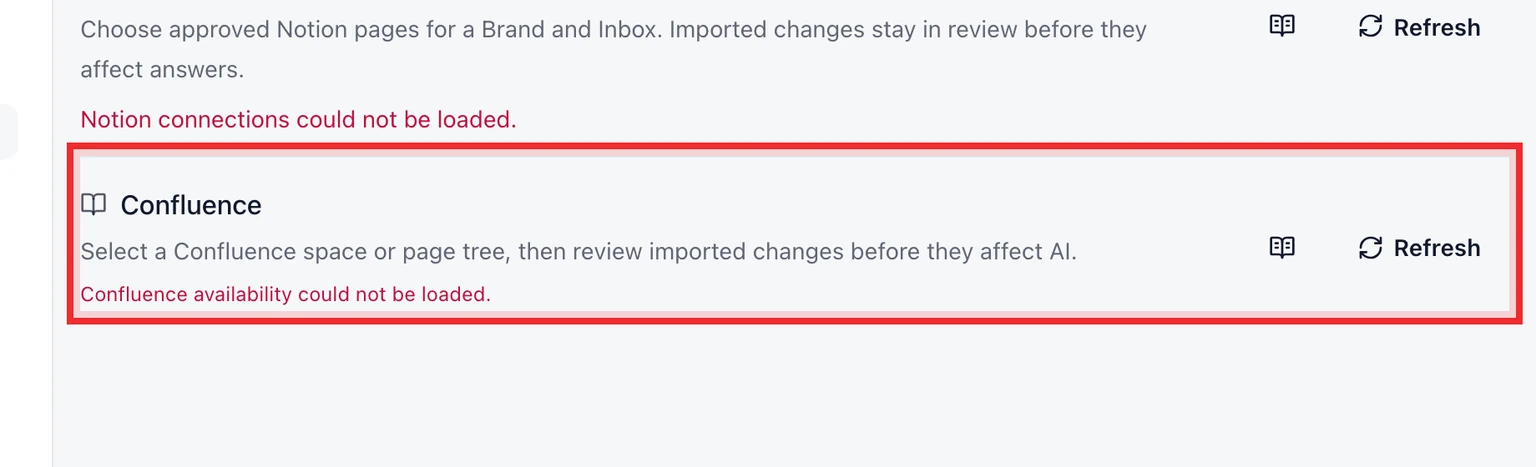
Choose Connect Confluence and sign in to the Atlassian account with access to the required site.
Select the site when the account can access more than one.
Choose the content to import, set Brand and Inbox scope and review it before approval.

A connection makes content available for review. It does not automatically approve or publish imported pages.