

What you'll achieve
Your account has a verified sign-in method you control without changing workspace access roles.
Review account sign-in
Keep at least one sign-in method that you can test immediately before removing an older method. A passkey is tied to the device or password manager where you created it.
If your organization enforces SSO, follow the workspace access policy for work sign-in. This page controls your account identity and does not grant Inbox or administrative permissions.
Open Settings > Security > Account.
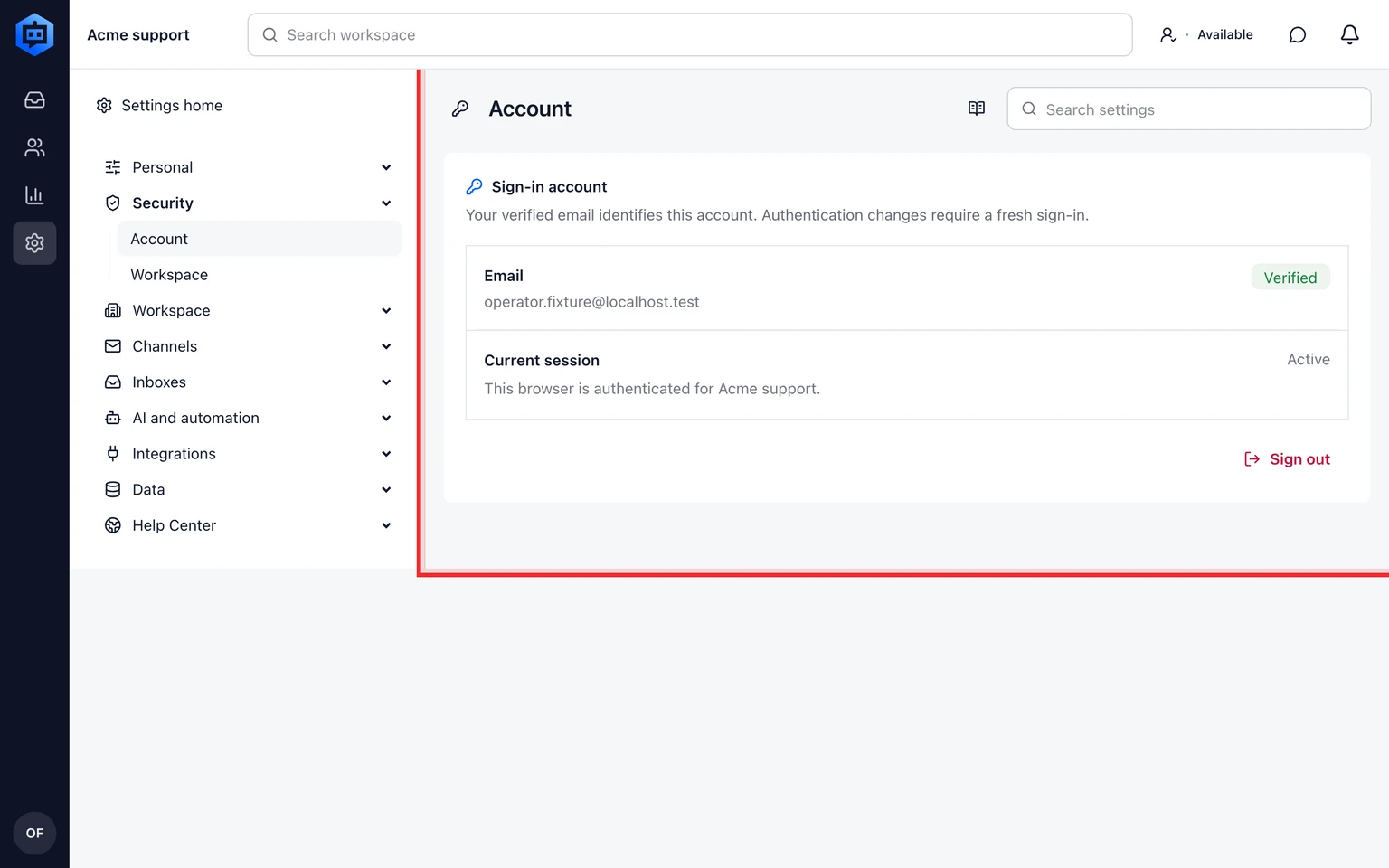
Confirm the account email and current sign-in methods.
Add a passkey or connect Google or Microsoft only from a device you trust.
Test the new method before removing an older one.

Sign-in methods identify your account. Inbox access and administrative permissions are managed separately under Members.