

What you'll achieve
Every Inbox uses clear fields and forms without mixing conversation data with customer profiles.
Create a conversation field
Open Settings > Inbox > Statuses and fields.
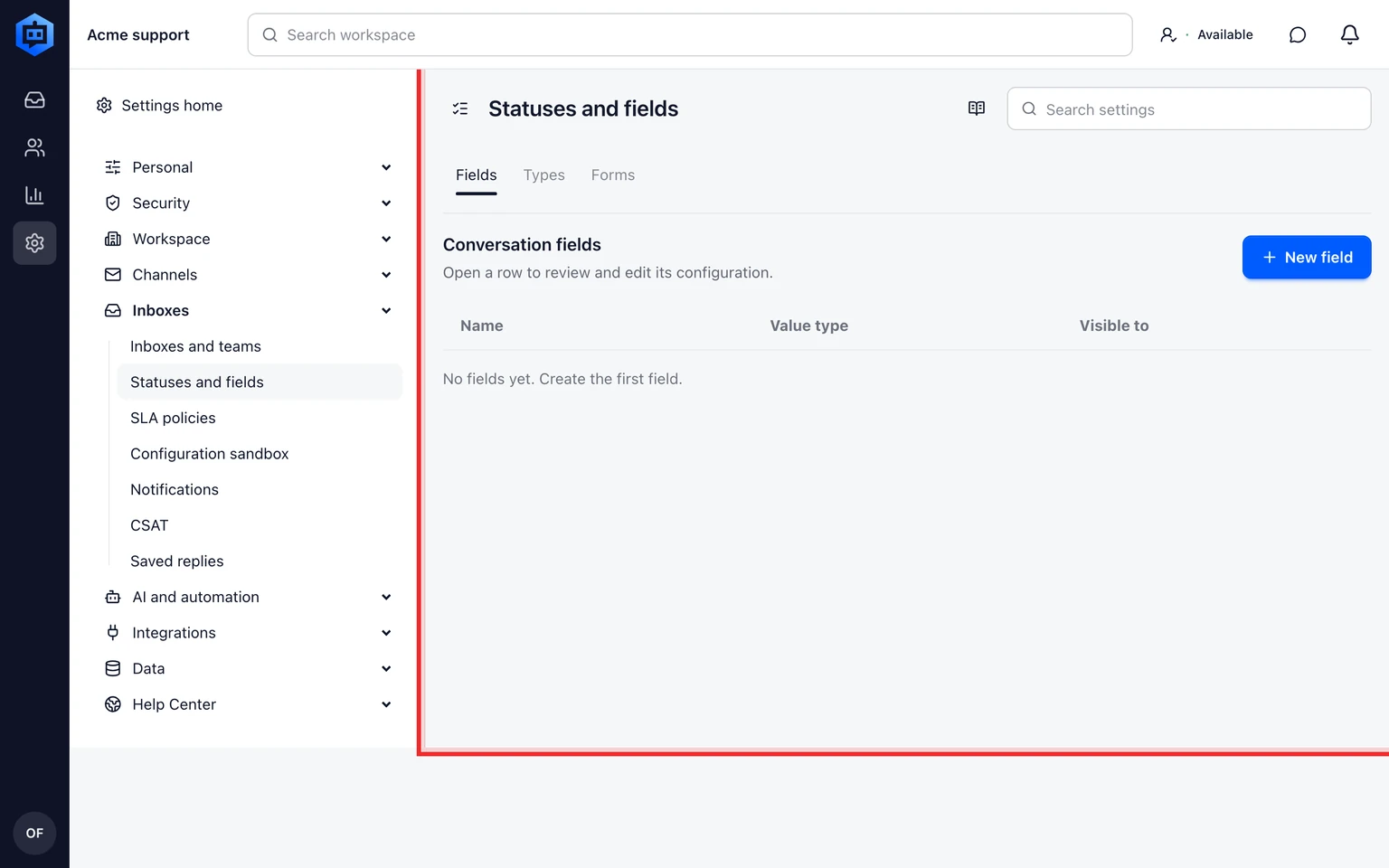
Choose Fields and add the smallest field type that fits the value.
Name the field with the term teammates already use and set whether customers may see or edit it.
Save and verify the field in a test conversation.

Use types and forms only when they change intake
Choose a field when one value needs to stay attached to the Conversation. Choose a form when the same set of fields should appear together during a customer or teammate intake flow.
Test the field in a real-looking Conversation before making it required. A required field that cannot be filled by the customer or teammate can block routing and resolution.
- Conversation types classify work without replacing Inboxes or Teams.
- Forms decide which fields appear together during intake.
- Customer and company fields remain in their own directories.