What you'll achieve
You know what moved, what failed and whether cutover is safe.
Understand the stages
- Test imports 10 conversations so you can validate mapping and content.
- Historical imports the selected range without sending replies or running automation.
- Final sync adds changes made in the source after the historical run.
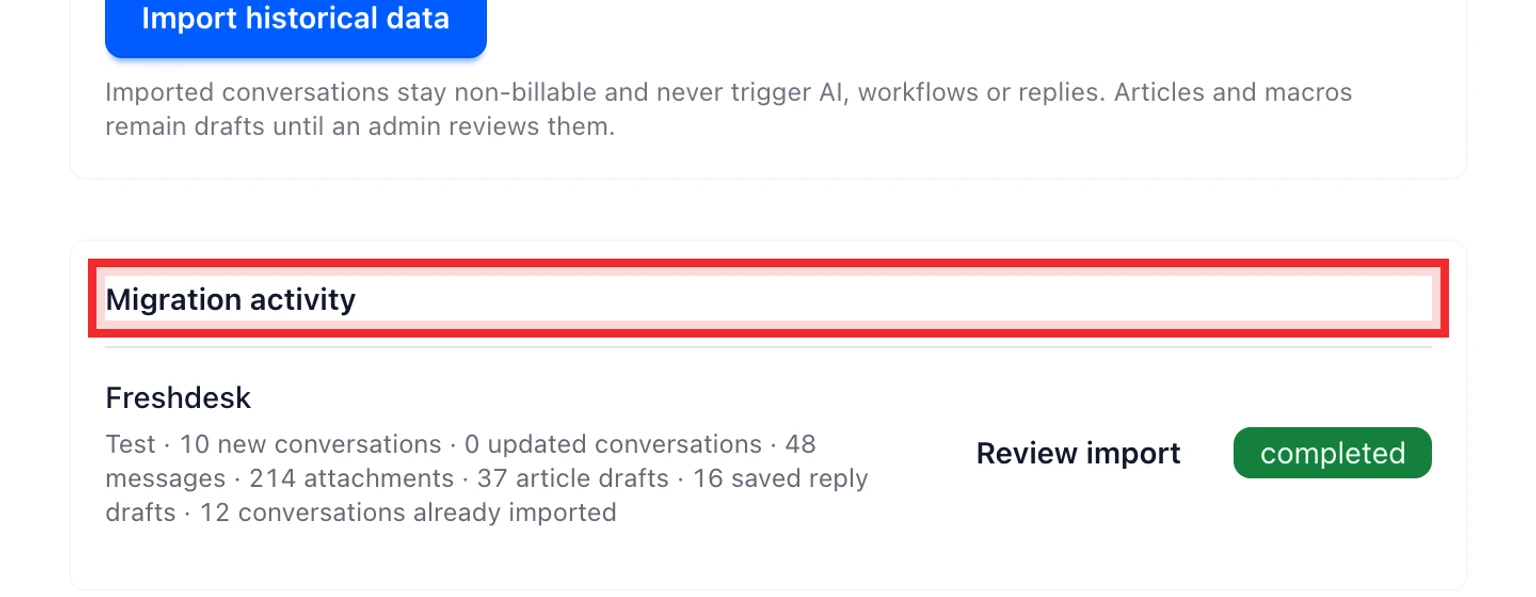
- Reconciliation shows created, updated, skipped and failed conversations plus article and saved reply drafts.
Cancel or retry safely
Cancel stops the worker before it reads another page. Data already imported remains available. Retry continues an idempotent run so DobroDesk updates existing imported conversations instead of creating duplicates.
Finish the migration
Resolve or accept every reconciliation warning.
Move your live email route to DobroDesk.
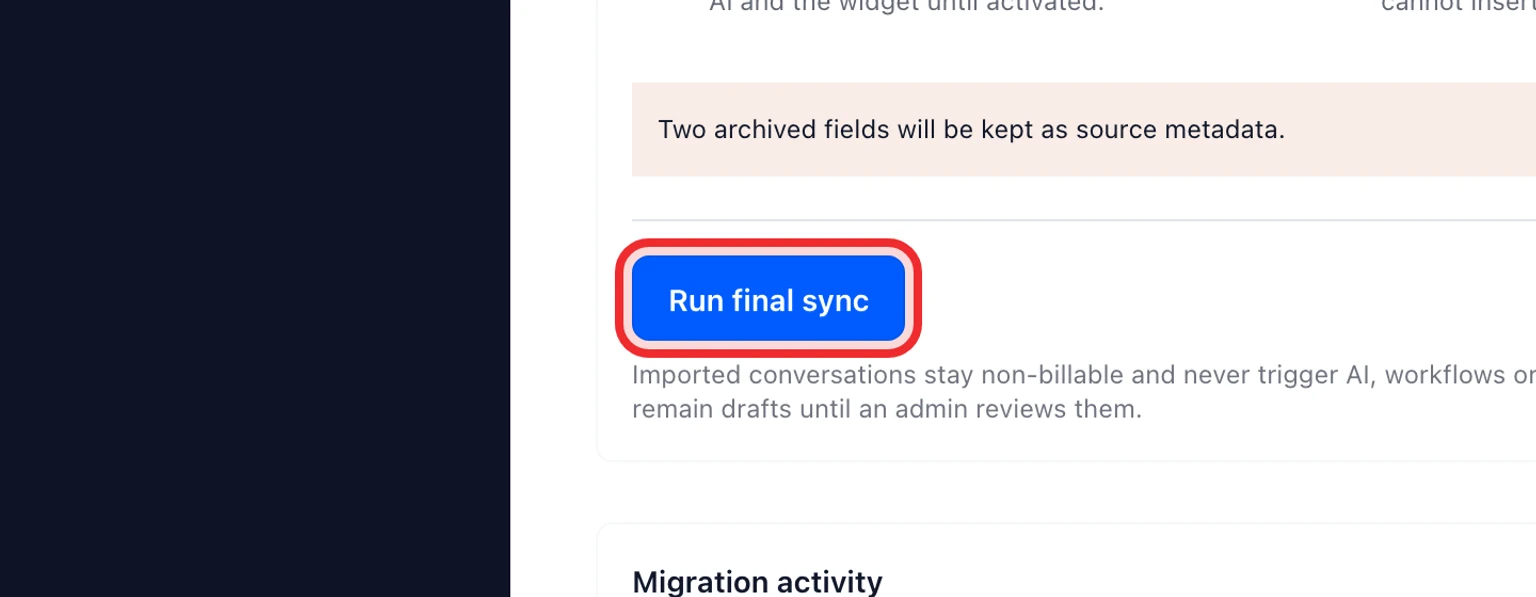
Run the final sync.
Confirm new customer email arrives in DobroDesk.
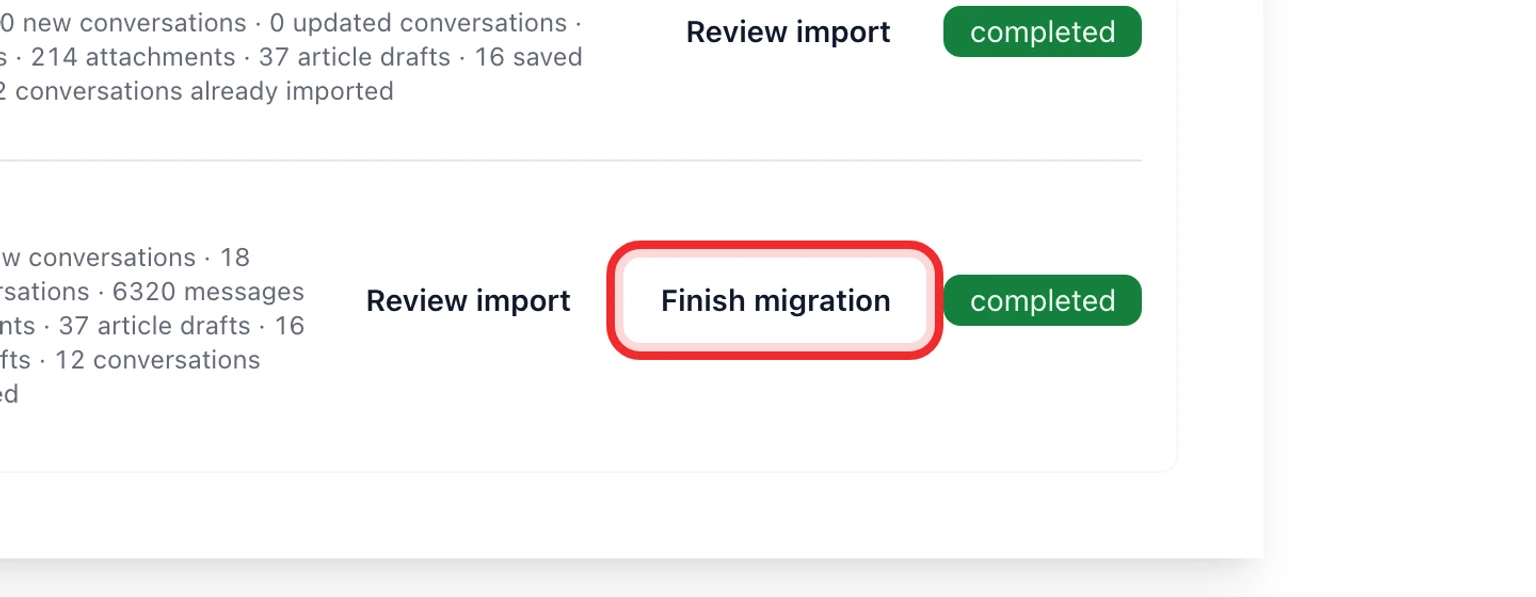
Select Finish migration to record the completed cutover.