Freshdesk alternative for conversation-first support
Compare Freshdesk and DobroDesk by email intake, widget self-service, ticket ownership, AI review and the daily path from a customer request to a reply.
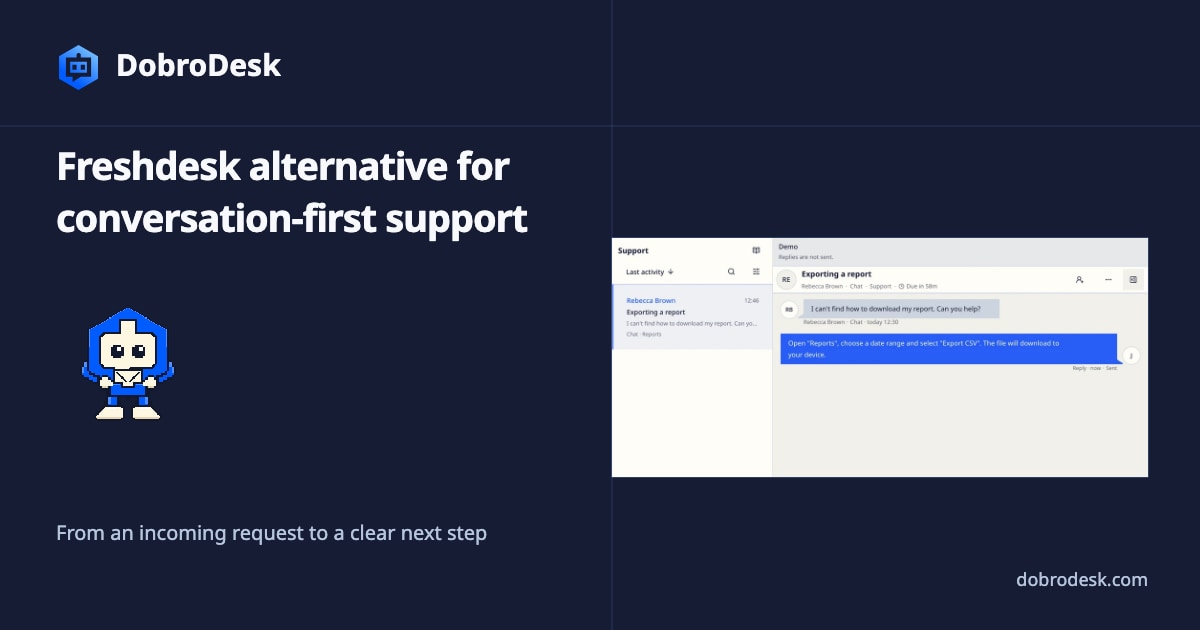
DobroDesk fits teams that want incoming email and website requests to become conversations in one Inbox with a clear owner, customer context and AI review before a reply. The team can follow the next action and the reply from that conversation. Freshdesk is a strong fit when the operation is built around a customer portal, Knowledge Base, forms and product-specific widget options.
DobroDesk is a better fit for a different starting point: the customer writes an email or opens a website conversation and the team needs one clear place to own the next action. DobroDesk shows that request as a conversation in an Inbox with customer history, private notes, routing and the reply together.
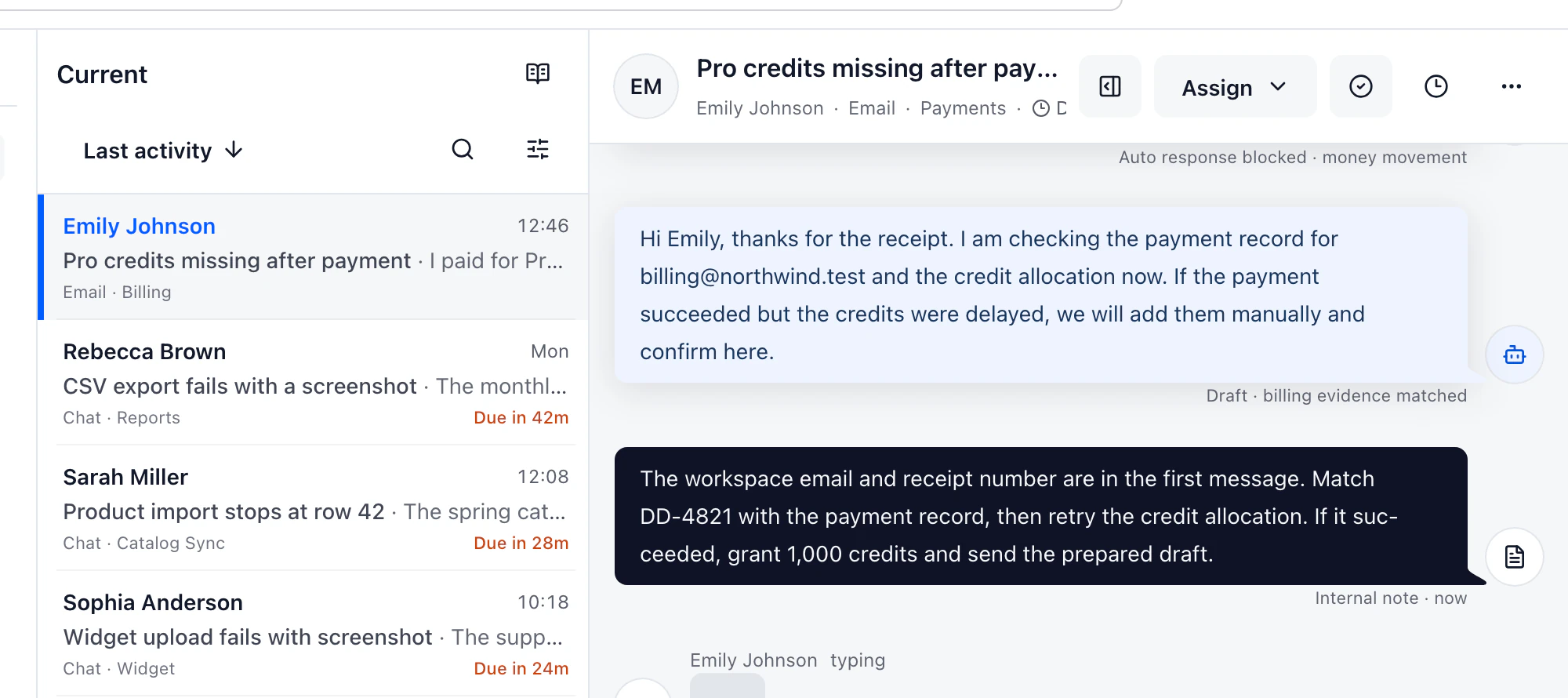
A ticket can still hide the next action
Freshdesk's email guide states that messages sent to a configured support address are converted into tickets. That is a solid baseline for intake, but it is only the first check. Send a real message with an attachment, reply from a different address and create a follow-up after the ticket has been assigned. Then check whether the person who opens the ticket can immediately see who owns the next action and what the customer has already been told.
The widget deserves the same practical test. Freshdesk documents separate widget content for Knowledge Base, chat topics and Web Forms, plus appearance, preferences, deployment code and authentication. DobroDesk keeps the customer path focused: install the widget, route it to an Inbox, make approved knowledge searchable and give the customer a clear conversation or appointment flow. A searchable time zone selector and a review step matter when the widget does more than collect a generic form.
Compare the widget as a customer would use it
AI is another place where a feature list can hide the operating model. Freshdesk documents Freddy Copilot tools such as writing assistance, summaries, reply suggestions and solution article generation. DobroDesk uses the same useful starting point of retrieval and drafting but keeps the action boundary explicit. Approved knowledge can support a draft or routine answer. Billing, privacy, security, deletion, abuse, legal and uncertain cases stay with an authorized teammate.
The best Freshdesk alternative is not automatically the smallest product. It is the one that matches the work your team needs to see. Choose Freshdesk when its customer portal, ticket forms or wider Freshworks setup is already part of the operation. Consider DobroDesk when the daily problem is a growing support mailbox, unclear ownership, repeated forwarding and a need to make the conversation the shared record.
Test ownership with the awkward cases
Test both products with the same six cases: a normal question, a billing exception, an attachment, a customer follow-up, a handoff and a message that should wait for human review. Record the first screen where the request appears, the moment ownership becomes explicit, the location of internal notes and the evidence shown beside an AI draft. These are the details that affect a team after the demo ends.
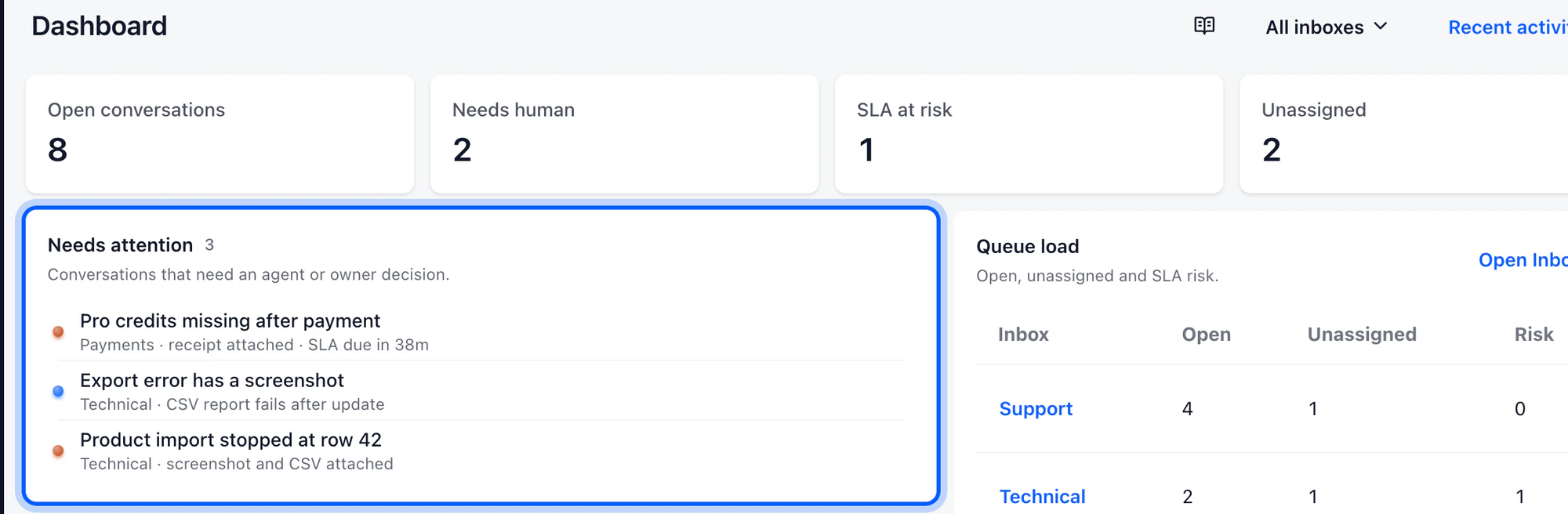
Do not move the Help Center and support queue at the same time without a link plan. A customer who reads an article may need to start a conversation, and a teammate reading the conversation may need to send the customer back to the approved answer. Map those links before publishing. Then connect the related guides so the Help Center, widget and Inbox reinforce one another instead of becoming separate islands.
Connect the Help Center to the queue
Keep the source system available while you compare. A useful trial includes a follow-up after the first reply, a reassignment and a request that should not be answered automatically. Review the transcript as a customer would see it and then review the same case as the next teammate. That short loop exposes missing context much earlier than a feature checklist.
DobroDesk is a strong Freshdesk alternative for teams that want conversation-first support around email and the website widget, with clear ownership and approval-aware AI. Freshdesk remains a strong fit when the portal, ticket administration and larger Freshworks ecosystem are the reason the team chose it. Compare the actual handoff and review path, not only the number of configuration screens.
Compare the workflow
| What to check | DobroDesk | Freshdesk |
|---|---|---|
| Widget content | DobroDesk Focused website conversations, approved answers and booking flow | Freshdesk Knowledge Base, web forms and live chat topics depending on product and plan Freshdesk widget setup |
| Email intake | DobroDesk Email arrives as a conversation in the selected Inbox | Freshdesk Email sent to a configured support address becomes a ticket Freshdesk email to tickets |
| Agent work | DobroDesk Ownership, customer context, notes and reply in one conversation | Freshdesk Agents manage widget interactions and forms from the Ticket List Freshdesk agent experience |
| AI review | DobroDesk Approved knowledge and risk policy keep sensitive work with a person | Freshdesk Freddy Copilot suggests writing, summaries, replies and solution content Freshdesk Freddy AI |
Continue with the related guide
- Connect the support email customers already use
- Route each conversation to an Inbox
- Publish the customer Help Center
- Review approved knowledge before AI uses it
Official product documentation
Documentation checked on