
Shared inbox · · 9 min read · Reviewed by the DobroDesk editorial team · Updated
Shared inbox vs shared mailbox for support teams
Compare a shared inbox with a shared mailbox for customer support, including ownership, Google Workspace and Gmail setup, reply safety, handoffs and queue reporting.
At 09:12, a customer emails support@ about a failed payment. One teammate opens the message, another starts a reply, and a third moves it into a folder named Billing. By 09:20 the customer has two drafts in progress and no clear owner. Everyone had access to the same mailbox. That was not the missing feature.
Shared access is not the same as assigned work
A shared mailbox solves access. Several people can read and send from one address, which may be all a two-person team needs. The workflow around the message is usually built from flags, folders, unread state and conventions such as “leave it unread if you have not handled it.” Those conventions are cheap and familiar, but they are not durable ownership.
A shared inbox turns the message into assigned work. A conversation belongs to a person, a team queue or an explicit Unassigned state. Opening it does not quietly change what everyone else believes. A teammate can answer “who acts next?” without checking a folder and then asking in chat.
For a Google Workspace or Gmail support team, that change can happen behind the address customers already know. Connect support@ or help@ to the shared inbox, keep email as the customer channel, and add ownership, internal notes and a visible queue for the people answering it.
Check handoffs, reply safety and reporting
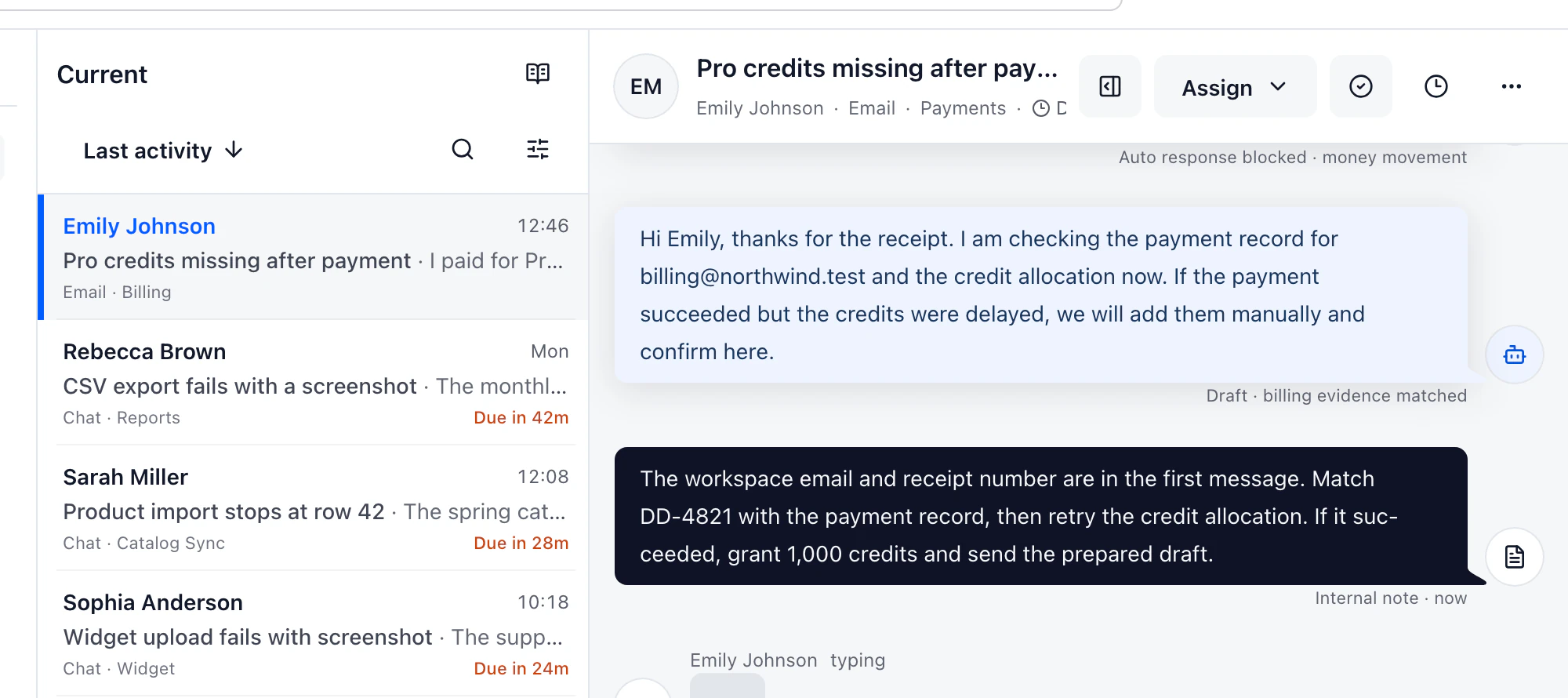
That difference becomes visible during a handoff. In a mailbox, the original owner may forward the thread and explain the missing context separately. In a shared inbox, the assignee changes while the customer timeline, private note, attachments and reason for the handoff stay together. When the customer returns next week, the explanation is still attached to the conversation.
Reply safety is another useful test. Can two people see that they are drafting at the same time? Is a private note unmistakably different from a public reply? Will the message always leave from the connected support address? These details prevent the failures customers remember: conflicting answers and an internal sentence sent outside the team.
Do not start an evaluation with automation. Connect one address, create General and Billing queues, and run ten real or representative messages through the manual path. If the team cannot explain where a new message appears, who can claim it and what “waiting” means, adding routing rules will make the confusion faster.
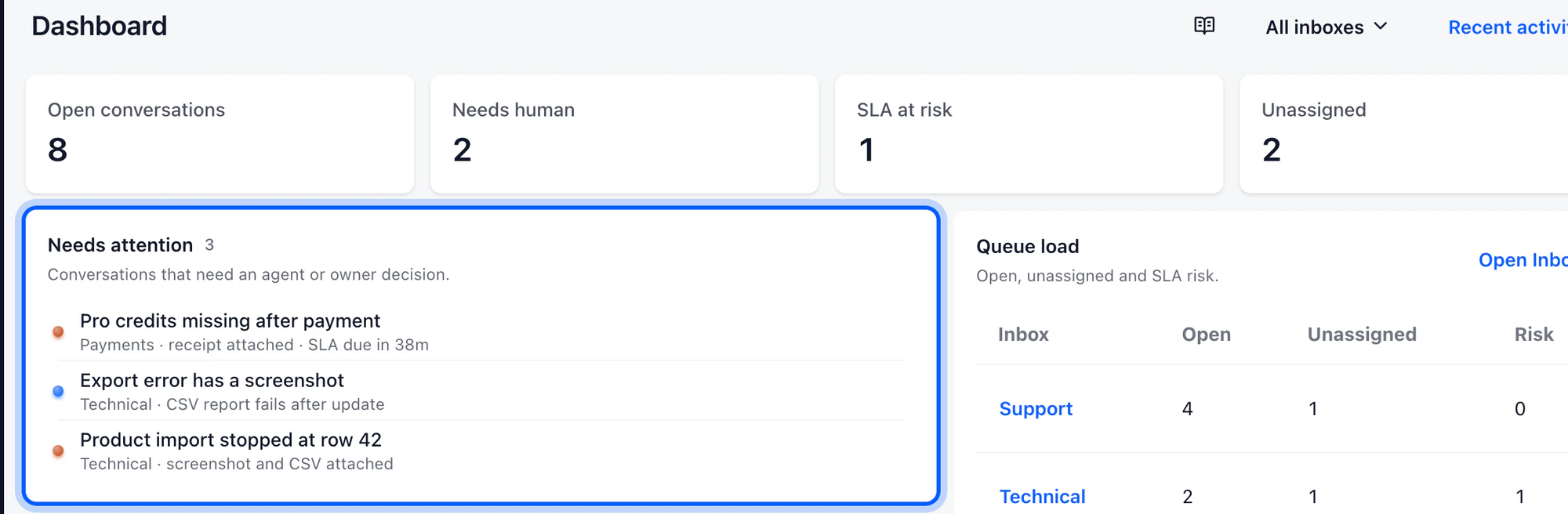
A shared inbox also changes reporting. Mailbox counts show how many messages exist. A support queue should show accepted conversations, first meaningful response, backlog age, reassignment and SLA risk. Each number should lead back to the conversations behind it so a manager can investigate the work rather than admire a dashboard.
When a shared mailbox is still enough
There is no prize for adopting the heavier tool early. A shared mailbox remains a sensible choice when volume is low, one or two people cover the address and ownership is obvious from context. If nobody collides, nothing is forgotten and no service reporting is needed, the existing setup may be doing its job.
The case for a shared inbox appears when the workaround becomes daily work: people announce ownership in chat, customers receive duplicate replies, folders mean different things to different teammates, or the queue cannot be reviewed without asking each person what they are holding.
A practical evaluation before switching
Test products with the awkward cases, not a tidy demo. Leave a new request unassigned. Transfer a billing question to another team. Reopen a conversation after a customer follows up. Have two people draft at once. Then ask a manager to find the oldest unanswered request without help.
Customers do not need to learn a new channel for any of this. They keep writing to the address they know. The change happens behind that address: access becomes accountable ownership, the email list becomes a queue and fewer requests depend on somebody remembering an unwritten rule.