How to automate email support without losing human ownership
A practical guide to routing support email, assigning the next action, reviewing AI drafts and measuring automation without hiding risky cases.
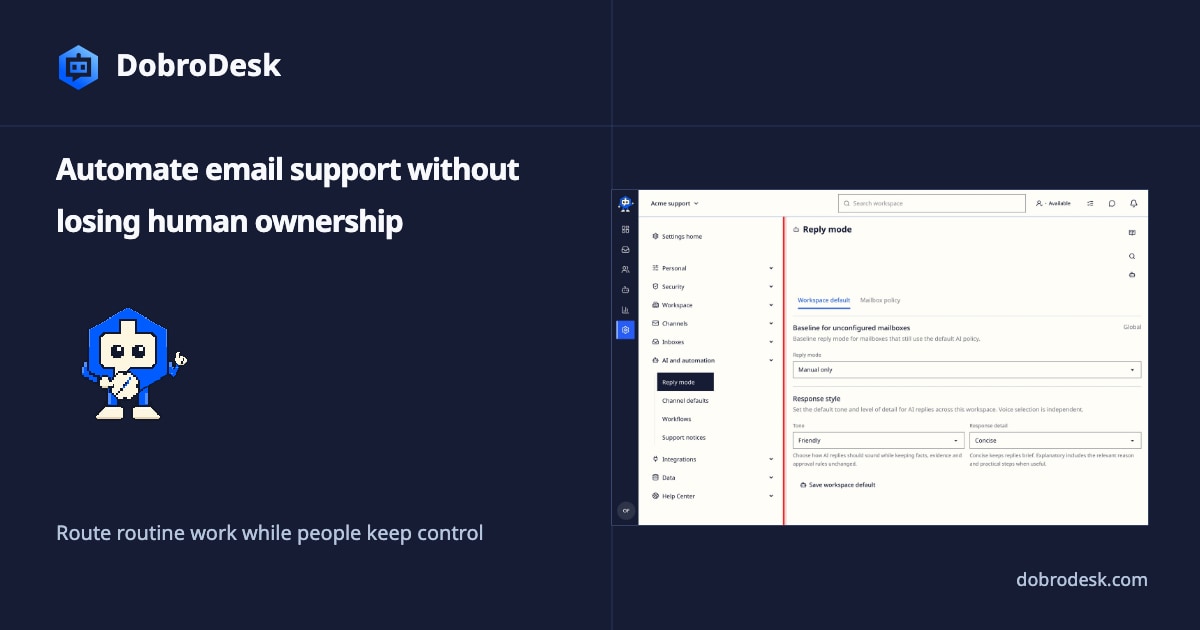
Email support automation should remove repetitive queue work while keeping responsibility visible. The useful question is not whether every message can receive an instant reply. It is whether each message reaches the right Inbox, gains an owner and gets a safe next action without losing its context.
Map the queue before adding automation
Start by mapping the current path of one ordinary email. Record the support address, the Inbox it should reach, the information a teammate needs and the outcome that closes the conversation. Include what happens when the sender replies, attaches a file or asks about an exception. This map gives you a testable workflow before you add a rule or an AI draft.
Route messages by the work that must happen next. Keep channels separate from Inboxes, then use an Inbox to represent the queue a team can actually handle. Assign the next action to a teammate or team and preserve the customer history in one conversation. A shared address without ownership still leaves the hardest part of support unresolved.
Route and assign every next action
Add simple rules with an explicit reason. A rule might send billing questions to a Payments Inbox, mark a delivery problem for review or identify messages that need a faster response. Test a normal message, a missing subject, a forwarded thread and a message that could match two rules. Check the final Inbox, assignment, priority and reply path instead of checking only that the rule ran.
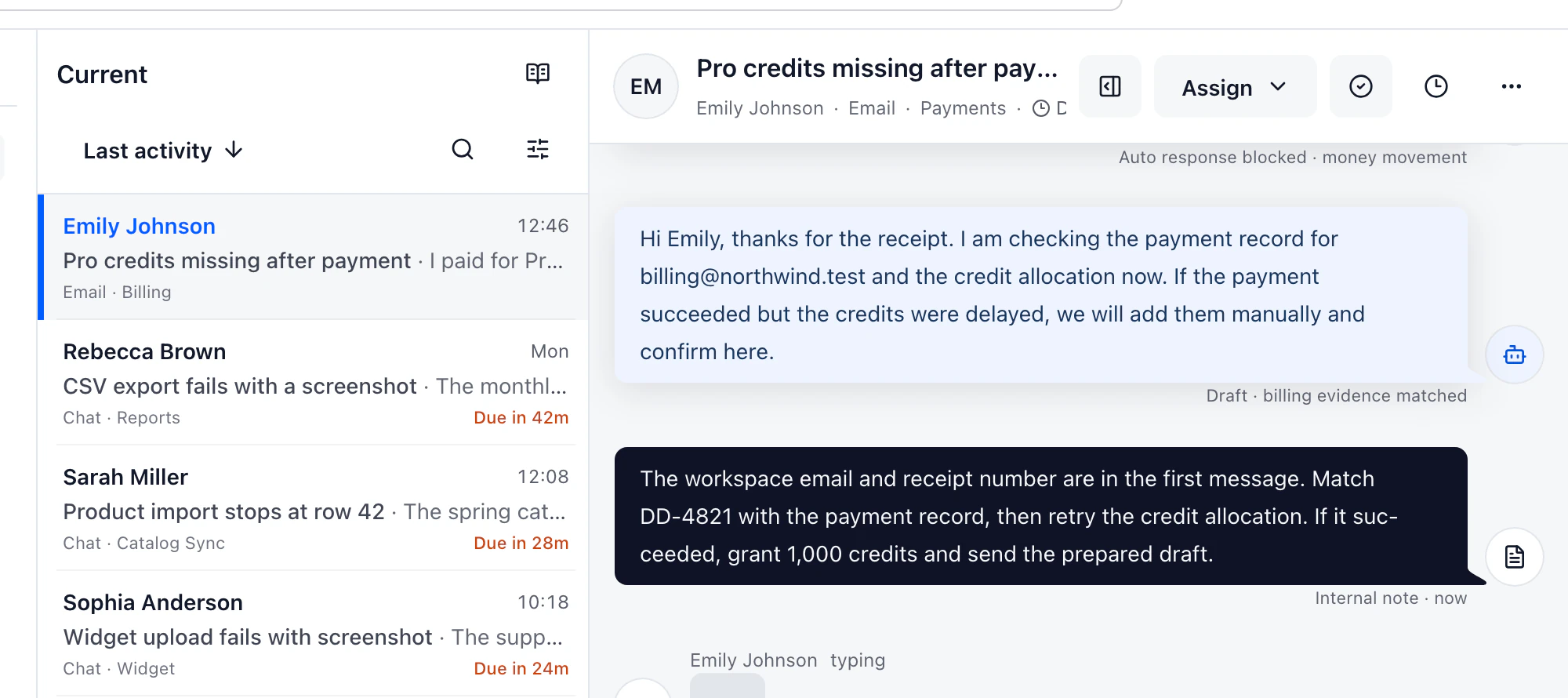
Use AI for a bounded step after routing works. DobroDesk can prepare a reply draft from approved knowledge and conversation context while leaving the teammate in control of sending. Review the source behind the draft, correct the answer when evidence is missing and keep refunds, account deletion, privacy, security and angry-customer cases with a person. Automation should make review faster, not make authorization invisible.
Keep AI review and data boundaries visible
For the main text support path, DobroDesk uses open-weight models hosted on Cloudflare. Customer messages are not sent to OpenAI, Anthropic or Google model APIs for processing or training their models. This avoids handing customer content to those model providers for their model workflows. The incoming email provider still transports the original message, so describe the data path precisely rather than promising that a message never leaves its source channel.
Build a small test set before expanding automation. Include a clear answer, an outdated article, a question with no source, a duplicate message, a request for a human and a sensitive case. Confirm that the system can stop a draft, show the missing evidence, preserve internal notes and leave a clear next action. Record failures as changes to the rule, source article or review policy.
Measure queue health and improve one workflow
Measure queue health as well as response speed. Track unassigned conversations, time to first human reply, reopened conversations, draft acceptance and the cases that required correction. Compare the result with the same workflow before automation. A faster sent reply is not an improvement if it creates more rework or hides a customer question in the wrong Inbox.
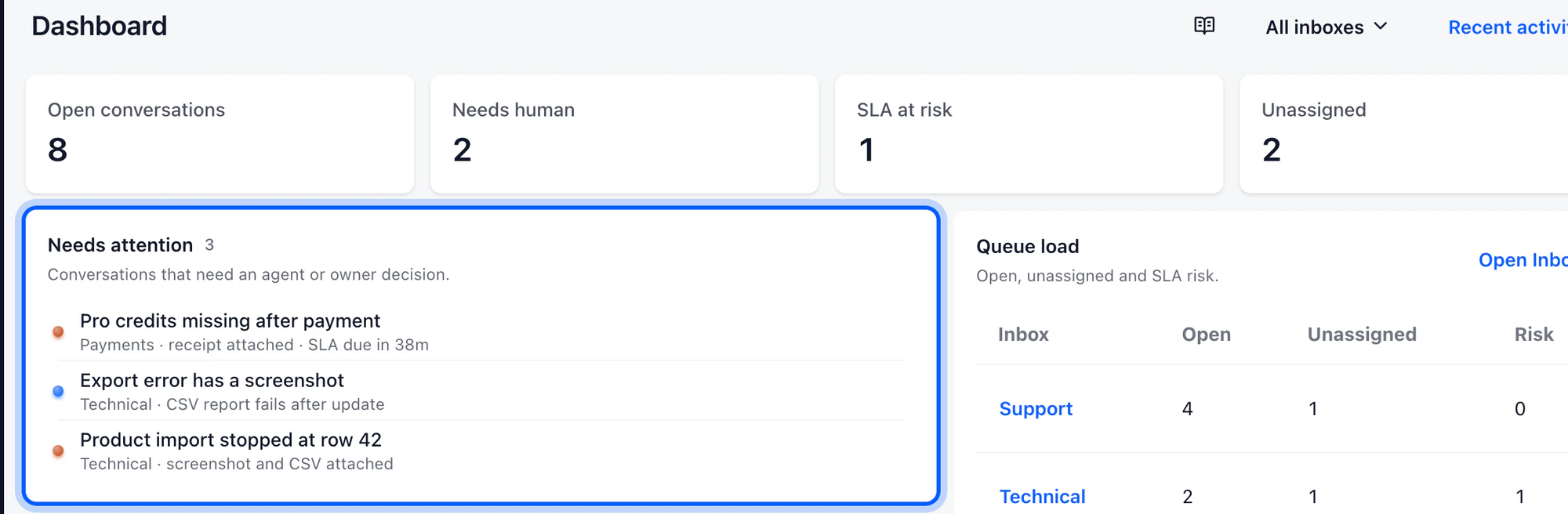
Expand one workflow at a time and give each rule and source article an owner. Recheck the routing when an Inbox changes, a mailbox is connected or a policy is updated. Keep an approval step for actions that change customer data or commitments. The strongest email automation is easy for a teammate to inspect, pause and improve from real conversations.