
What you'll achieve
Your team handles a shared support address without sharing provider passwords.
Choose the supported setup
- Microsoft 365: use an Exchange Online Shared Mailbox and sign in as a delegated user.
- Google Workspace: use a dedicated mailbox account and sign in to that exact account.
- Google Groups and aliases can forward mail but are not Gmail API mailboxes.
Prepare Microsoft 365
Ask a Microsoft 365 administrator to grant your user Full Access to the Shared Mailbox.
Ask the administrator to grant Send As. Send on behalf is not sufficient.
Wait for Microsoft 365 to apply the permissions before connecting.
DobroDesk verifies read, manage and Send As before activating the mailbox. It sends one verification message from the shared address to the signed-in delegate.
Connect in DobroDesk
Open Admin > Channels > Support mailboxes and select Add mailbox.
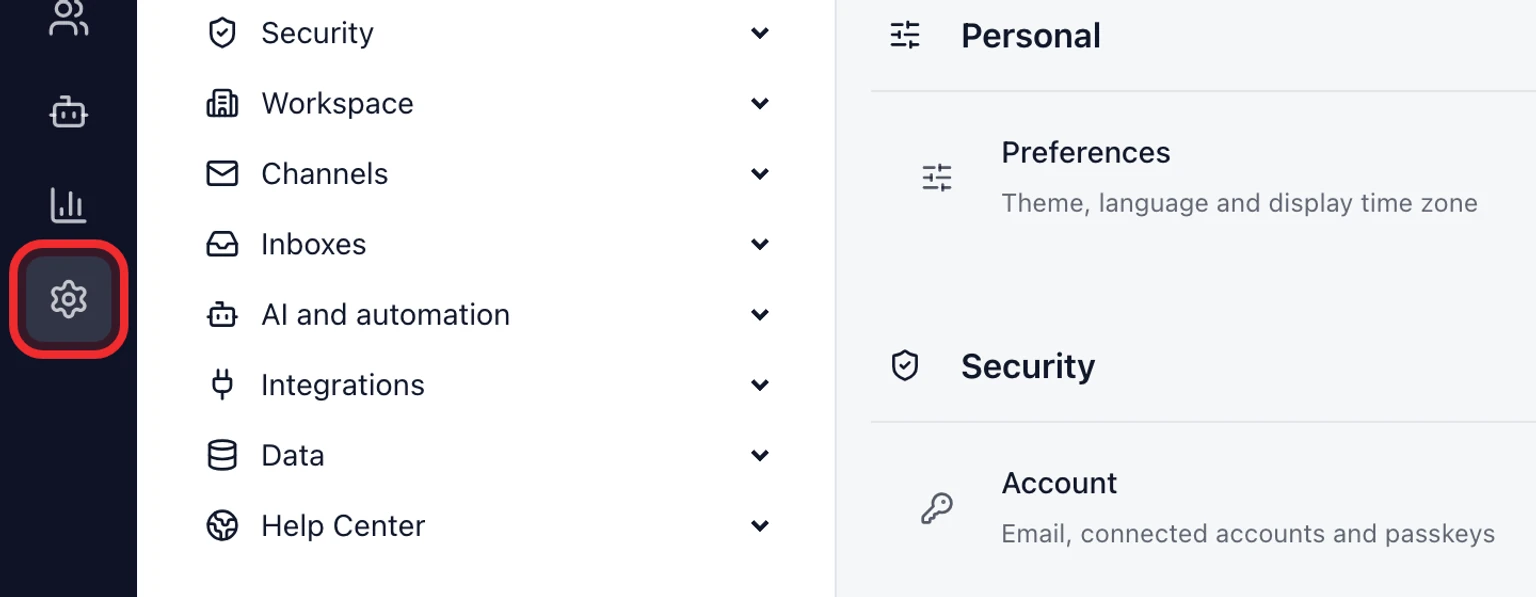
Expand Connect a shared mailbox.
Choose Microsoft 365 or Google Workspace and enter the shared address.
For Microsoft sign in as the delegated user. For Google sign in to the dedicated shared account itself.
Confirm the mailbox, sign-in identity, permissions and receive mode in diagnostics.
Send a test from an unrelated address and reply from DobroDesk.

Understand shared mailbox receiving
Direct Outlook mailboxes use a Microsoft webhook. Microsoft does not allow delegated webhooks for shared folders, so DobroDesk checks a delegated Shared Mailbox every minute with an overlapping window that prevents missed messages. Gmail shared accounts use the normal Gmail watch.
Polling every minute is the normal healthy state for a Microsoft delegated Shared Mailbox, not a fallback warning.
Fix a permission error
Confirm the signed-in Microsoft user still has Full Access and Send As.
Use Send As rather than Send on behalf.
Reconnect after Microsoft has applied the permission change.
For Google choose the dedicated mailbox account if DobroDesk reports an identity mismatch.