

Updated:
What you'll achieve
Teammates see the right person, company and conversation history without exposing internal IDs.
Review a customer
Open Customers and search by name, email or phone. Phone-only customers remain searchable without an email address.

Review identity, company, private notes and previous conversations.
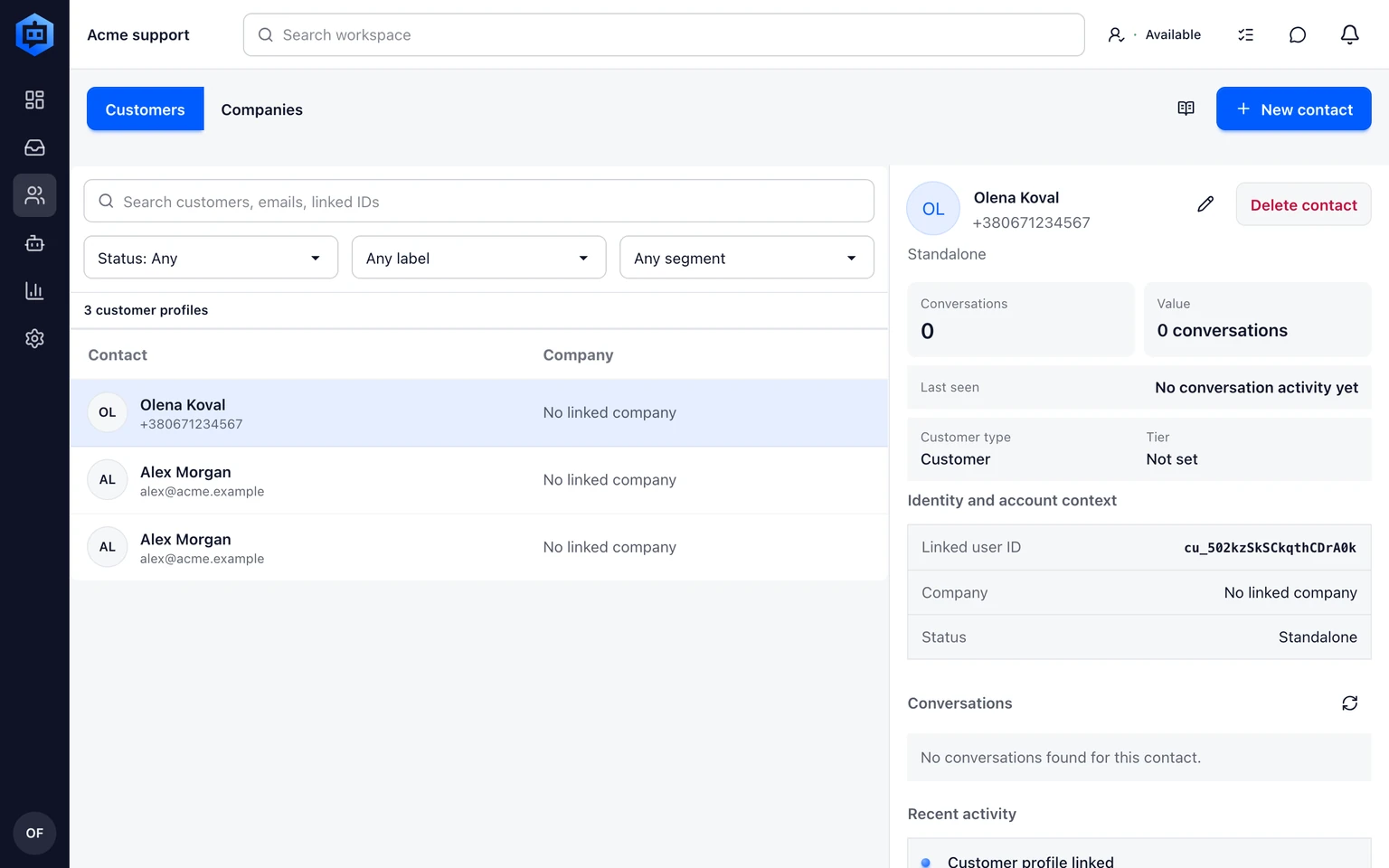
Edit only verified profile details and keep conversation-specific values on the conversation.
Use company context
Keep the customer's verified identity in the customer record and shared business facts in the Company record. Store a delivery issue, conversation reason or one-off request on the Conversation instead.
When a CRM is connected, use its attributed values as context and keep the external system as the source of record. Do not copy provider IDs into customer-visible replies.
- A Company groups B2B customers and shared business context.
- An Inbox remains the work queue and a Team remains the group of eligible teammates.
- External CRM data stays attributed to its connected source.
Put this guide into practice
Open Setup Center to apply the instructions in your workspace. Sign in when prompted.