What you'll achieve
Your team can verify the imported history, map Crisp inboxes and cut over without losing recent changes.
Before you start
- Create or connect every DobroDesk reply mailbox you need after cutover.
- In Crisp open Settings > Workspace Settings > Advanced configuration > API Token and create a Website Token.
- Copy the workspace ID, token identifier and token key. Keep the token key private.
- Confirm that customer profiles on conversations have email addresses. Conversations without an email stay in reconciliation for manual review.
Connect and analyze Crisp
Open Admin > Data > Migration and choose Crisp.
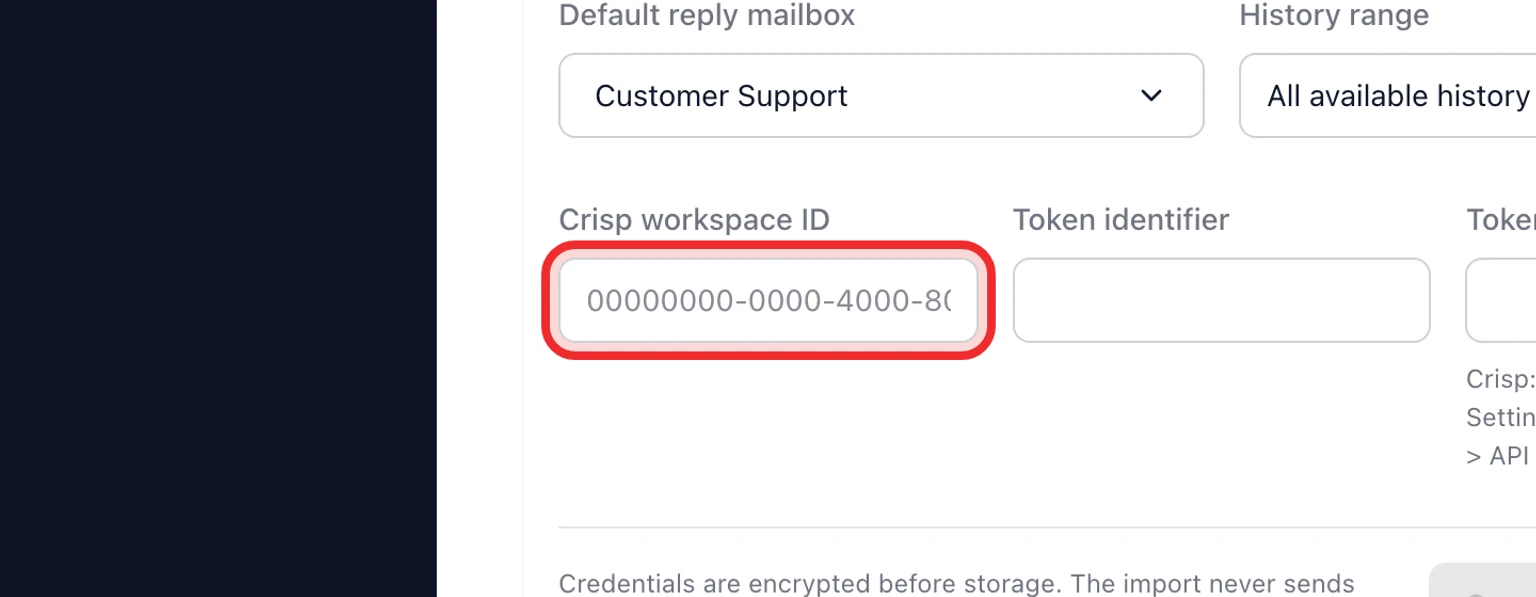
Select the destination reply mailbox and history range.
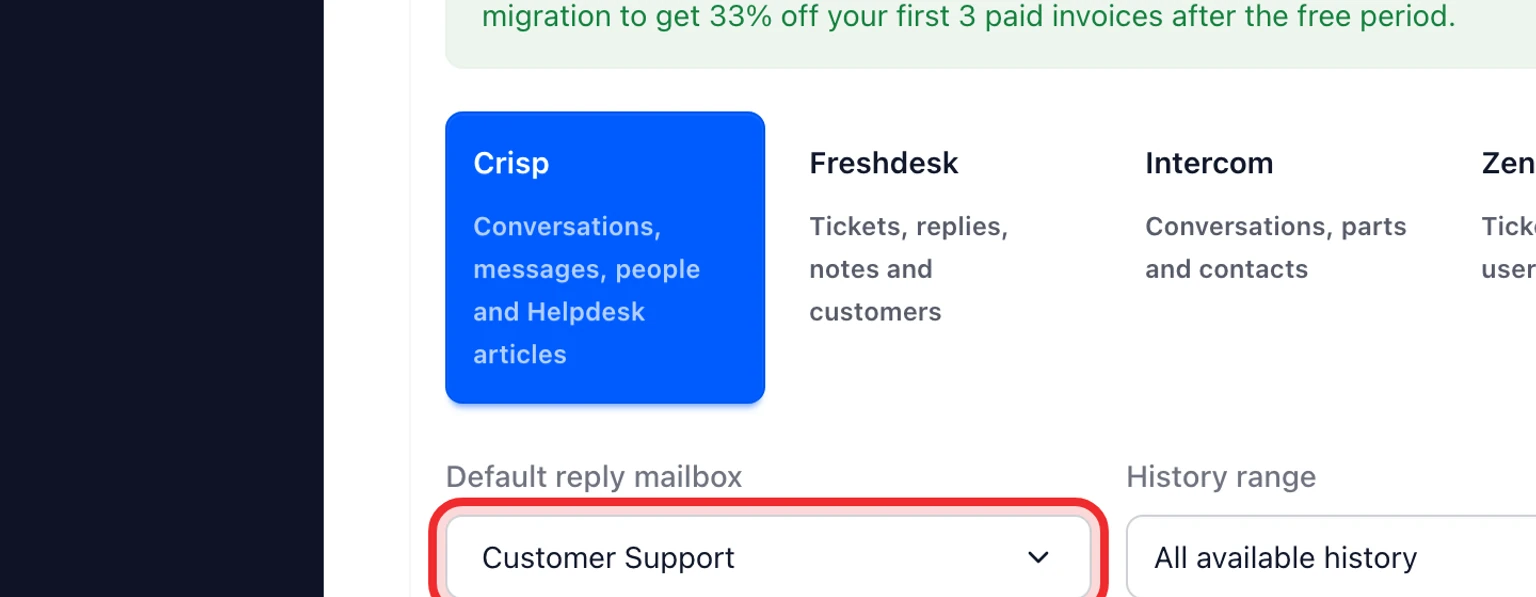
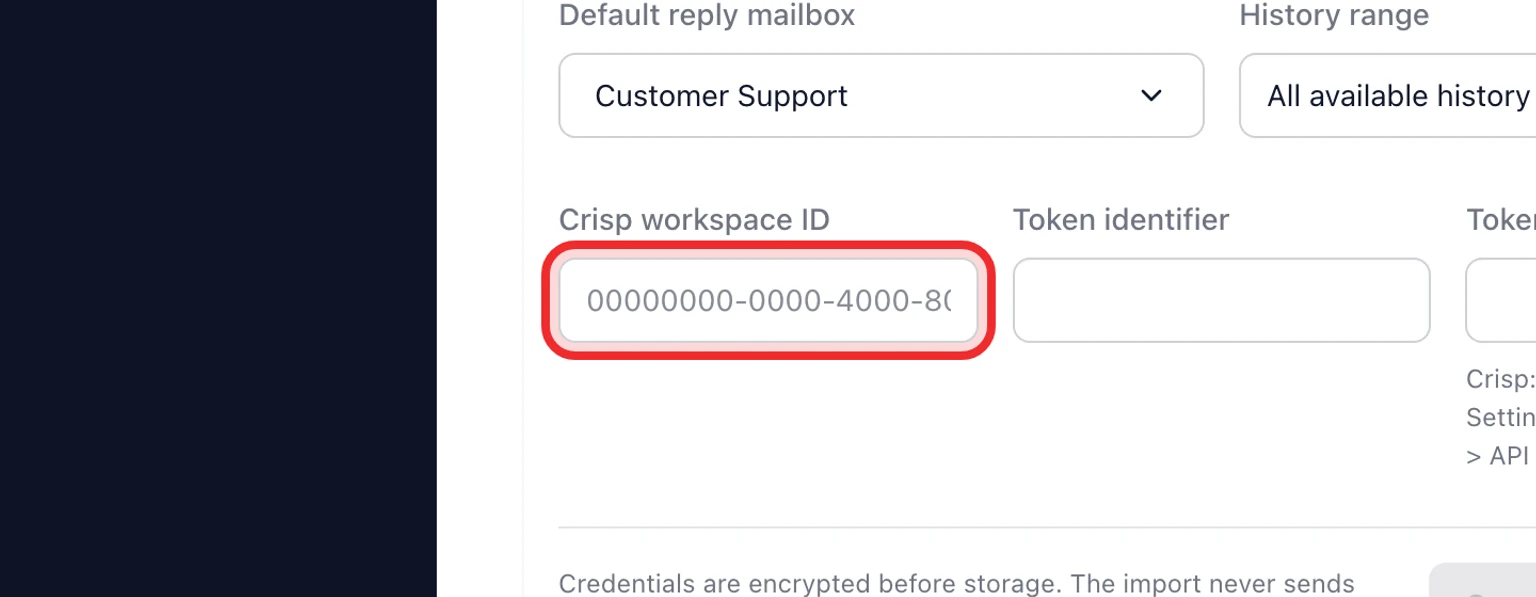
Enter the Crisp workspace ID, token identifier and token key.
Select Connect and analyze Crisp.
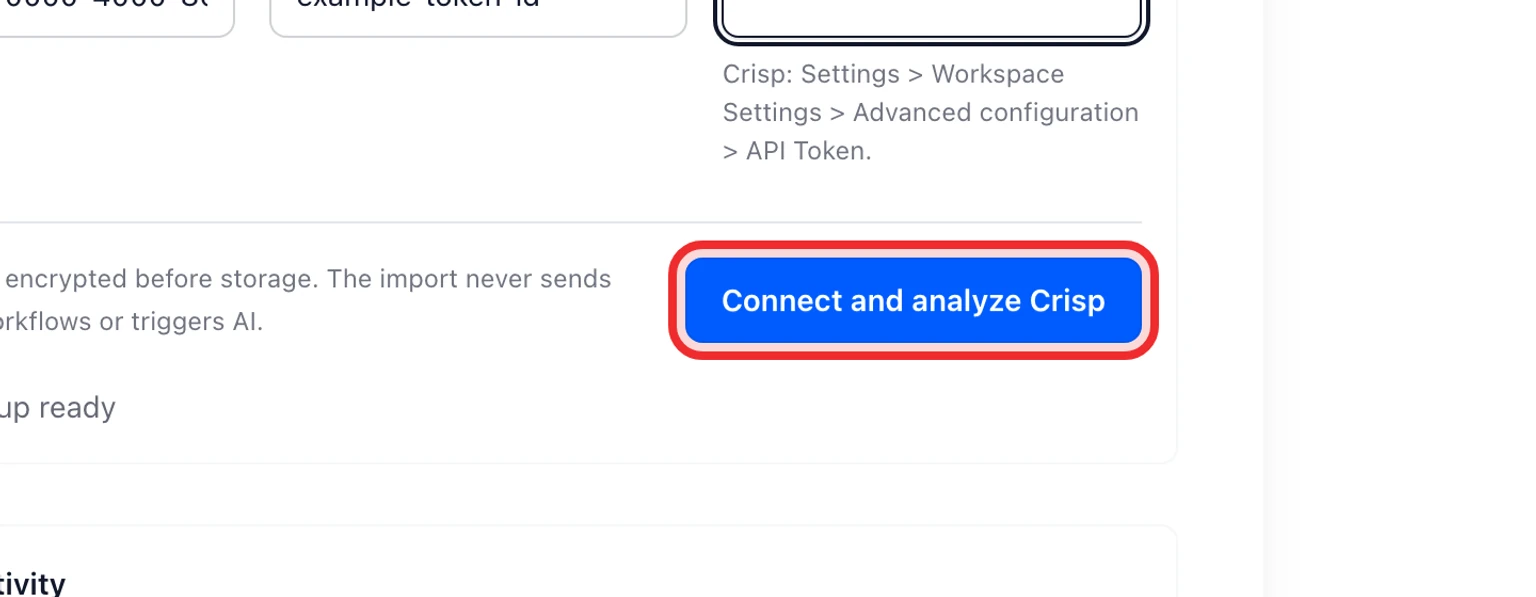
Review detected Crisp inboxes, conversation fields, Helpdesk article count and warnings.
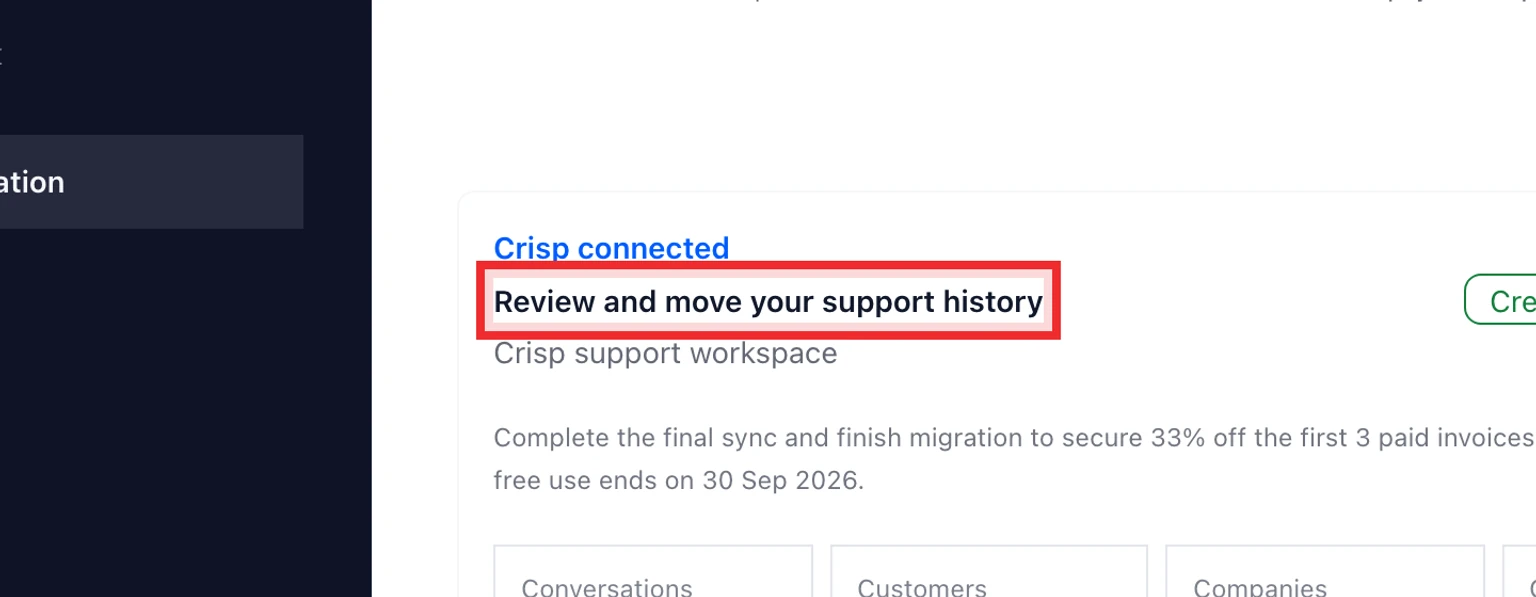


Test then move your data
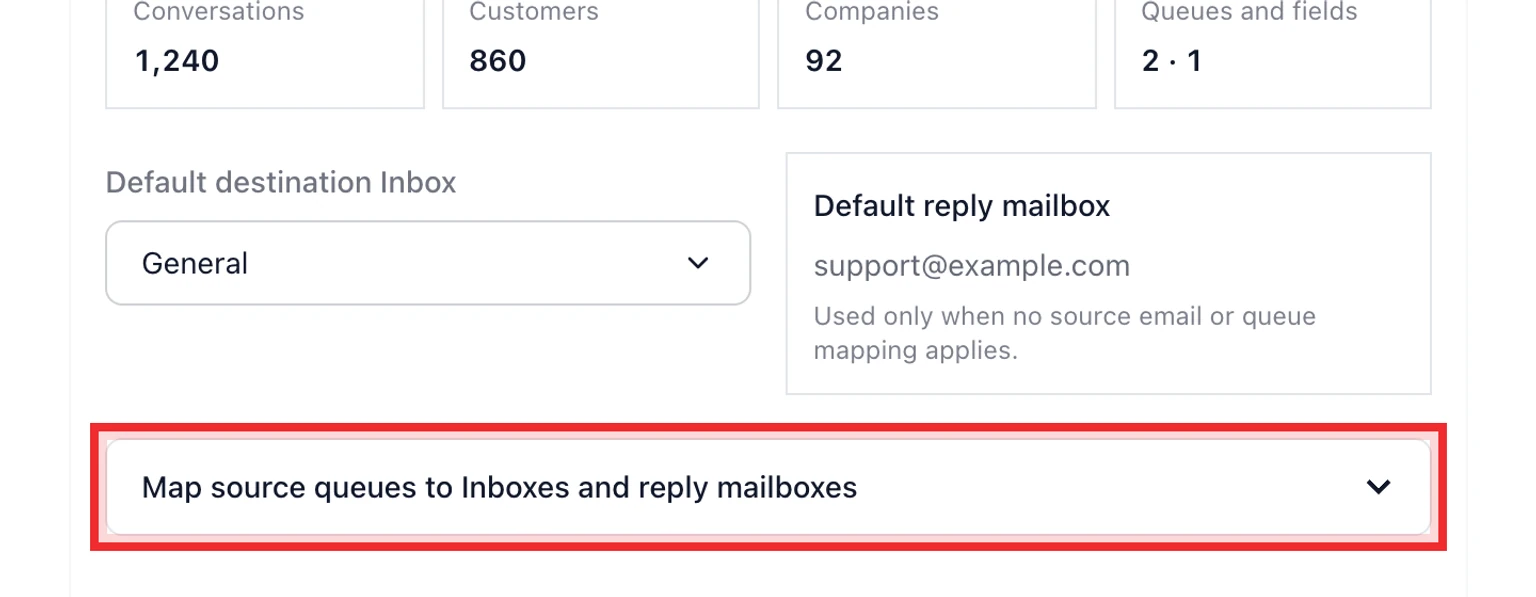
Map every Crisp inbox to a DobroDesk Inbox and reply mailbox.
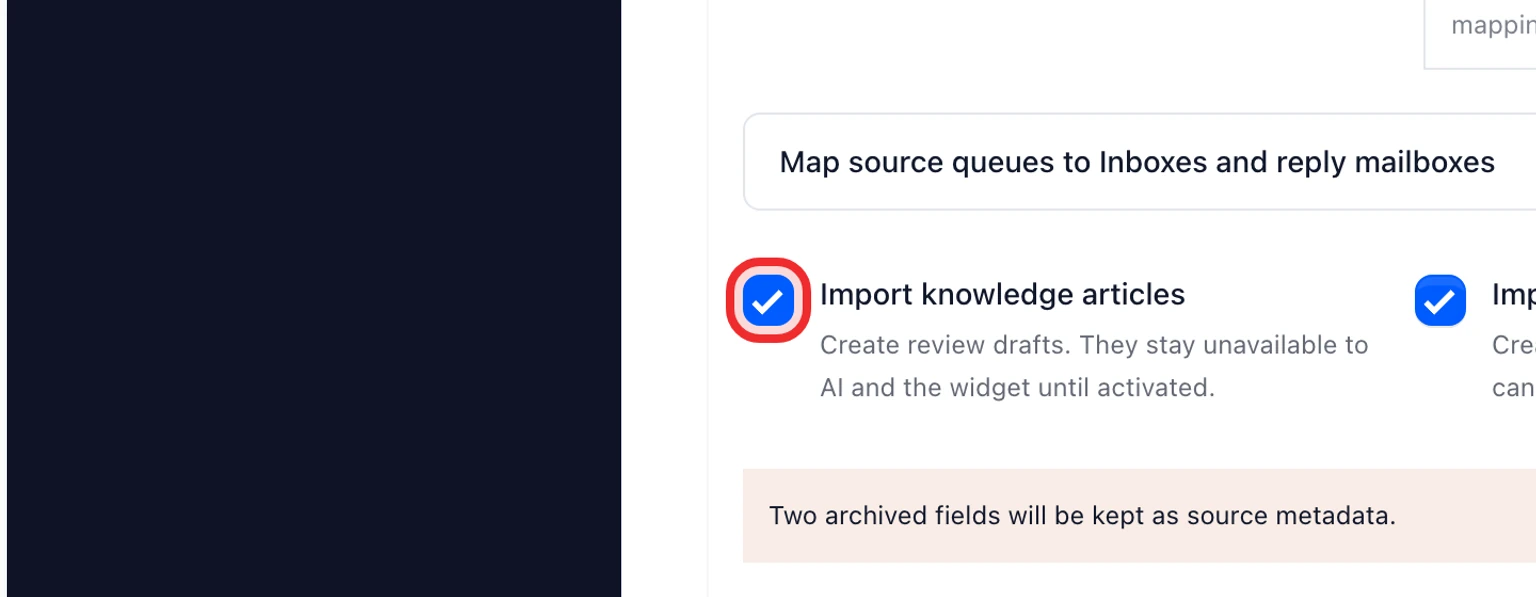
Keep knowledge articles selected if you want Crisp Helpdesk articles imported as review drafts. Crisp shortcuts are not imported.
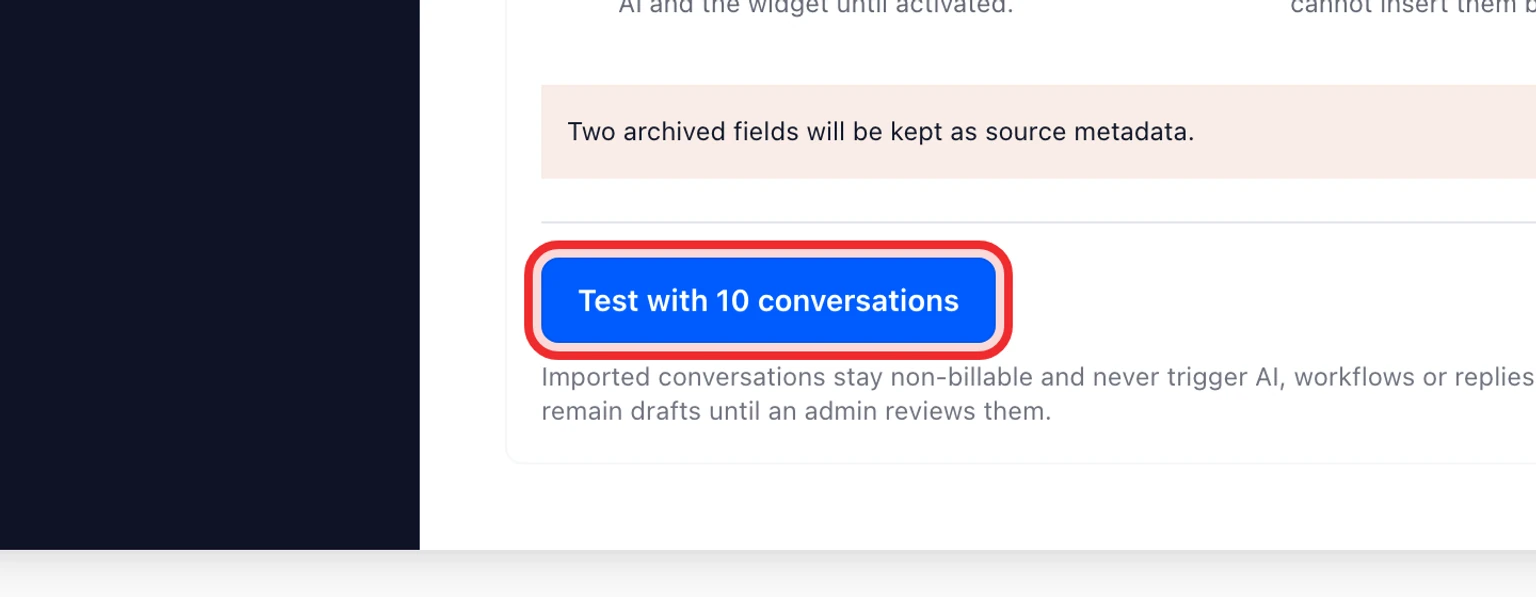
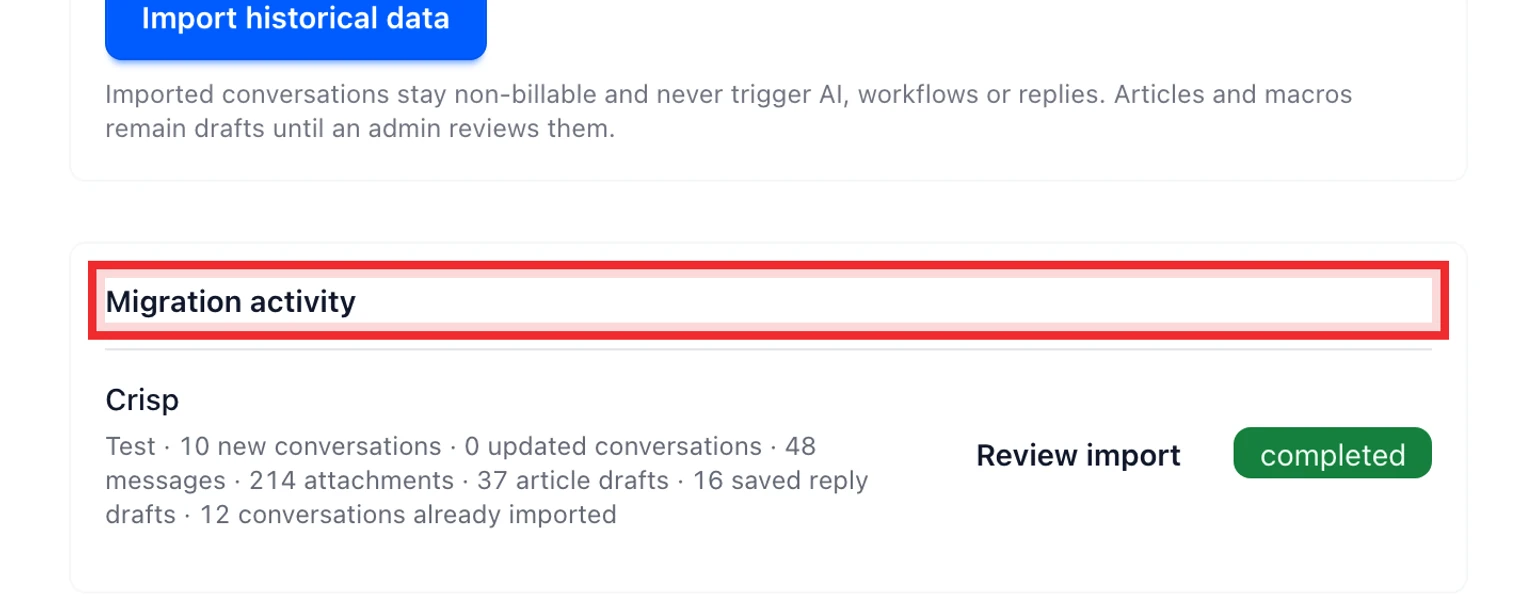
Run a test with 10 conversations and check customer identity, message order, internal notes and attachments.
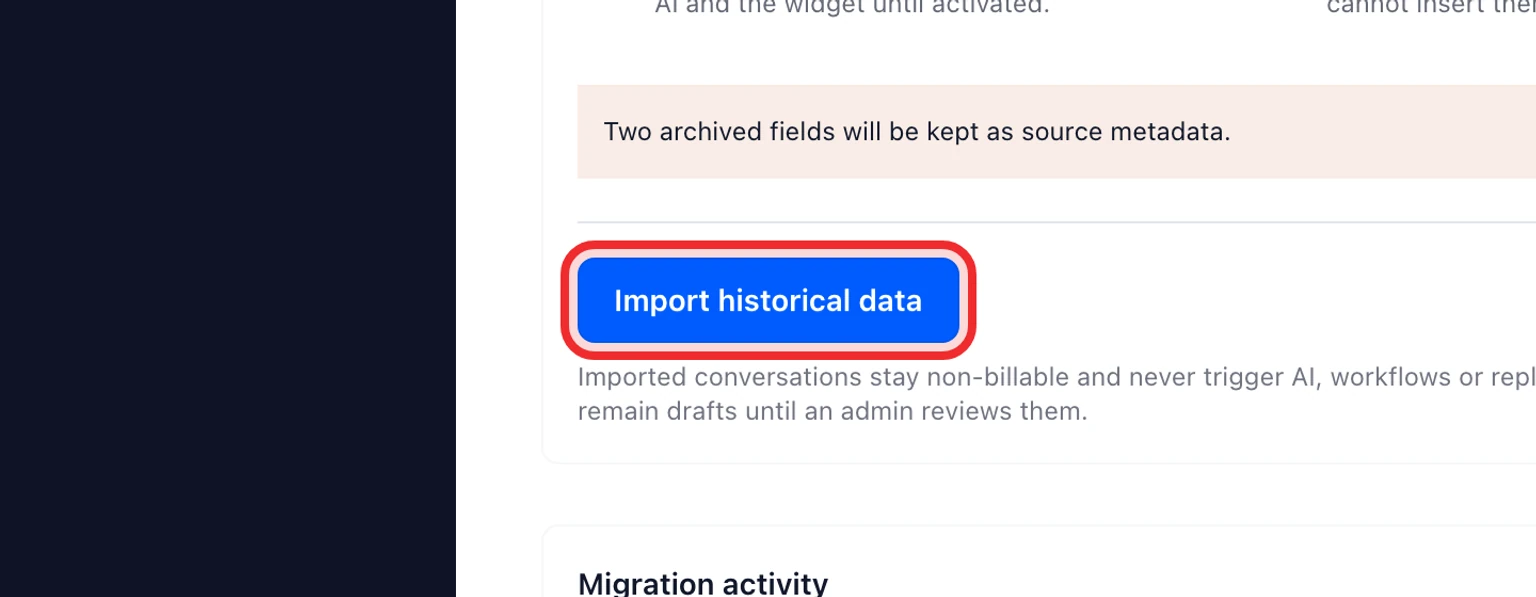
Start the historical import. Large Crisp workspaces may pause when the Website Token reaches its 10,000-request daily limit.
Run the final sync immediately before moving new customer channels to DobroDesk.
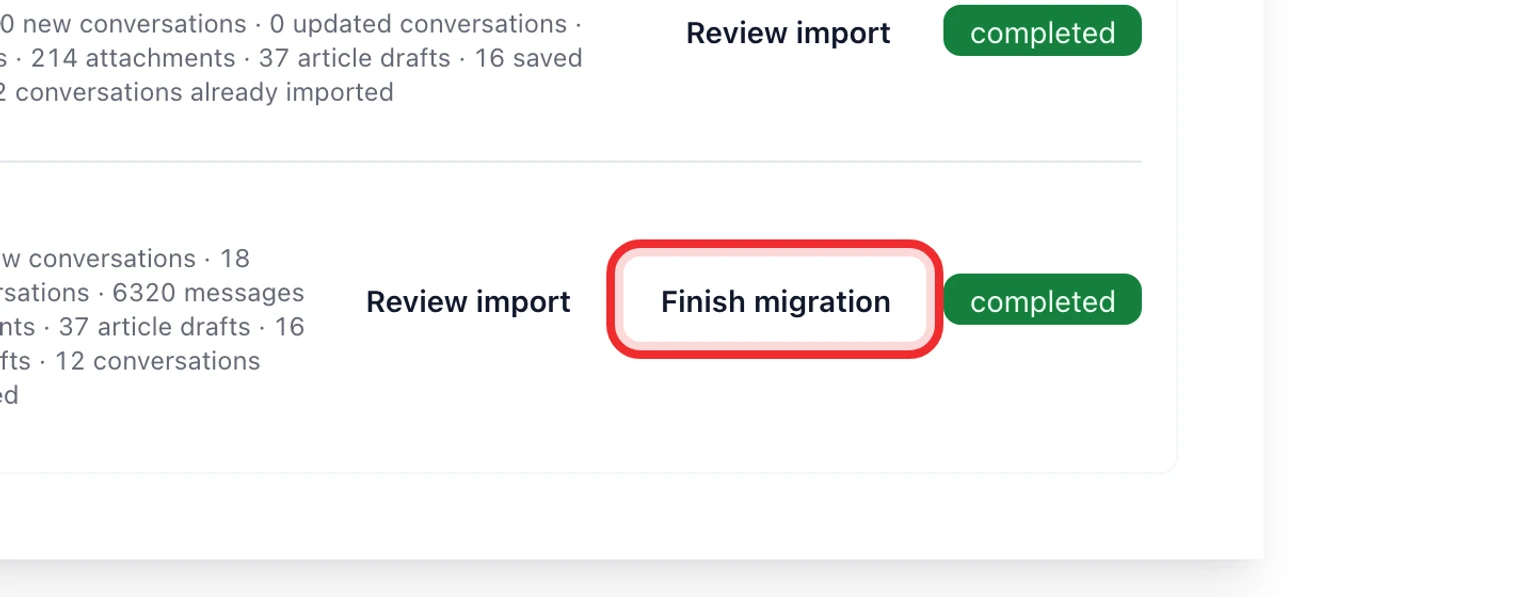
Review conversations without an email and any unsupported message content, then finish the migration.