

What you'll achieve
Teammates answer repeat questions consistently and can still edit every reply before sending.
Create a saved reply
Keep saved replies focused on repeatable guidance and leave customer-specific facts for the live conversation. Choose the smallest access scope that lets the intended teammates use the reply.
Treat attached actions as part of the reply's behavior. Review them when the provider, policy or customer context changes and remove an action that no longer belongs in the template.
Open Settings > Inbox > Saved replies and choose Add reply.
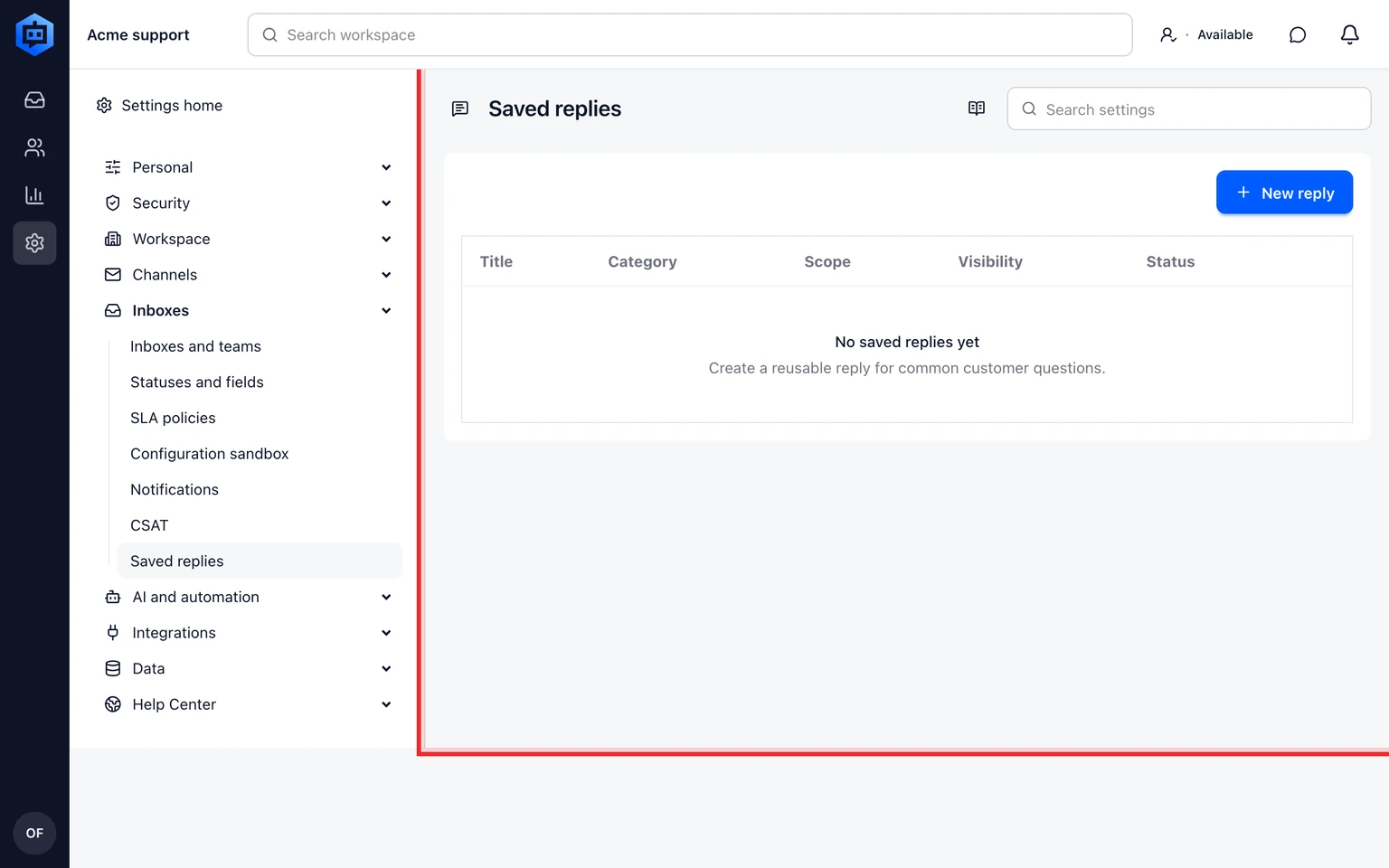
Choose Personal, Team or Workspace access.
Write the reply, add approved attachments and include only safe tag or status actions.
Save and test it from the conversation composer.

Use it in a conversation
Open Saved replies in the composer and search by name or text.
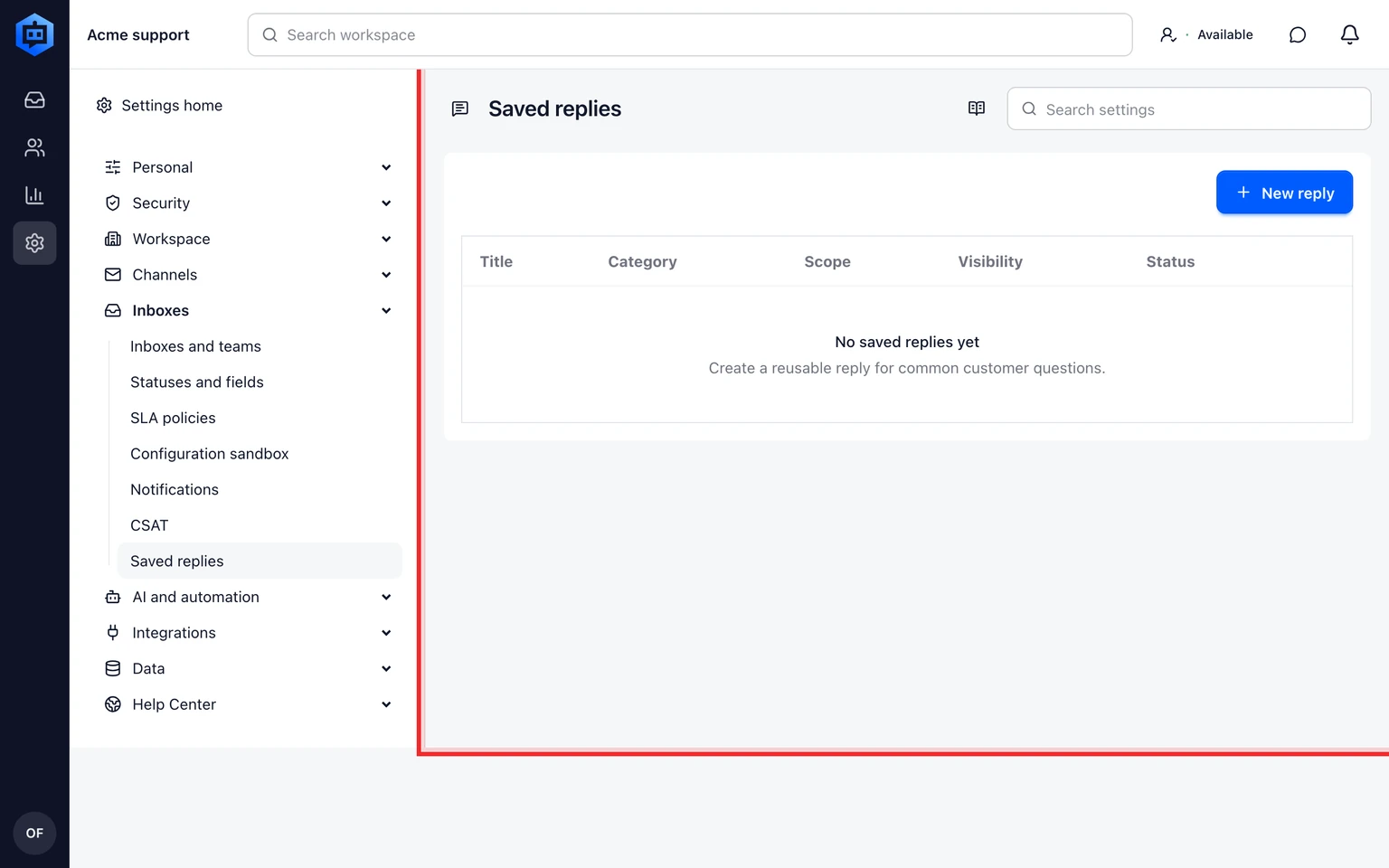
Insert the reply, check customer-specific details and edit where needed.
Review any attached actions before sending.

Saved replies never bypass approval rules for billing, privacy, deletion, abuse, security or other sensitive cases.