

Design appointment booking with a human handoff
A practical way to connect website booking, customer context and a human support path when the request needs judgment or the booking flow cannot finish.
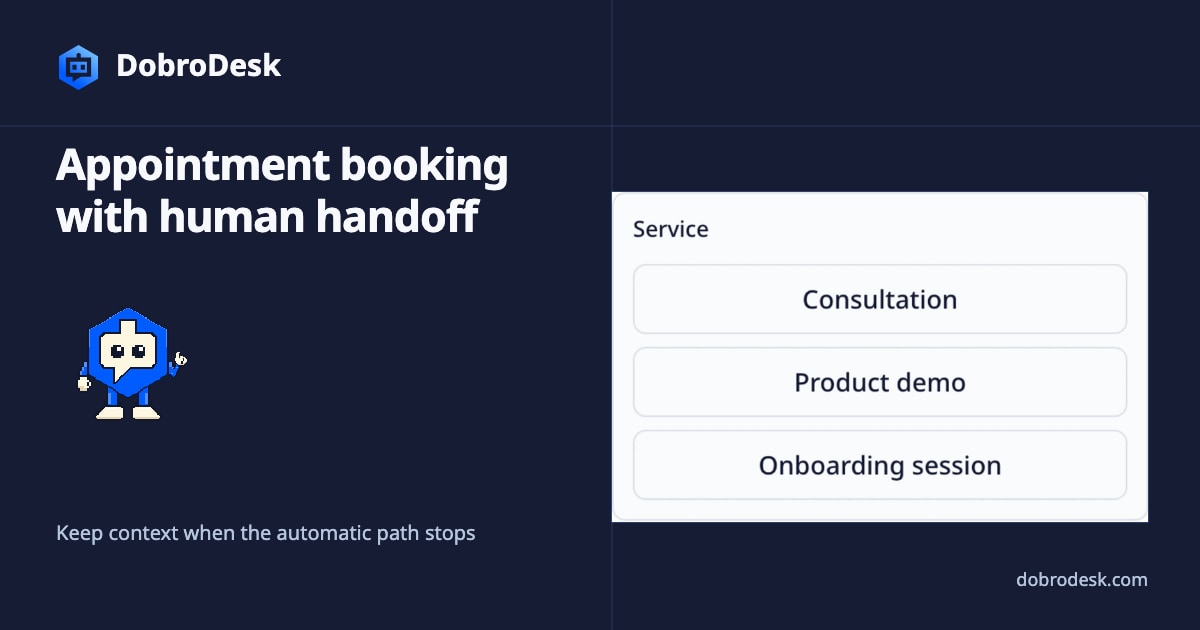
Appointment booking works best when it is treated as a support journey rather than a form bolted onto a chat bubble. The customer needs a clear next step, while the team needs the request, context and outcome in one conversation.
Define the booking boundary before collecting details
Start with the boundary of the workflow. A configured booking action can collect the fields your team actually needs and use the availability source you have tested. DobroDesk should not imply that it invents availability or that every workspace has a booking provider connected.
Ask only for information that changes the appointment. Depending on the service, that might be the customer name, contact method, service type and a short reason for the visit. Explain why a field is needed and leave sensitive details for the human conversation when they are not required to find a time.
Keep time, timezone and context together
Show dates and times in the customer's local timezone and make the timezone visible before confirmation. Keep the selected service, time and contact details together in the conversation so a teammate can understand what was requested without asking the customer to start again.
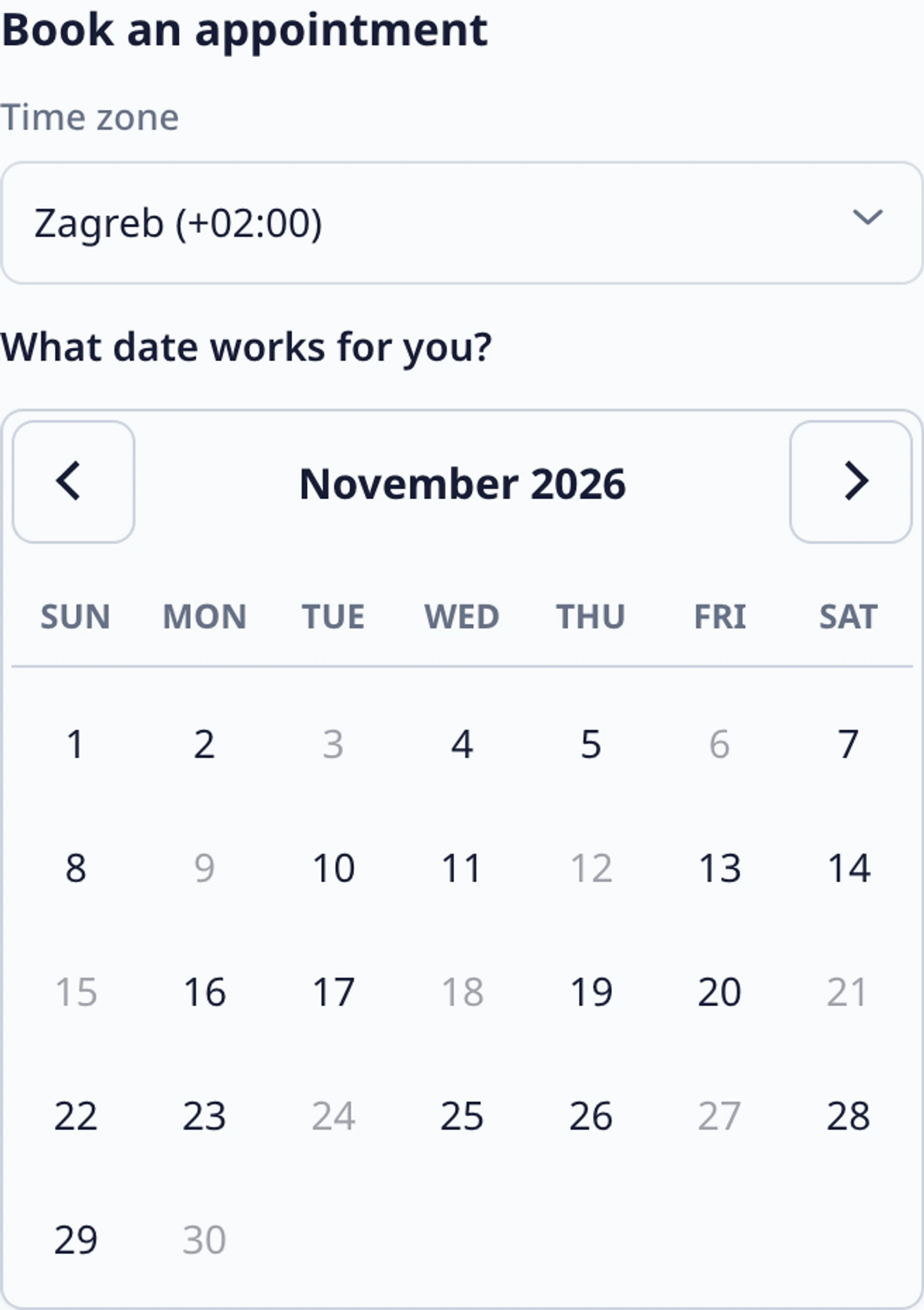
A confirmation is a useful checkpoint, not the end of support. The conversation should retain the appointment result or an explicit failure, then give the customer a way to ask a follow-up question. The team can see the same context when the customer changes the request.
Make exceptions a first-class handoff
Design the handoff for the cases the booking action cannot safely resolve. A special request, no suitable slot, provider failure or billing question should move to a responsible teammate with the collected context attached. The customer should not be sent to a blank form or a new channel without an explanation.
Test the whole path with more than the happy case. Try a normal booking, a timezone change, an unavailable date, a duplicate request and a customer who asks for a person. Check what the customer sees, what the Inbox receives and whether the next action is obvious after every outcome.
Measure completion and the work after it
Measure completion together with handoff quality. Look at completed bookings, abandoned steps, requests without an owner and the reasons customers needed a teammate. A high completion rate can still hide a confusing confirmation or a queue that cannot handle exceptions.
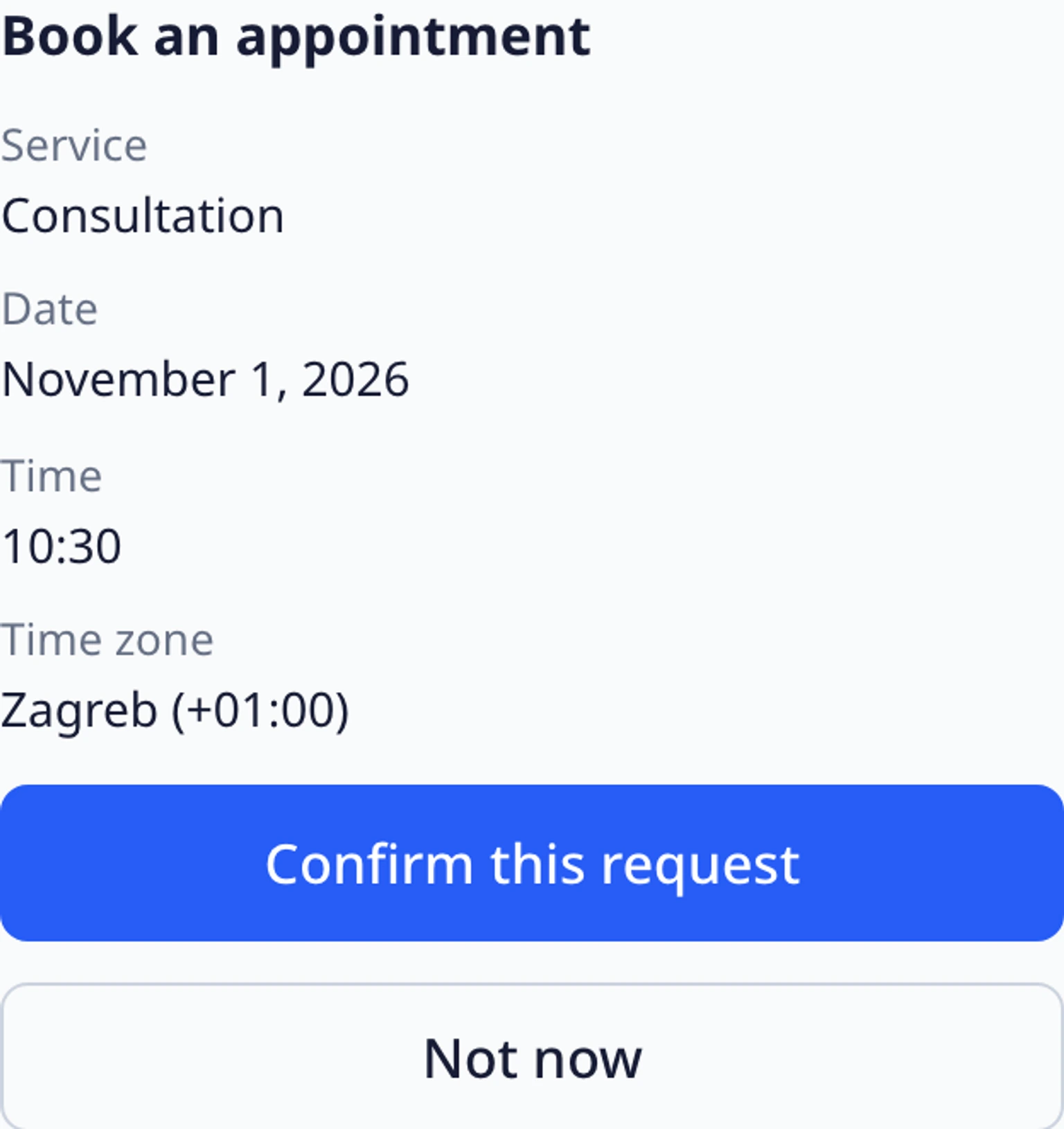
Keep the action and the human route in the same support model. Review availability and copy after a provider or schedule change, update the public instructions when the flow changes and make the contact path easy to find. The goal is a dependable conversation that can finish automatically when appropriate and remain useful when it cannot.
Test the website widget before launch
Check the widget's appearance, welcome message and handoff path before customers rely on it.