Intercom alternative for email and chat support
Compare Intercom and DobroDesk by the work your team actually runs: email intake, customer conversations, Help Center content, AI review and human ownership.
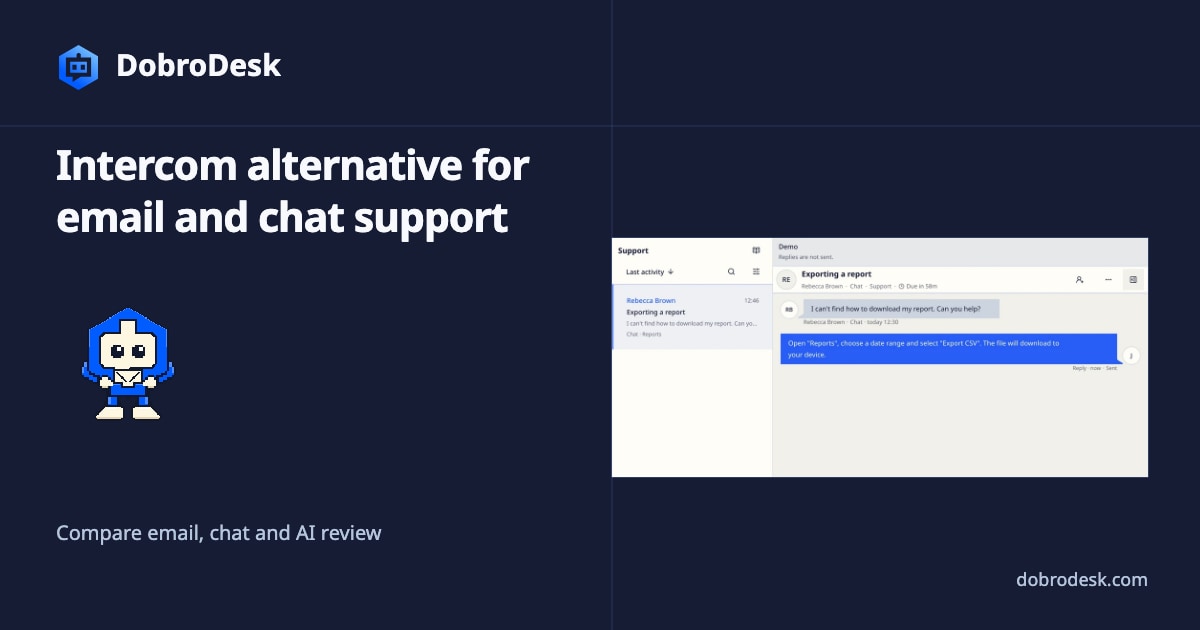
DobroDesk fits teams that start with email support and need one visible Inbox, clear ownership and AI suggestions checked before a reply. Email and website messages stay together with customer context and a clear next step. Intercom is a strong fit when support also includes product engagement and a broader mix of channels through Messenger, Help Center and related spaces.
For an email-first team, the comparison should start with a concrete customer path. A customer sends a message, the message reaches a clear Inbox, a teammate sees the customer history and the answer is checked before it goes out. DobroDesk is built around that path. Email and website conversations become conversations with an Inbox, owner, customer context and internal collaboration beside the reply.
Start with the support path, not the feature list
Intercom's installation documentation shows a flexible Messenger setup with code snippets, framework options, visitor installation and JWT security. DobroDesk takes a similarly practical approach to the website channel: choose the supported installation path, route the widget to an Inbox and test a real customer message before launch. The right choice depends on whether the widget is mainly a support entry point or also a product engagement surface.
The agent workspace is where the difference becomes visible. In DobroDesk, the team can keep the original request, private notes, customer context, routing and the next reply in one conversation. A handoff changes the owner or Inbox without asking the customer to repeat the issue. This helps a support manager answer who acts next from the conversation context.
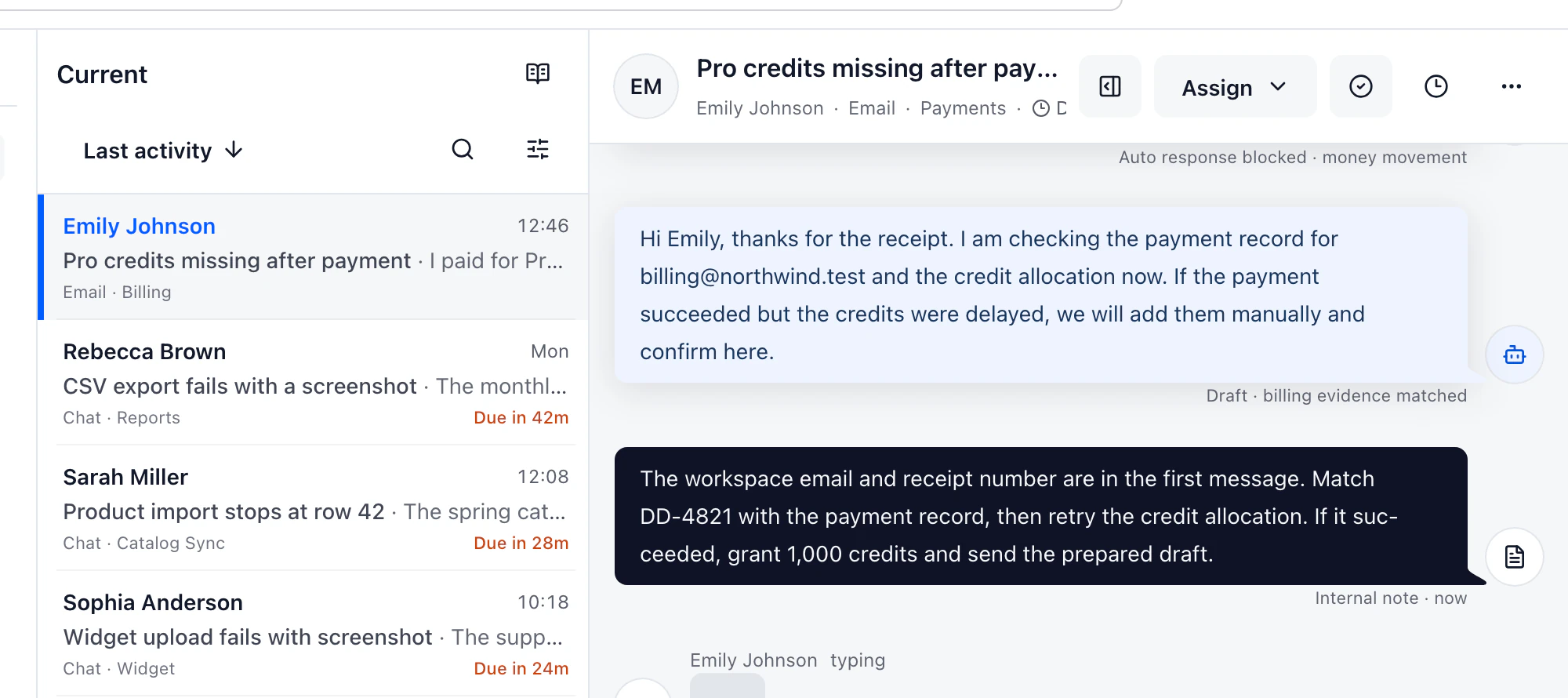
Compare where AI is allowed to stop
AI should be compared by its stopping point. Intercom documents agent-facing Inbox AI and human-in-the-loop Fin Procedures. A Fin Procedure can pause for a teammate decision, continue after a response or stop when a teammate takes over. DobroDesk follows the same principle for its own support operation: approved knowledge can help with lookup and drafting while billing, privacy, security, deletion, abuse, legal and weak-evidence cases remain with an authorized person.
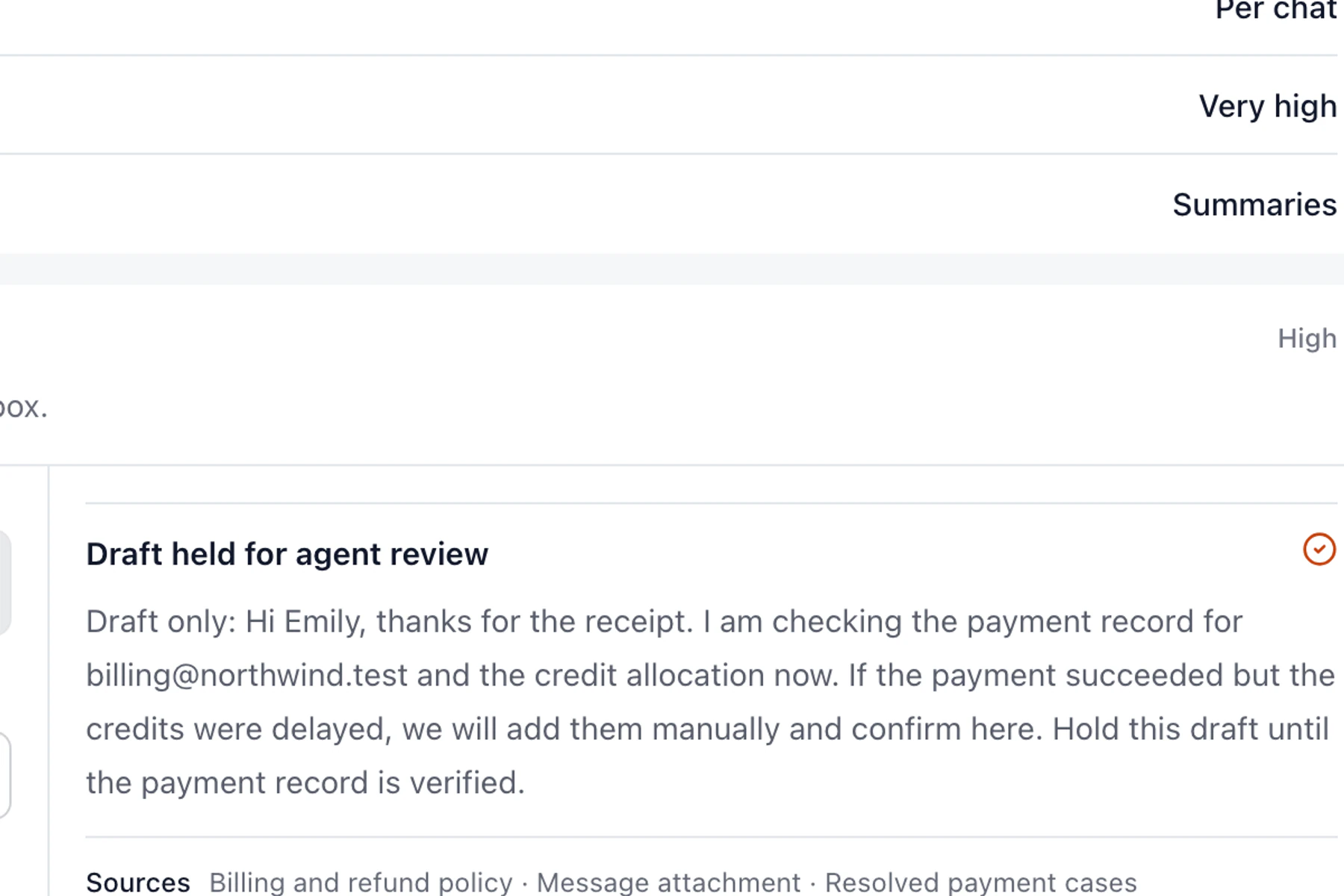
DobroDesk is a focused support workspace for teams whose recurring work is a shared queue, clear ownership, email handoffs and visible AI suggestions before a customer reply. Keep Intercom when product engagement and a broader channel mix are central to growth.
Use real conversations to test ownership
Run the comparison with ten representative conversations. Include one ordinary question, one billing request, one attachment, one handoff and one message with incomplete evidence. Check where each message lands, whether the owner is visible, whether private notes stay private, which source supports the draft and what happens when the answer needs a person. A polished Messenger preview cannot answer those questions by itself.
Also test the customer path. Open the website widget from the page where a customer is likely to ask for help. Search an approved article, start a conversation and, if the widget offers an appointment flow, choose a region by name and review the signed hour difference before confirming. The important result is a customer who understands what will happen and a teammate who can find the resulting conversation afterward.
Choose the product engagement model you need
Write down the answer to three simple questions after each trial: where did the request arrive, who owns the next action and what can the customer see? If the team needs a second screen or a private explanation to answer any of them, keep that as a real migration cost. A focused product earns its place when those answers remain clear during an ordinary shift, not only in a guided demo.
DobroDesk is the better fit for a team that wants a clear support operation around email and website conversations, with a visible Inbox and explicit AI review. Intercom remains the better fit when support is inseparable from proactive product engagement. Make the decision with the queue and the risky cases your team handles today.
Compare the workflow
| What to check | DobroDesk | Intercom |
|---|---|---|
| Customer entry points | DobroDesk Email and website conversations routed to an Inbox | Intercom Messenger, Help Center and configurable conversation spaces Intercom Messenger setup |
| Agent work | DobroDesk Conversation history, ownership, context and private notes together | Intercom Inbox AI supports answers, troubleshooting and reply writing Intercom Inbox AI |
| AI boundary | DobroDesk Approved sources, risk rules and human review before sensitive replies | Intercom Fin guidance, escalation and human-in-the-loop procedure steps Intercom Fin approvals |
| Website setup | DobroDesk Install, route to an Inbox and verify a real widget conversation | Intercom Messenger install methods, connection toggle and optional JWT security Intercom web installation |
Continue with the related guide
- Connect your support email
- Understand Channels, Inboxes and Teams
- Set safe AI replies for the website widget
- Test appointment dates and time zones
Official product documentation
Documentation checked on