

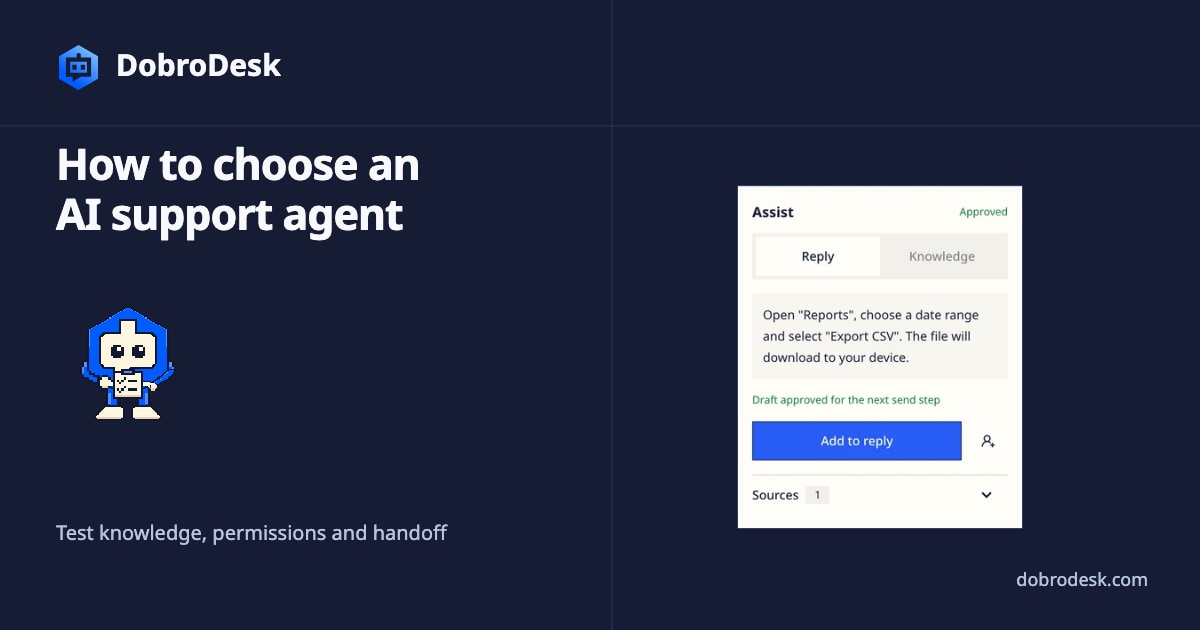
How to choose an AI support agent
A practical guide to testing approved knowledge, account-data controls, permitted actions and human review in an AI support agent.
Start with a real support task
Choose a frequent customer question and write down what a useful answer must contain, which source supports it and when a person should take over. This gives your team a task to judge against instead of a general impression of the agent.
Build a focused test set
Build a small, representative set from your support work. Include routine questions, cases where the source is incomplete, requests for a person and sensitive topics. Use redacted or fictional details, then give every candidate the same cases and expected outcomes.
Check approved knowledge and evidence
Check how each candidate uses approved knowledge. Ask where a customer can download invoices, inspect the source details shown with the response and compare them with the approved article when accuracy matters. If a safe test environment is available, change a test copy, approve it and repeat the question. Do not rely on a promise of citations without checking what the interface actually shows.
Test identity and permitted actions
Treat account data as a separate test. Include it only if the planned setup gives the agent access to that data. Check how the product's existing identity and access controls apply before asking account-specific questions. If those controls are absent or unclear, keep private data out of the test.
List the actions each candidate can actually perform. For every supported action, record the required inputs and permission, whether confirmation is needed and what the system does when the result is uncertain. Keep reading an article or drafting a reply separate from changing a subscription, refunding a payment or closing a case.
Handle uncertainty and human handoff
Include questions that the available sources cannot answer. Look for a clear request for missing information, a useful follow-up question or a route to a person. Check that the agent does not invent dates, policy exceptions or account changes to fill a gap.
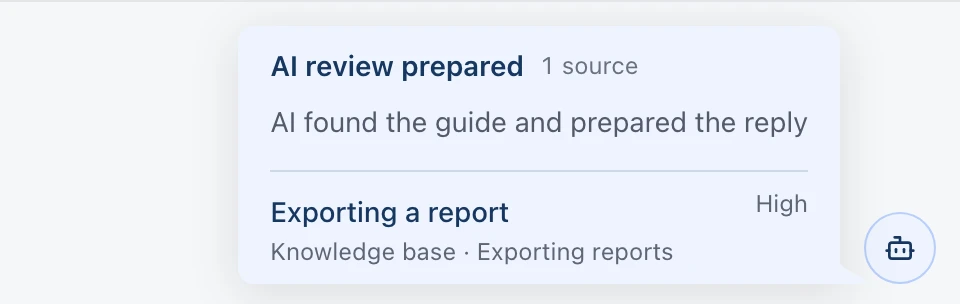
Try a handoff from the customer's side. Ask for a person, use a sensitive case and interrupt an action if the product supports that test. Then inspect what reaches the teammate and whether it is enough to continue the conversation without asking the customer to repeat everything.
Record the result in a shared worksheet
Use the worksheet below for every candidate. Record the case, source, relevant identity state, allowed action, expected handoff, observed answer, evidence and outcome. Leave the result blank until a teammate has reviewed the response.
Measure outcomes before you compare agents
Have a person review the test conversations before scoring them. Track answers supported by the right source, correct handling of identity where relevant, safe stops, handoffs, edits and reopened conversations. Set your own acceptable thresholds before comparing candidates.
Keep the conditions consistent. Give each candidate the same approved content, customer context, permissions and test cases, then compare the work that reaches the team as well as the initial answer.
DobroDesk prepares AI replies from approved knowledge and conversation context. By default, a teammate reviews each draft before it is sent. Automatic replies can be configured separately for eligible routine questions when an approved source is available and the configured confidence threshold is met. Configured workflows can also run supported customer actions. Legal matters, billing, account deletion, privacy, abuse, security and angry-customer cases stay with a person.
For a first trial, choose one routine question answered by an approved source. Write down the expected reply and when a teammate should take over, then decide whether the case should stay in draft review or qualify for automatic replies. Use the reply automation guide to configure that choice.
AI support agent evaluation worksheet
Use Copy worksheet to paste this table into Sheets, then run the same four test cases for every agent.
| Agent | Test case | Customer question | Source | Identity | Allowed action | Expected handoff | Observed answer | Evidence | Outcome |
|---|---|---|---|---|---|---|---|---|---|
| Invoice export | Where can I download my invoices? | Approved billing article | Unverified | Explain steps only | If account data is requested | ||||
| Order status | Where is my order? | Order policy | Verified | Read status only | If identity is unclear | ||||
| Missing answer | Do you support this exception? | No matching source | Verified | Ask or stop | Offer a teammate | ||||
| Sensitive change | Can you change my billing details? | Policy and account record | Verified | Suggest only | Teammate approval |
Choose a reply mode
Replies can be sent manually, after approval or automatically. Test routine questions against approved sources and leave sensitive cases for a person to handle.