
What you'll achieve
Teammates can read the CRM context they need while HubSpot remains the source of record.
Connect HubSpot
Open Settings > Integrations > Data integrations and choose HubSpot CRM.
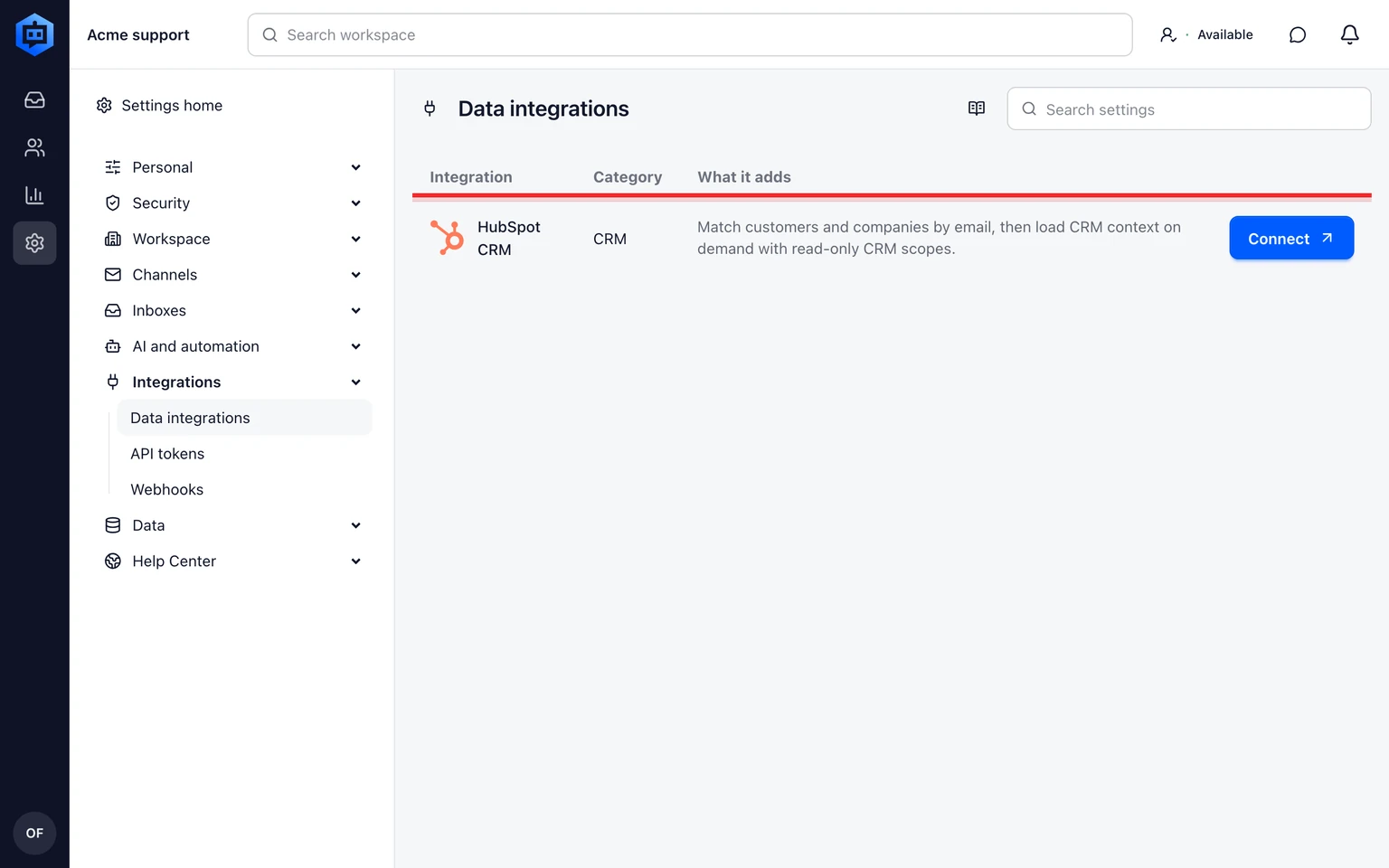
Sign in to the HubSpot account you administer and approve the requested read access.
Return to DobroDesk and confirm the connected account.
Open a known customer and verify the attributed HubSpot context.

Disconnecting stops future CRM lookups. It does not delete DobroDesk conversations or customer-authored messages.