
What you'll achieve
Messages sent to your Telegram bot arrive as conversations in the chosen Inbox and teammates can reply from DobroDesk.
Prepare a Telegram bot
- An active Brand, Inbox and reply mailbox in DobroDesk.
- A Telegram bot created for this support channel and its Bot token from BotFather.
- A private Webhook secret. DobroDesk generates one when you open the connection form.
Treat the Bot token and Webhook secret as credentials. Do not send either value in chat, include it in a public URL or reuse a bot shared by unrelated workspaces.
Connect the Telegram bot
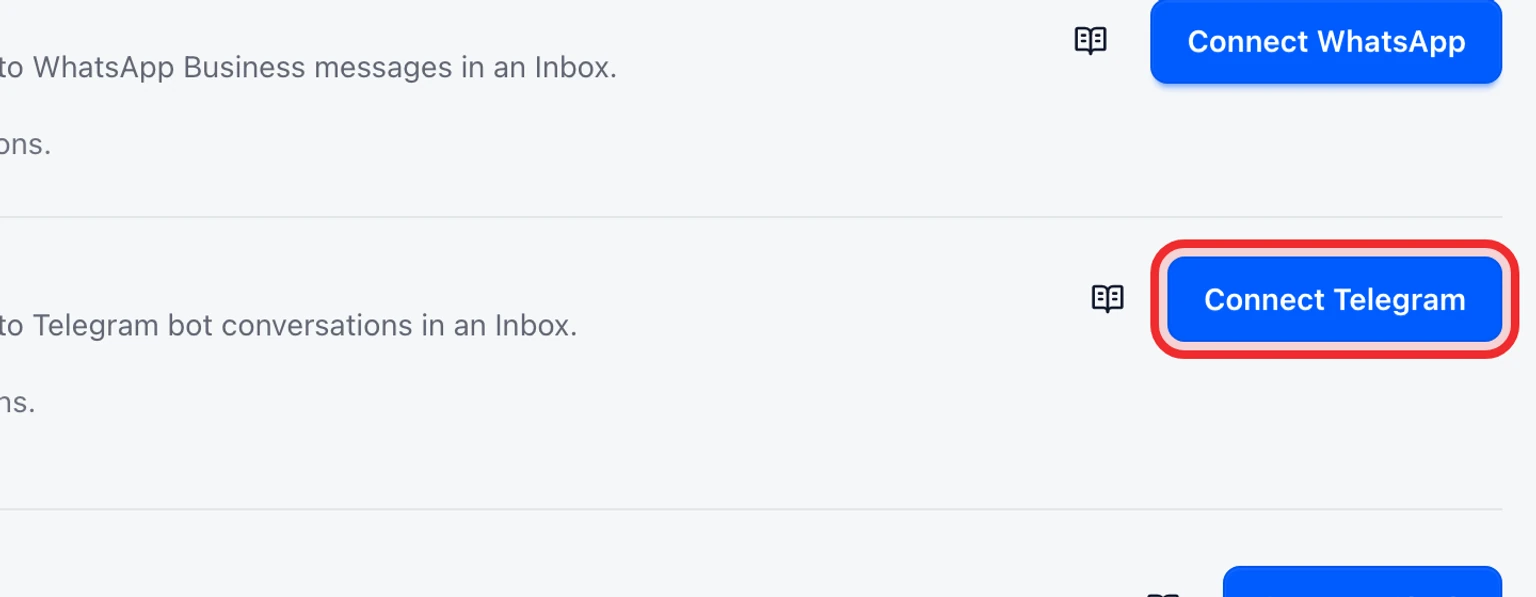
Open Admin > Channels > Messaging channels and select Connect Telegram.
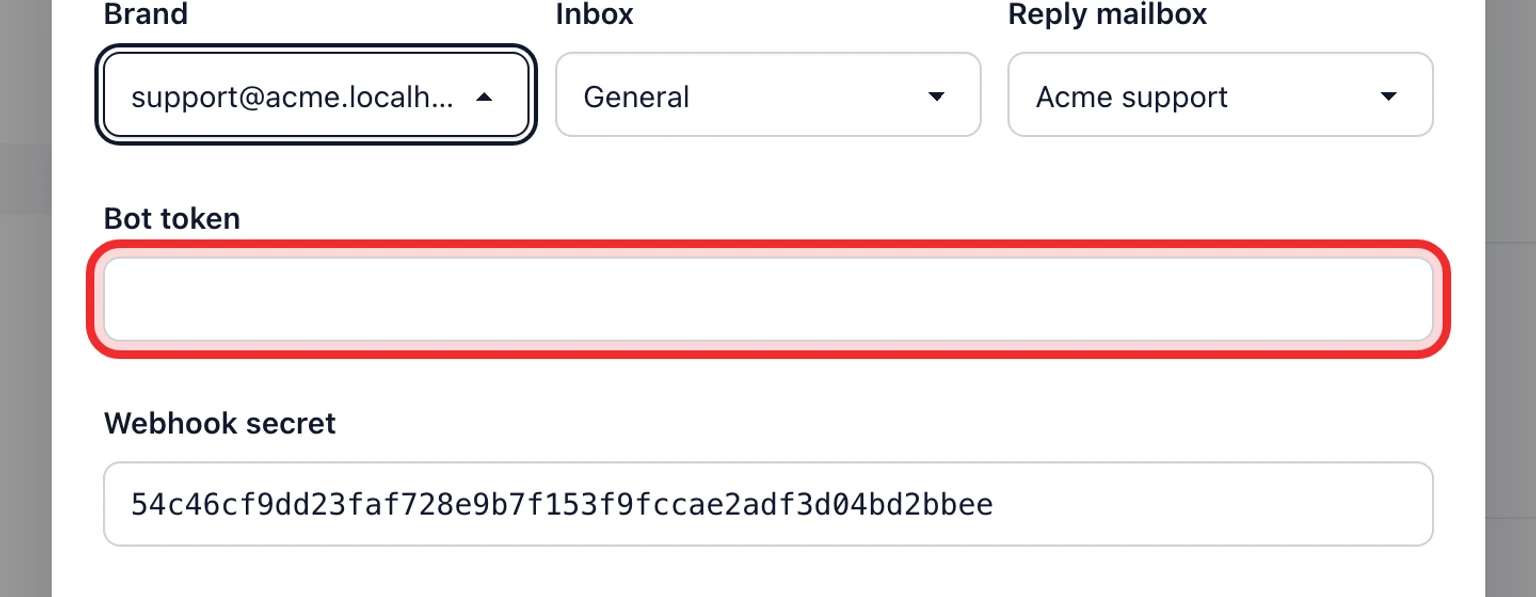
Choose the Brand, Inbox and Reply mailbox that should own this channel.
Paste the Bot token and keep the generated Webhook secret.
Select Connect and wait for Telegram is connected.
Send a test message to the bot and confirm it becomes a conversation in the selected Inbox.


Check the connection before routing customers
- The connection row shows the bot username, Brand, Inbox, Reply mailbox and Active status.
- A bot receives only messages sent to that bot. Add it to a group and grant the required Telegram permissions before expecting group conversations.
- If messages do not arrive, reconnect with the Bot token for the exact bot and keep its Webhook secret unchanged.