
What you'll achieve
Eligible Discord messages arrive as conversations in the chosen Inbox.
Prepare the Discord bot details
- An active Brand, Inbox and reply mailbox in DobroDesk.
- The Discord Bot token, Application ID and Public key.
- One Guild ID, at least one allowed channel ID and decisions for direct messages and required bot mentions.
Treat the Bot token and Public key as credentials. Do not share them in chat or a document. Enter Channel IDs separated by commas or spaces.
Connect Discord and enable message access
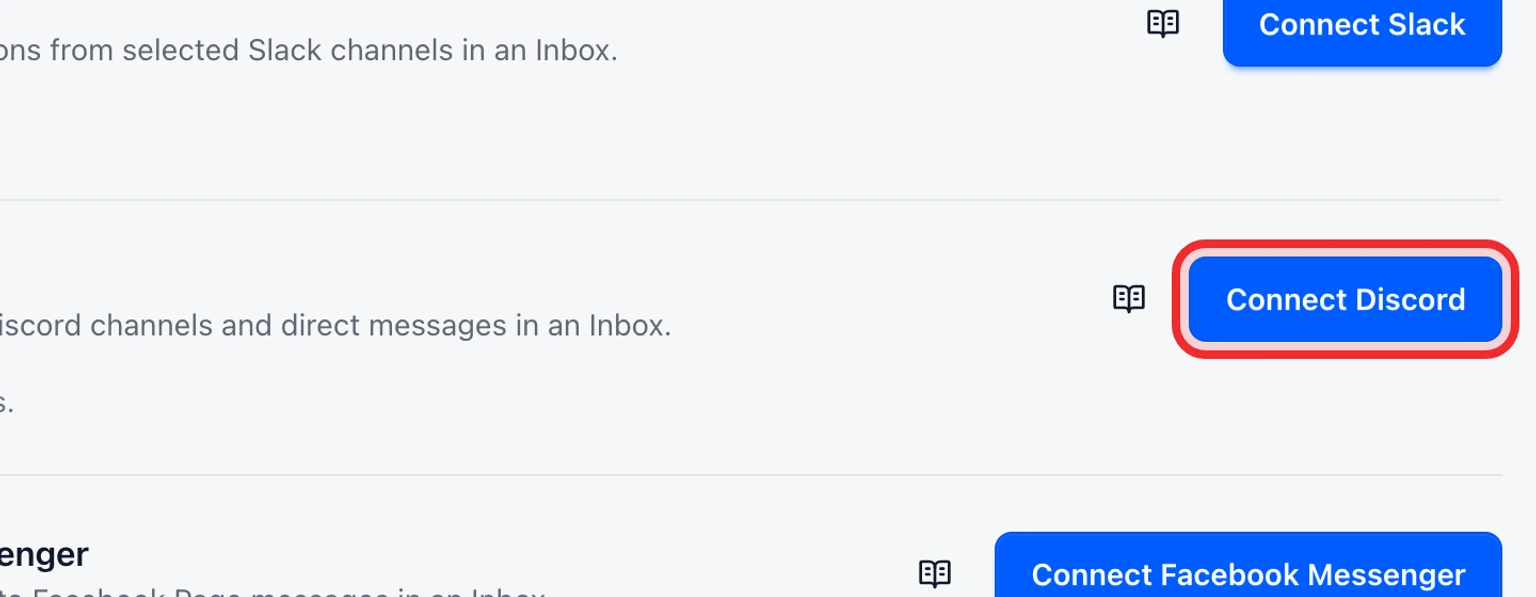
Open Admin > Channels > Messaging channels and select Connect Discord.
Choose the Brand, Inbox and Reply mailbox that should own this channel.
Enter the Bot token, Application ID, Public key, Server ID and selected Channel IDs.
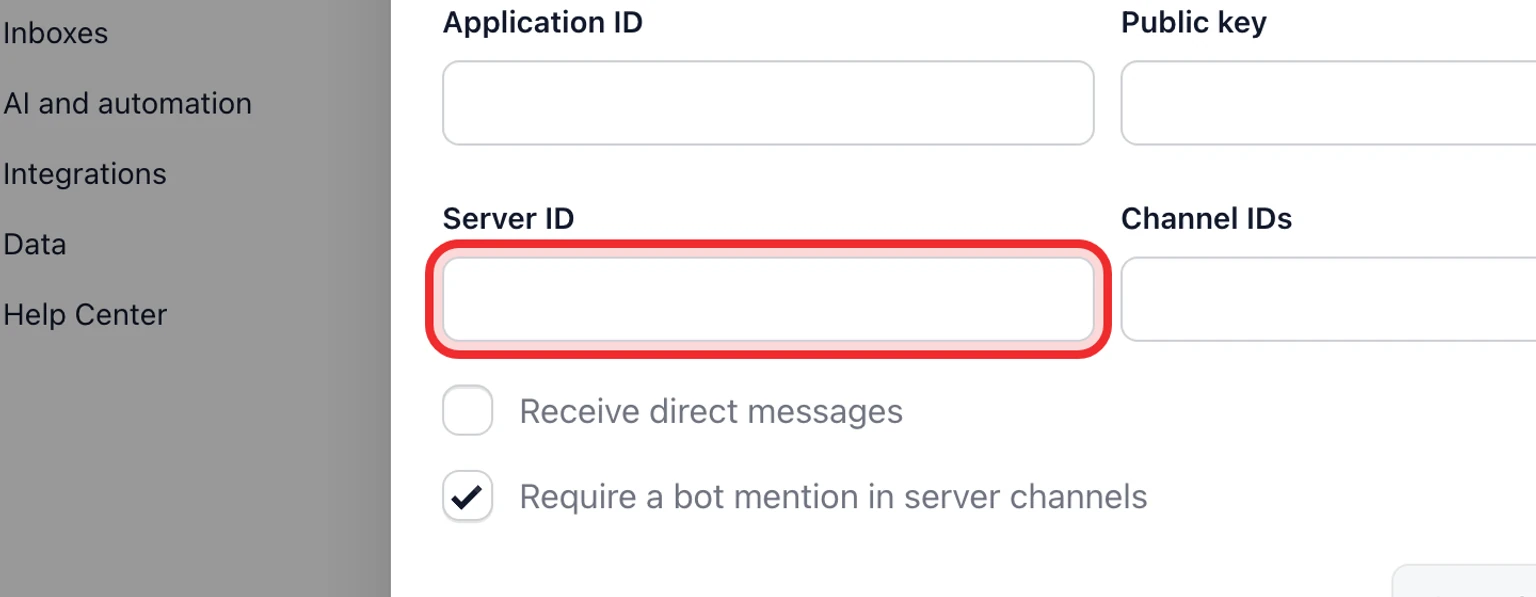
Choose Receive direct messages and Require a bot mention in server channels, then select Connect.
In the Discord Developer Portal, enable the MESSAGE_CONTENT intent. DobroDesk starts and maintains the Gateway connection after you connect the bot.
Send a test message in a selected channel. Include a bot mention when that option is enabled, then confirm it becomes a conversation in the chosen Inbox.


DobroDesk verifies the bot, application, selected server and every selected channel before saving. Messages outside the selected channels are ignored. Direct messages are accepted only when enabled and customer-visible replies require approval.