
What you'll achieve
After Meta verifies the callback, Page messages can enter the selected Inbox as support conversations.
Prepare the Facebook Messenger details
- An active Brand, Inbox and reply mailbox in DobroDesk.
- The exact Facebook Page ID, Page access token, Meta App secret and verification token.
- A Meta app with the required Messenger permissions for that Page.
Treat the Page access token, App secret and Verify token as credentials. Do not share them in chat or a document. The App secret and Verify token must each be at least 32 characters.
Finish callback verification in Meta
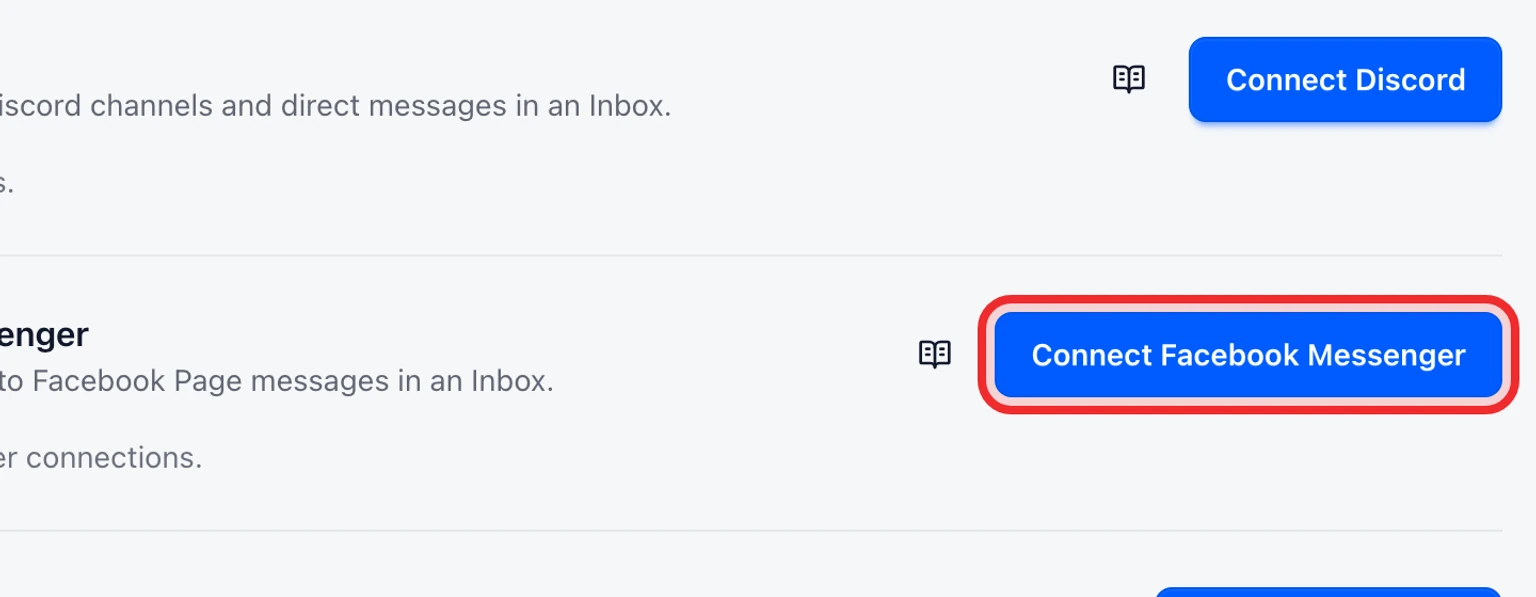
Open Admin > Channels > Messaging channels and select Connect Facebook Messenger.
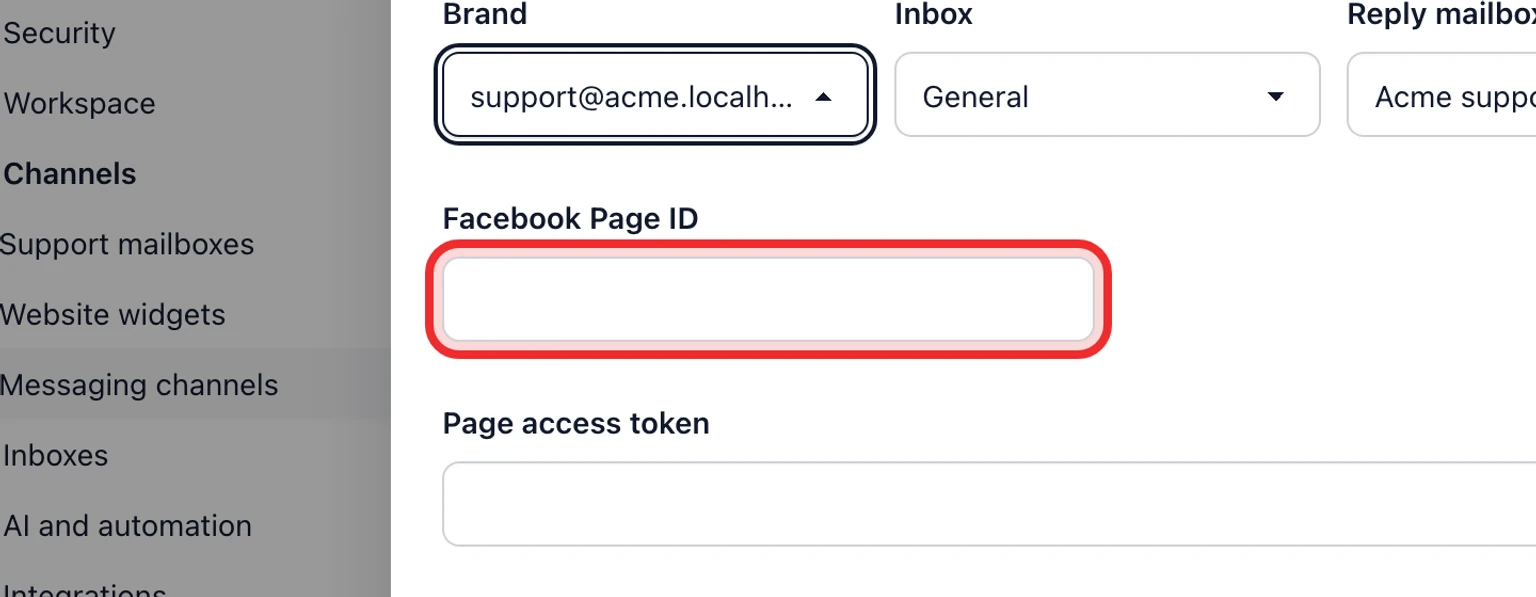
Choose the Brand, Inbox and Reply mailbox that should own this channel, then enter the Facebook Page ID, Page access token, App secret and Verify token.
Select Connect. DobroDesk verifies the Page and shows a Callback URL and Verify token.
Copy both values into the matching Meta app webhook configuration and complete Meta's callback challenge.
Confirm the connection is Active, then send a customer test message to the Page.


Saving a connection starts it as Action required. The callback challenge activates it. Free-text replies require approval and must be sent within the current seven-day customer-care window.