
What you'll achieve
A conversation is reassigned or returned to its Inbox before it is silently missed.
Enable recovery
Open Admin > AI & Automation > Workflows.
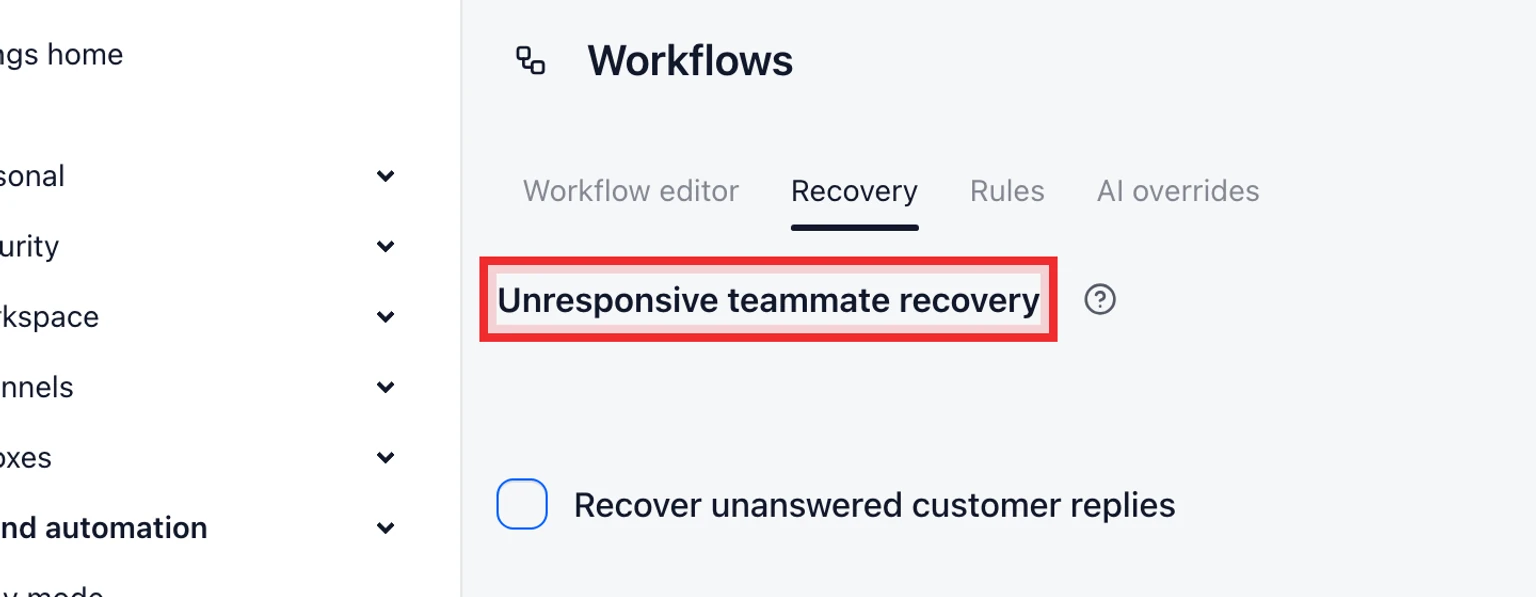
Find Unresponsive teammate recovery and enable it.
Choose how long a customer message can wait without a newer public reply.
Save the workflow settings.

How recovery chooses the next owner
- DobroDesk checks only assigned conversations with a customer message newer than the latest public reply.
- The current assignee is excluded from the next assignment attempt.
- The next teammate must be eligible, available and below their assignment limit.
- If no teammate is eligible the conversation returns unassigned to its Inbox.
Every automatic ownership change is recorded as a system event and sends the normal assignment or unassigned notification.