
Feature

AI drafts and summaries with human review nearby

Summarize long conversations and prepare grounded replies while the source evidence, risk checks and send decision stay with your team.

No card needed today.

From a long conversation to a useful reply

Dobrik marks an AI assisted reply for review
From a long conversation to a useful reply
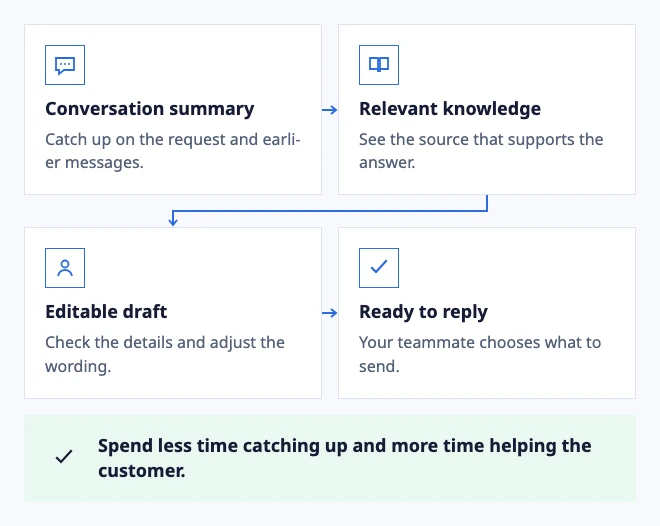
  • Conversation summary: Catch up on the request and earlier messages.
  • Relevant knowledge: See the source that supports the answer.
  • Editable draft: Check the details and adjust the wording.
  • Ready to reply: Your teammate chooses what to send.

Spend less time catching up and more time helping the customer.
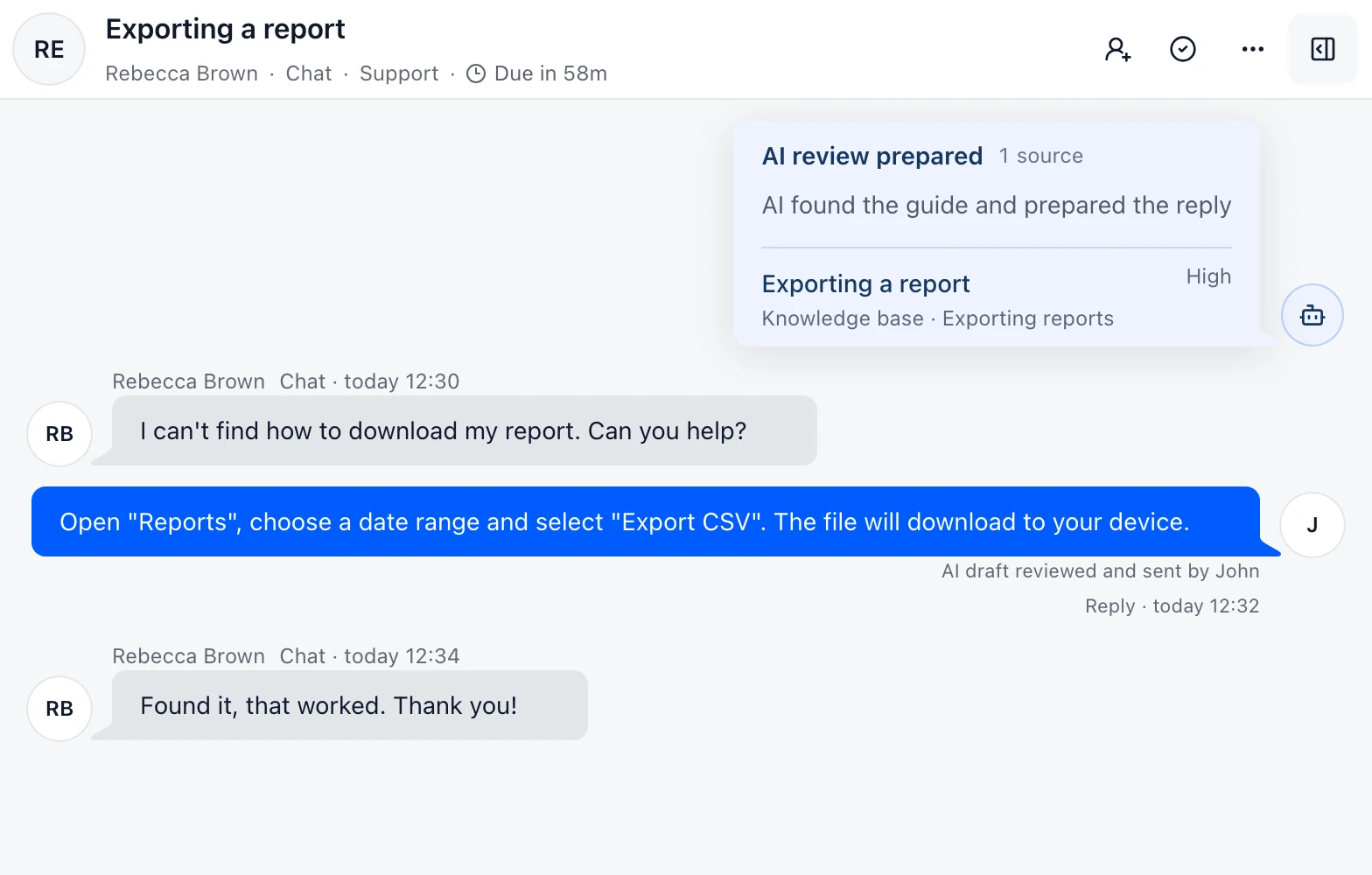
Example: the teammate reviews an AI-assisted answer.

In the workflow

What changes once the work is visible.

  1. 01

    Open a long conversation and check whether the summary preserves the unresolved request.

  2. 02

    Open the source passage behind a draft before approving the answer.

  3. 03

    Test a billing or low-confidence request and confirm it hands off instead of sending.

Catch up quickly. Send a considered reply.

Use the summary to understand the request and a draft to get started. The relevant source stays visible while you check the details and adjust the wording.

A person approves the reply by default. The draft helps with preparation; your team keeps the final decision.

Use the AI support evaluation checklist

Let the workflow decide when a draft is enough

Use a prepared answer for a routine, well-supported question such as where to find a setting or how to follow a published process. For a missing source, a sensitive request or an exception, the useful result is a clear handoff with the conversation intact.

Evaluate the feature with a small set of ordinary and difficult cases. Compare the source shown, the edits the teammate makes and the final customer outcome rather than counting generated drafts alone.

Configure bounded reply automation

Keep assistance separate from a customer action

A summary, source lookup or draft helps a teammate understand the case. A Procedure that changes provider data is a different step and needs its own confirmation, permissions and result handling.

Use the smallest useful capability first. Expand from lookup to drafting or a configured action only after the team can see what happens when evidence is missing or a provider fails.

Define procedures and customer actions
Example support conversation in DobroDesk
Exporting a reportKnowledge base · Exporting reports

Ground AI replies in approved knowledge

Give AI a clear source for support answers and keep review with your team before a reply reaches a customer.